
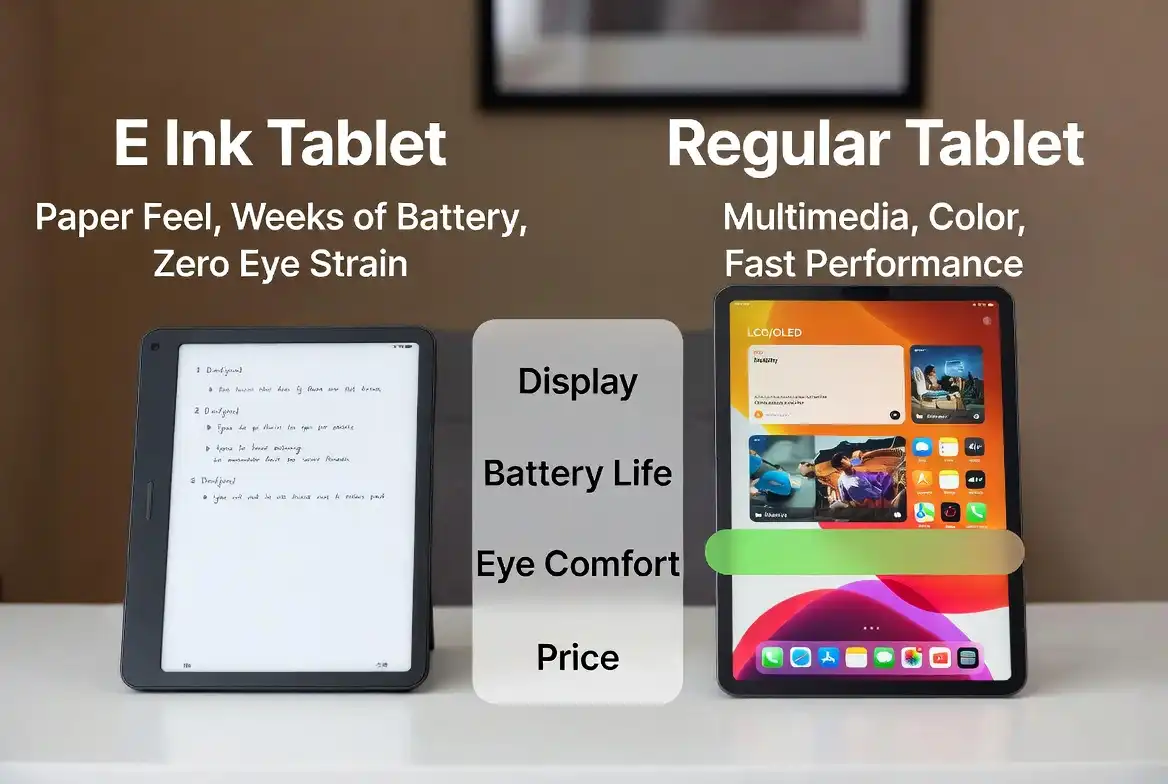
Choosing between two tablets that look similar on the surface but work completely differently is genuinely confusing. The e ink tablet vs regular tablet debate comes down to what you actually do every day.
When comparing an e ink tablet vs regular tablet: an e ink tablet is better for reading, handwriting, focus, and long battery life. A regular tablet is better for video, apps, multitasking, and color content. Most people need one, not both.
How Each Display Technology Actually Works
Understanding the e ink tablet vs regular tablet difference starts with how each screen works. This is the foundation of every difference between the two devices.
A regular tablet uses an LCD or OLED screen. It emits light directly into your eyes. Backlighting is always active. Refresh rates run between 60Hz and 120Hz. Colors are vivid. Motion is smooth. The screen works the same way a computer monitor or phone does.
An e ink display works differently. It uses tiny capsules filled with charged black and white particles. When you apply an electrical charge, particles rearrange to form text or images. The screen only draws power during that rearrangement. Once the image is set, the display holds it with zero electricity.
This is why e ink looks like paper. It reflects ambient light rather than projecting it. There is no backlight flicker. The surface is matte. Reading on it feels close to reading a printed page.
The tradeoff is that e ink cannot refresh fast enough for video or smooth animations. It also cannot show full color most e ink tablets today display grayscale or limited color.
Battery Life: The Biggest Practical Difference
How does battery life differ in an e ink tablet vs regular tablet?
An e ink tablet can last anywhere from one week to several weeks on a single charge. The reMarkable 2, for example, is rated for up to two weeks of regular use. That battery figure is real because the screen consumes almost no power between page changes.
A regular tablet lasts between 6 and 12 hours depending on the model and workload. An iPad Pro or Samsung Galaxy Tab pushed hard with video, apps, and brightness turned up drains within a day.
Battery is one of the most practical factors in the e ink tablet vs regular tablet choice. For travelers, field workers, students in long sessions, or anyone who forgets to charge e ink wins by a wide margin.
If you charge every night without concern, battery matters less. A regular tablet will serve you fine.
Eye Comfort and Reading Experience
In an e ink tablet vs regular tablet comparison, which is easier on the eyes?
Yes, for most people. The e ink tablet vs regular tablet difference is most noticeable during long reading or writing sessions.
E ink screens reflect light the same way paper does. There is no direct light projection at your eyes. Many users report significantly less eye fatigue after hours of reading compared to LCD or OLED screens. Optometrists often cite blue light emission and screen flicker as contributors to digital eye strain both are minimal or absent on e ink displays.
Regular tablets emit blue light. Most modern devices include a blue light filter or “night mode,” which helps but does not fully replicate the paper reading experience.
If you read for more than an hour at a time regularly, an e ink tablet will likely feel more comfortable. If your sessions are short or varied, a regular tablet with a screen filter is usually adequate.
I have found that switching to an e ink device for evening reading made a noticeable difference in how rested my eyes felt. That said, individual sensitivity varies.
Writing and Handwriting Feel
Which tablet is better for handwriting?
E ink tablets win here with almost no contest if the device is designed for it.
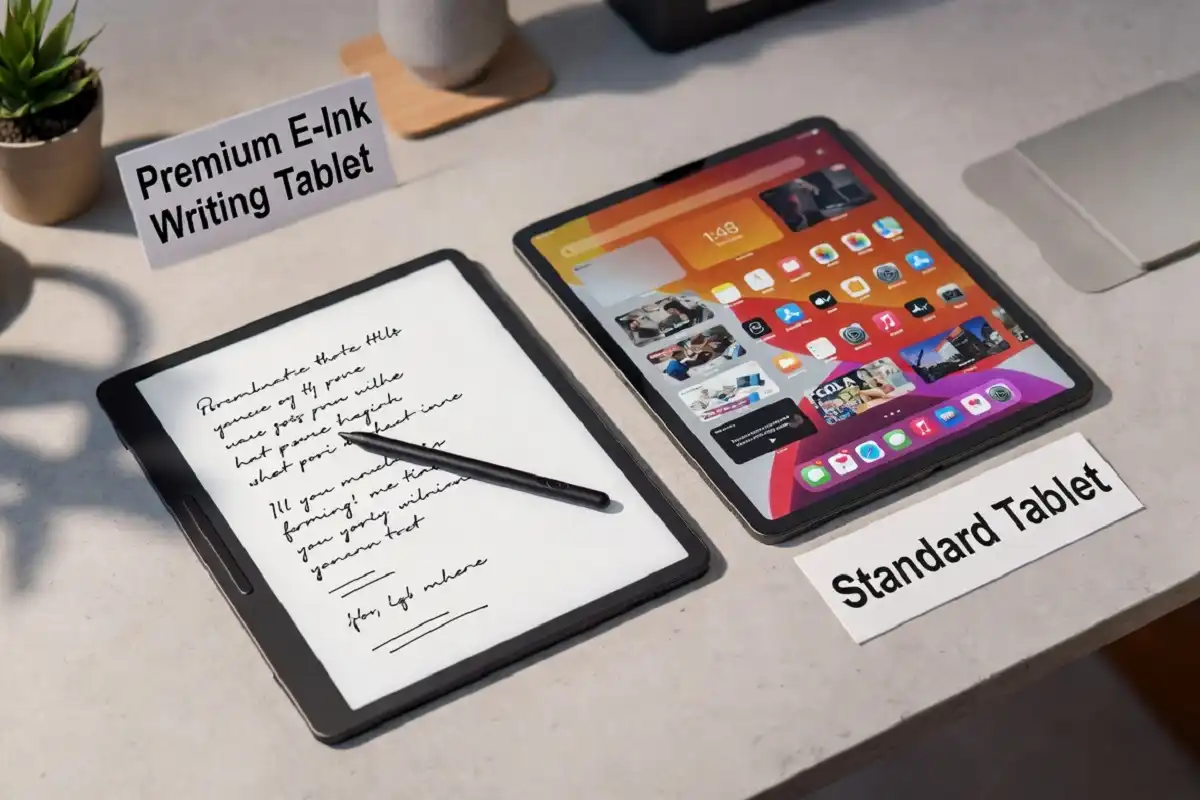
Devices like the reMarkable 2 and reMarkable Paper Pro use a textured matte surface and a pressure-sensitive stylus. The combination creates genuine friction similar to writing on paper. Ink appears immediately with near-zero latency on newer models.
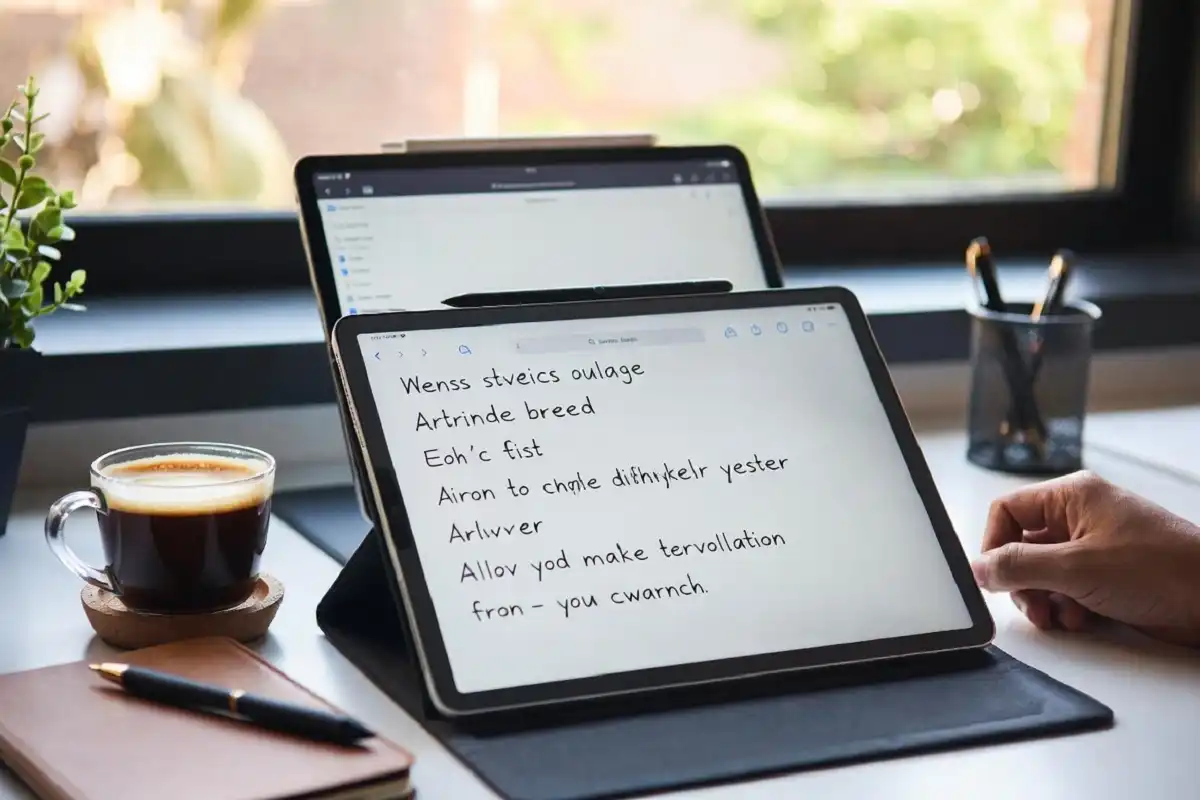
Writing on a glass-surfaced regular tablet, even with an Apple Pencil or S Pen, feels slippery by comparison. It is functional but not natural. Many users add matte screen protectors specifically to get closer to paper feel.
If handwritten notes, sketching, or document annotation is your primary use case, this is where the e ink tablet vs regular tablet gap is clearest an e ink tablet built for writing gives a noticeably better physical experience.
If you write occasionally and do other things most of the time, a regular tablet with a stylus is more practical because it handles everything.
For deeper guidance on choosing the right writing surface, the paper-feel writing tablet guide for 2026 covers the topic in practical detail.
Performance and Multitasking
Can an e ink tablet replace a regular tablet for everyday tasks?
In the e ink tablet vs regular tablet debate, performance is where the gap is widest.
No. This is the clearest limitation of e ink.
E ink tablets are designed for focused, single-task use. They handle documents, notes, PDFs, and ebooks well. They are not built for:
- Video streaming
- Gaming
- Web browsing with rich media
- Social media feeds
- Color photo editing
- Running multiple apps simultaneously
Most e ink tablets run simplified operating systems. The reMarkable devices, for example, run a Linux-based system with a focused set of tools. There is no app store, no browser in the traditional sense, and no video player.
Regular tablets handle everything. An iPad or Galaxy Tab runs full app ecosystems. You can switch between email, video calls, spreadsheets, social media, and a PDF reader in the same session without interruption.
If your tablet usage is varied and includes entertainment, communication, and productivity all at once a regular tablet is the only practical choice.
Display Quality: Color, Resolution, and Visibility
Which tablet has a better display for reading documents and viewing content?
The answer depends on what “better” means to you. In an e ink tablet vs regular tablet comparison, display quality looks very different depending on your content type.
Regular tablets have higher resolution screens, full color reproduction, and adjustable brightness. Looking at photos, design work, color-coded documents, or any visual content is dramatically better on a regular LCD or OLED screen.
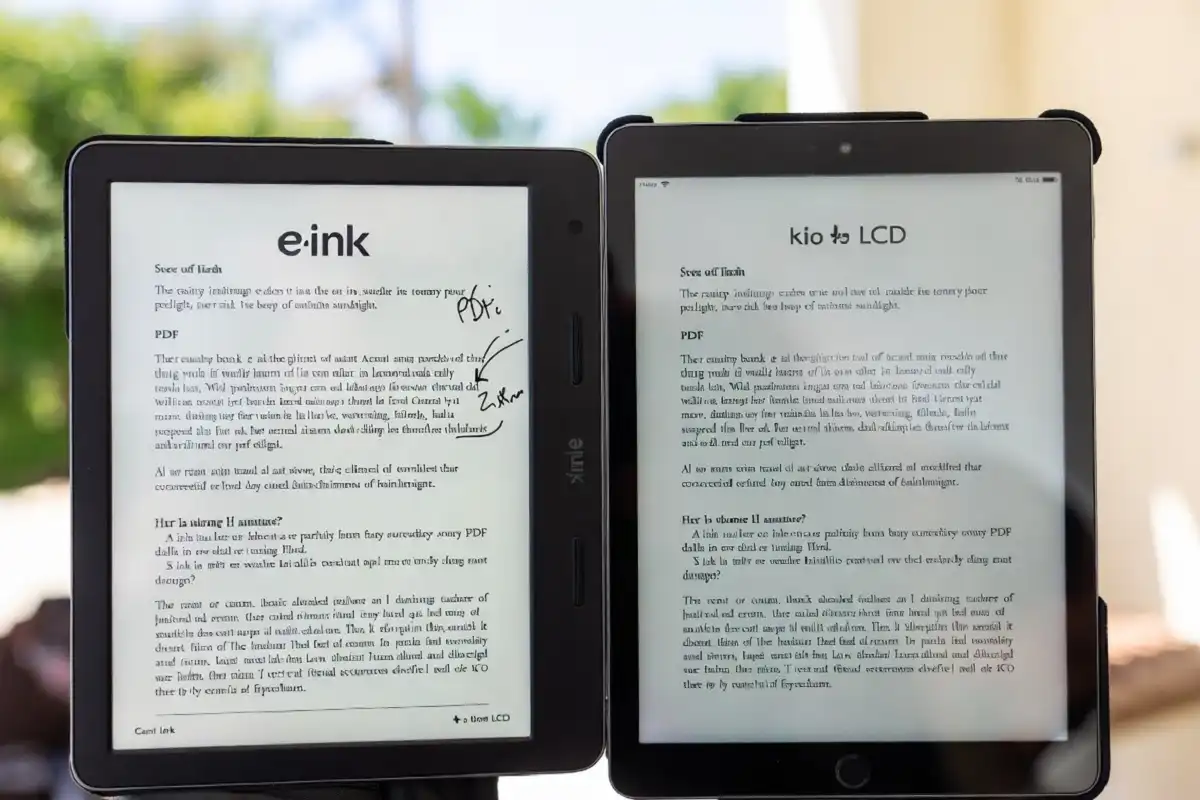
E ink tablets have lower resolution by comparison, display in grayscale or limited color, and do not handle color-heavy content well. However, under direct sunlight, e ink is far more readable. Glare on an LCD screen makes outdoor reading difficult. An e ink screen in bright sunlight looks the same as it does indoors.
For PDFs and document annotation specifically, e ink tablets hold their own. The e ink tablet for PDF annotation guide explains how devices like the reMarkable 2 handle real annotation workflows.
Focus and Distraction
Which device is better for deep work and concentration?
Focus is another area where the e ink tablet vs regular tablet difference matters for specific users. E ink tablets win here decisively.
A regular tablet is a full computing device. Notifications arrive. Apps pull your attention. Switching from a document to YouTube takes two taps. This is useful for some work, but it is also exactly why many people struggle to focus on a tablet.
An e ink tablet removes those options. There is no social media app, no video player, no notification stack. You open a document or notebook and work. The limited functionality is actually the feature.
For students, writers, researchers, and anyone who wants to do focused reading or writing without digital distractions — the e ink tablet creates a better environment by design.
The best distraction-free tablet options for focused work in 2026 explores this use case in full detail if reducing distraction is your priority.
Price Comparison
How does price compare in an e ink tablet vs regular tablet purchase?
Prices vary widely in both categories.
Entry-level regular tablets (Amazon Fire HD, budget Android tablets) start below $100. Mid-range options like the iPad Air or Samsung Galaxy Tab S9 run $500–$800. High-end models exceed $1,000.
E ink writing tablets sit in the mid-to-premium range. The reMarkable 2 is priced around $300–$400. The reMarkable Paper Pro is at the higher end. Dedicated e-readers like the Kindle Paperwhite are much cheaper ($150–$200) but are reading-only devices, not full writing tablets.
For the price, an e ink writing tablet does significantly less than a regular tablet. You pay for specialization — paper-like writing feel, long battery, and focused design. That trade-off makes sense if the use case fits. It does not make sense if you need general-purpose computing.
Who Should Buy an E Ink Tablet
After going through the full e ink tablet vs regular tablet comparison, here is who benefits most from choosing e ink. You are a good fit for an e ink tablet if:
- You read long documents, textbooks, or research papers daily
- Handwritten notes are a core part of your workflow
- You want a device that feels like paper
- Eye strain from screens bothers you
- You want to reduce digital distractions during work or study
- Battery life is a practical concern for your usage pattern
- You annotate PDFs regularly as part of your job or studies
Students, academics, lawyers, architects, doctors, writers, and anyone in a note-heavy profession tend to get significant value from an e ink tablet.
Who Should Buy a Regular Tablet
A regular tablet fits you better if:
- You need to watch video, use apps, or browse casually
- Color display matters for your work (design, photography, presentations)
- You need to run multiple apps simultaneously
- You want one device for both entertainment and productivity
- Your note-taking is occasional, not a daily core activity
- You are budget-conscious and need maximum versatility from one device
Most students who use a tablet for both classes and downtime are better served by a regular tablet with a stylus added.
Can You Use Both?
Many people do.
A common setup among serious productivity users is an e ink tablet for focused work reading, research, handwriting and a regular tablet or laptop for everything else. The two devices complement each other rather than compete.
If budget allows only one, define your primary use case first. That answer will make the decision clear.
E Ink Tablet vs Regular Tablet: Quick Comparison Table
| Feature | E Ink Tablet | Regular Tablet |
|---|---|---|
| Display | Grayscale/limited color, paper-like | Full color, high resolution |
| Battery Life | 1–4 weeks | 6–12 hours |
| Eye Comfort | High (reflected light) | Moderate (emitted light) |
| Writing Feel | Paper-like with stylus | Smooth glass feel |
| Multitasking | Very limited | Full capability |
| Apps & Media | Minimal / none | Full app ecosystem |
| Distraction Level | Very low | High |
| Outdoor Readability | Excellent | Poor (glare) |
| Price Range | $150–$600 | $80–$1,200+ |
| Best For | Notes, reading, focus | Everything |
Making the Right Choice
The e ink tablet vs regular tablet decision is not about which is technically superior. It is about which one serves your specific habits.
If your work or study depends on focused reading, handwriting, and document review without distractions, an e ink tablet will genuinely improve your workflow. The battery, the eye comfort, the writing feel, and the focus-friendly design are real advantages.
If you need a device that handles your whole digital life communication, entertainment, productivity, creativity a regular tablet is the only practical answer.
Most people who go through this comparison and pick based on their primary use case end up satisfied. The ones who regret their choice usually tried to make one device do the job of the other.
FAQs
Can an e ink tablet browse the internet?
Some can, but poorly. A few e ink tablets include a basic browser, but the slow refresh rate makes web browsing frustrating for anything beyond simple text pages. It is not a practical daily browsing device.
Is the reMarkable 2 an e ink tablet?
Yes. The reMarkable 2 uses an E Ink Carta 1200 display. It is one of the most well-known e ink writing tablets available.
For students specifically, how does the e ink tablet vs regular tablet choice play out?
It depends on the student’s workflow. Students who primarily annotate PDFs, take handwritten notes, and read textbooks benefit from an e ink tablet. Students who attend online classes, use apps, and need color content are better served by a regular tablet.
Does an e ink tablet work in the dark?
Most modern e ink tablets include a front light for reading in low light. It is different from a backlight the illumination is softer and easier on the eyes.
Can you take notes on a regular tablet the same way as on an e ink tablet?
You can take notes, but the experience is not the same. In an e ink tablet vs regular tablet note-taking comparison, the physical writing feel is the clearest difference. Regular tablets have a glass surface that feels slippery. Adding a matte screen protector improves grip but still does not fully replicate the paper texture of a purpose-built e ink writing tablet.