
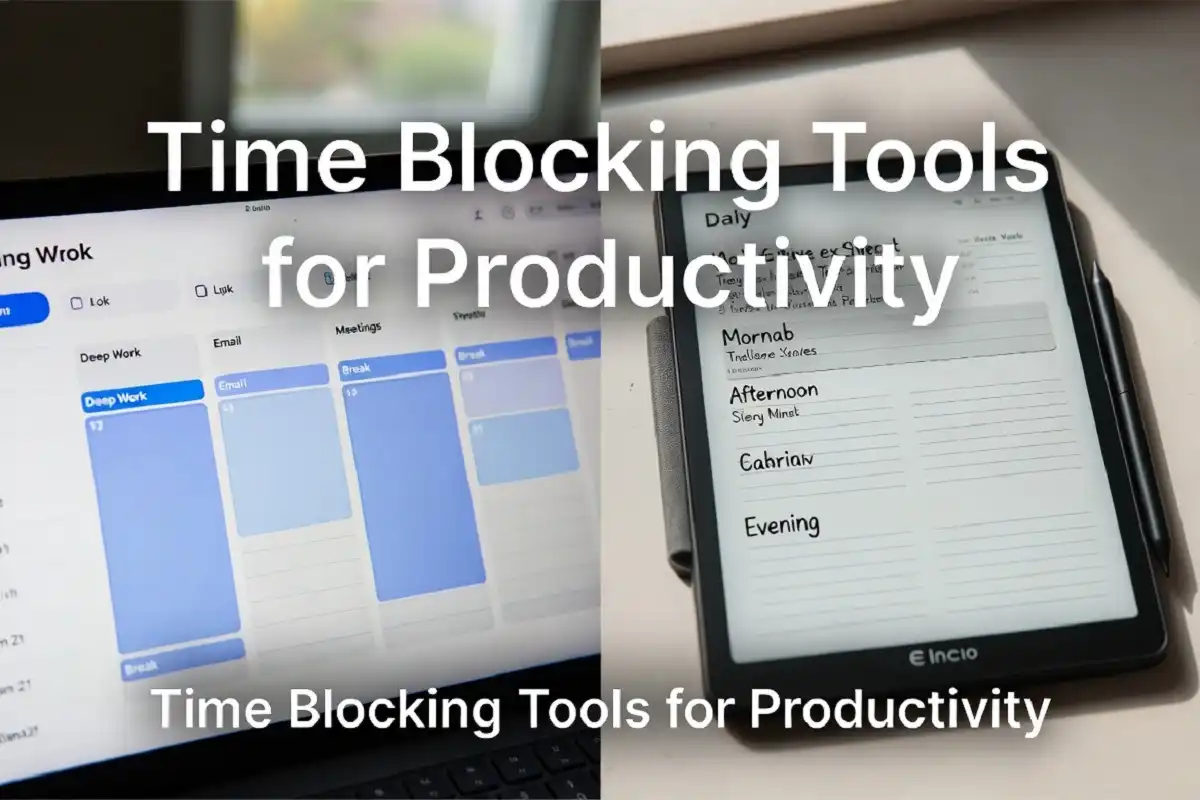
You keep your to-do list. You write your goals. But by 3 PM, the day has slipped away.
The fix is not more willpower. It is a better system. The right time blocking tools for productivity help you turn an empty calendar into a structured, focused day where real work actually gets done.
What are the best time blocking tools for productivity?
Google Calendar, Notion, Sunsama, and physical or digital paper tablets are the top options. Each lets you assign specific tasks to fixed time slots, so you work with intention instead of reacting to interruptions.
What Is Time Blocking and Why Does It Work?
Time blocking means assigning specific tasks to defined time slots on your calendar. Before exploring the best time blocking tools for productivity, it helps to understand why the method works at all. Instead of picking from a task list whenever you feel like it, you decide in advance what you will work on and when.
Research on attention and task-switching shows that context switching costs you significant mental energy. When you block time, you eliminate the moment-to-moment decision of what to do next. Your brain stays focused on one thing.
Elon Musk, Bill Gates, and Cal Newport have all publicly used time blocking. That said, the method is practical for anyone, not just high-profile names. It works because structure reduces decision fatigue.
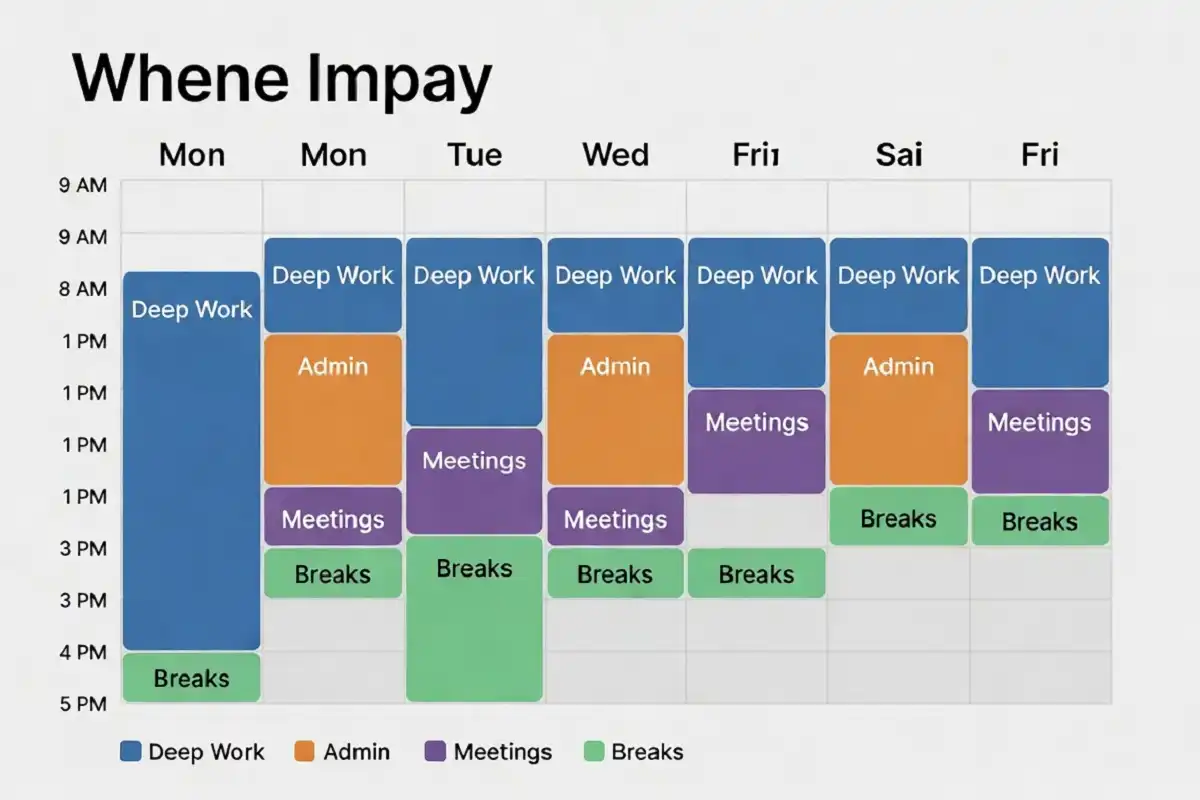
The Best Time Blocking Tools for Productivity in 2026
These are the tools I use and recommend based on real workflow testing. Each serves a different type of worker.
1. Google Calendar
Google Calendar remains the most accessible time blocking tool for productivity available. You can create recurring blocks, color-code task types, and share schedules with teammates.
What makes it practical:
- Free for personal use
- Works on every device
- Integrates with Gmail, Meet, and most third-party apps
- Drag-and-drop block editing
The weakness is distraction. Opening Google Calendar also puts you one tab away from your inbox. If you are easily pulled off track, a standalone app works better.
Best for: Remote workers, students, and anyone already in the Google ecosystem.
2. Sunsama
Sunsama is built specifically for daily time blocking and ranks among the most focused time blocking tools for productivity available right now. Each morning, you pull tasks from Notion, Asana, GitHub, or your email into a single daily plan. Then you drag them into time slots.
It forces a realistic view of your day. If you stack eight hours of tasks into a four-hour window, Sunsama flags it.
Best for: Professionals managing tasks across multiple platforms who want one focused daily view.
Limitation: It is a paid tool. The price is justified if you use multiple project platforms, but overkill for basic scheduling.
3. Notion Calendar
Notion Calendar works well if you already manage tasks inside Notion. You can link database items directly to calendar blocks, so your tasks and schedule live in one connected system.
In my experience, Notion Calendar suits writers and creators more than it suits team leads. It is visual, flexible, and relatively easy to set up with an existing Notion workflow.
As time blocking tools for productivity go, Notion Calendar is best suited to freelancers and creators who run their entire workflow in Notion.
4. Fantastical (Mac and iOS)
Fantastical offers natural language input for creating time blocks. You type “Deep work 9am to 12pm every weekday” and it builds the event. The interface is polished and fast.
It supports multiple calendar accounts in one view, which is useful when you juggle personal and work schedules. The focus mode integration on iOS also helps limit app distractions during blocks.
Among time blocking tools for productivity on Apple devices, Fantastical is the top pick for Mac and iPhone users who want a clean, fast calendar with strong natural language support.
5. Structured (iOS)
Structured is a visual timeline planner. Your day displays as a vertical timeline from morning to night, and tasks drop into specific slots. You can see your whole day at a glance without switching views.
It is simple compared to Notion or Sunsama. That simplicity is the point. If you want a friction-free tool for basic time blocking without project management features, Structured works.
Best for: Students and individuals who want a simple, visual daily planner on iPhone.
6. Reclaim.ai
Reclaim.ai uses automation to protect time blocks. You tell it your priorities, like deep work, exercise, or learning time, and it finds open slots in your calendar automatically. When meetings shift, it reschedules your blocks.
This is one of the few time blocking tools for productivity that reduces the daily planning effort significantly. It does the restructuring for you.
Best for: Busy professionals with unpredictable meeting loads who still want protected focus time.
7. Paper Tablets for Handwritten Time Blocking
Digital apps are not the only answer. Paper tablets are among the most overlooked time blocking tools for productivity, and a growing number of professionals use E Ink devices to hand-plan their days.
Handwriting your schedule reinforces commitment. You are less likely to blow off a block you planned by hand. Studies on note-taking also show that writing by hand improves memory for what you write, which applies to planning too.
I recommend checking out how handwritten notes improve learning and productivity if you want to understand why writing your schedule matters as much as building it.
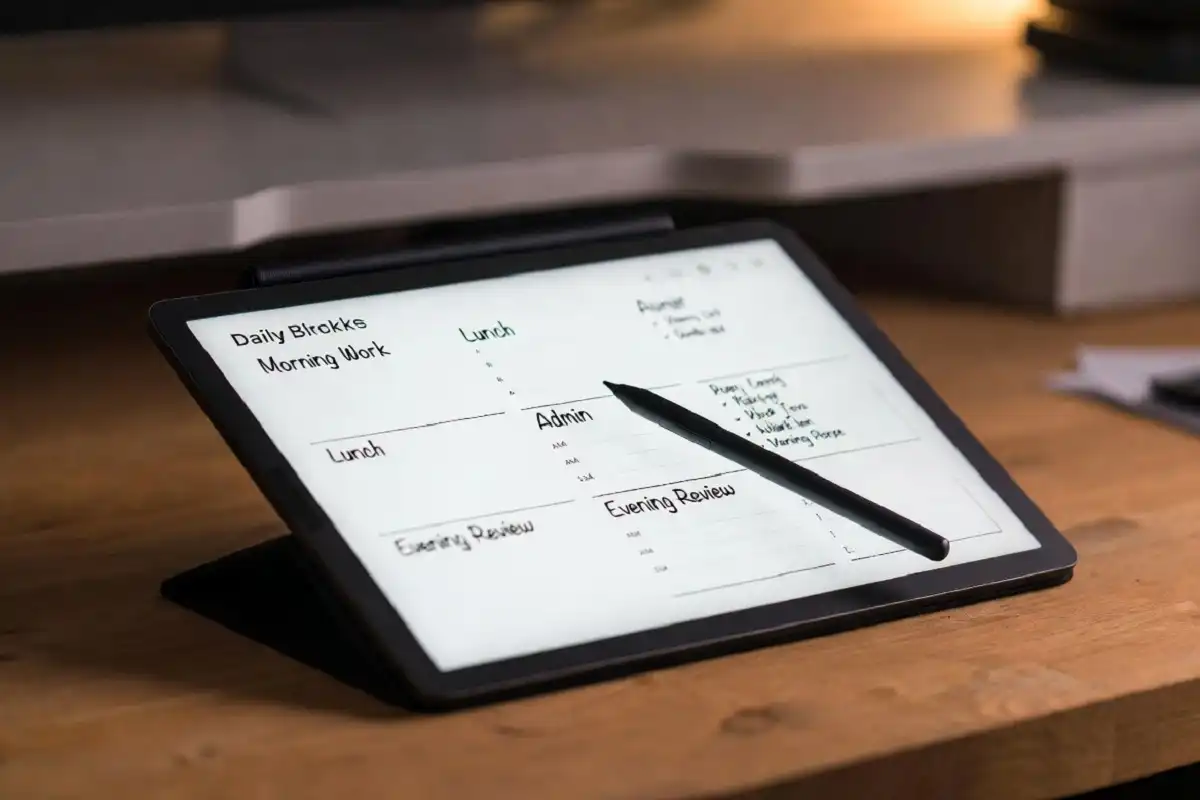
The reMarkable 2 and reMarkable Paper Pro are both worth considering here. They give you a paper-like writing experience with digital storage. You can create daily templates for time blocking and organize them in folders by week.
If you want a dedicated breakdown of the reMarkable 2 as a planning tool, the reMarkable 2 review on this site covers what to expect in a real workflow.
Best for: Writers, researchers, and thinkers who prefer handwriting their schedule and want to keep it distraction-free.
How to Pick the Right Time Blocking Tool for Your Workflow
Not every tool works for every person. Choosing between time blocking tools for productivity comes down to your work style, devices, and how complex your schedule is. Here is how to narrow it down.
Ask yourself these questions first:
Do you work across multiple apps?
If your tasks live in Asana, GitHub, and email, use Sunsama or Reclaim.ai. They pull everything into one planning view.
Are you fully in the Apple ecosystem?
Fantastical or Structured will feel the most native and work with your Focus Modes.
Do you already use Google Workspace?
Google Calendar is all you need. Pair it with a browser extension like Clockwise if you want basic automation.
Do you want no screens during planning?
Use a paper tablet. reMarkable 2, reMarkable Paper Pro, or a quality paper planner. The top e-ink writing tablet choices for work and study page covers your main options.
Are you a student on a tight budget?
Google Calendar (free) plus a structured handwriting habit on paper or a basic planner is enough to start.
Common Mistakes People Make With Time Blocking
Even with the right time blocking tools for productivity, most people hit the same problems early on.
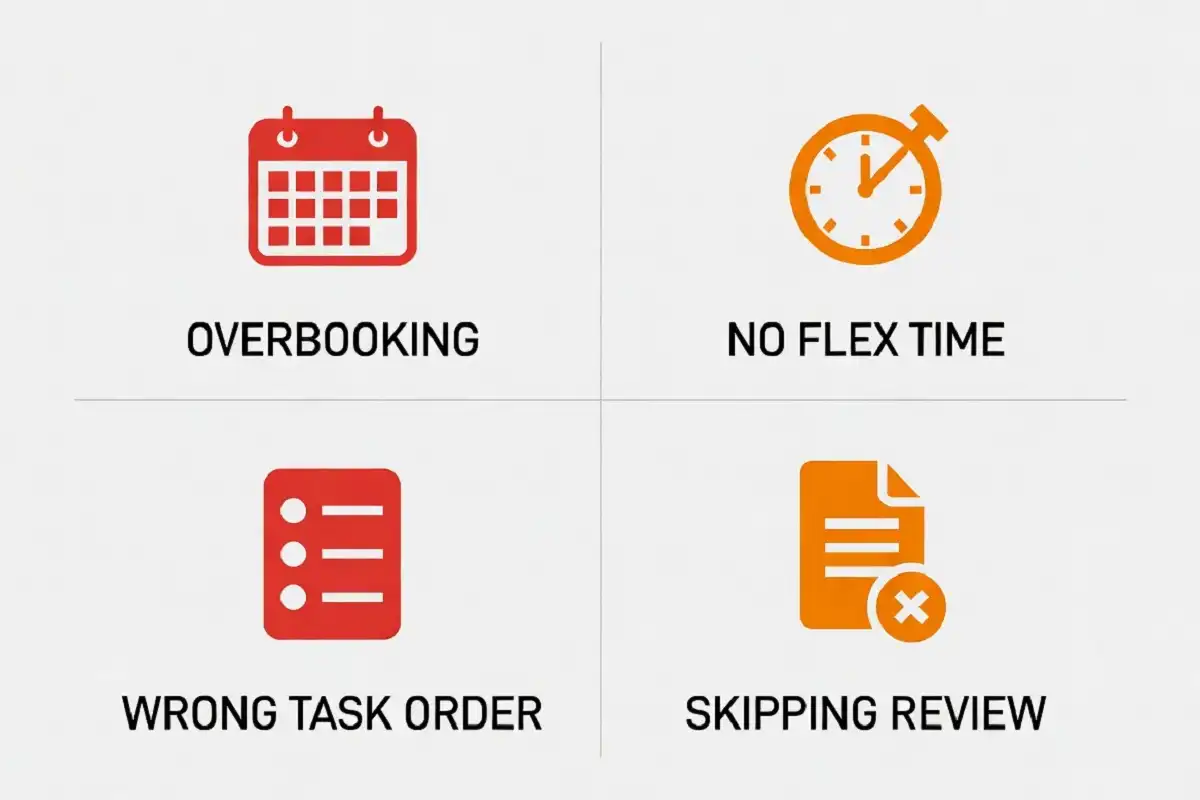
Blocking too much. People fill every hour and leave no buffer. One meeting overrun cascades and breaks the whole day. Always leave 15 to 20 percent of your calendar empty as flex time.
Not grouping similar tasks. Admin work, deep writing, and creative thinking use different mental modes. Group similar tasks into the same block. Do not scatter them across the day.
Ignoring energy rhythms. Most people have a peak focus window in the morning. Do not block your most demanding work in the afternoon if your energy drops after lunch. Match task type to energy level.
Skipping the review. Time blocking only improves if you review how your day actually went vs. how you planned it. A five-minute daily review is enough. Without it, you will keep repeating the same planning mistakes.
Using a tool that adds friction. If the tool takes ten minutes to set up each morning, you will stop using it. Choose the simplest tool that covers your needs.
Time Blocking vs. Task Lists: Which Is Better?
A task list tells you what to do. A time block tells you when. That distinction is exactly why time blocking tools for productivity have become so popular among people who feel busy but unproductive.
Most people rely only on task lists and never assign time to tasks. This leads to a familiar problem: the list grows, the day ends, and the most important items stay undone.
Time blocking forces you to confront the math of your day. You have roughly six to eight usable focus hours. When you block tasks into real slots, you immediately see what fits and what does not.
Task lists and time blocking work best together. The list is your inventory. The block is your commitment.
Can You Combine a Digital App and a Paper Tablet?
Yes, and this is actually what I find works best for detailed work.
Here is a practical hybrid system:
- Use Google Calendar or Sunsama to hold your weekly schedule and sync with team meetings.
- Each morning, open your E Ink tablet and handwrite your daily time blocks from that schedule.
- Work from the handwritten plan. Keep the phone and laptop notifications off.
The digital tool handles scheduling and syncing. The paper tablet handles execution. This combination gives you the strengths of two different time blocking tools for productivity without the weaknesses of relying on just one.
For people working in paperless workflows and digital note-taking, this hybrid approach fits naturally into an existing system.
Key Takeaways
Time blocking tools for productivity are only effective when you match the right tool to your actual workflow.
- Google Calendar works for most people who need a free, flexible starting point.
- Sunsama and Reclaim.ai suit professionals with complex, multi-tool workdays.
- Fantastical and Structured are strong choices for Apple users who want a polished daily planning experience.
- A paper tablet like reMarkable 2 or Paper Pro is worth using if you want a distraction-free, handwritten planning system.
- Avoid overblocking your day, skipping buffer time, and ignoring your energy patterns.
Start simple. Pick one tool. Build the habit for two weeks before evaluating whether you need more features.
FAQs
What is the best free time blocking tool for productivity?
Google Calendar is the best free option. It is flexible, works across all devices, and integrates with hundreds of apps.
Is time blocking better than a to-do list?
Time blocking is more effective for execution. A task list is useful for capturing work. Using both together gives you the best results.
Can I use a paper planner for time blocking?
Yes. Paper planners and E Ink tablets like reMarkable 2 work very well for time blocking, especially if you want a screen-free planning environment.
How many time blocks should I schedule per day?
Most people work best with three to five focused blocks per day, each lasting 90 minutes to two hours. Shorter blocks for admin tasks are fine too.
What is the difference between time blocking and time boxing?
Time blocking assigns tasks to slots in your calendar. Time boxing sets a fixed maximum time limit for completing a task. Both methods work well and can be used together.