
Staying focused is hard when one device holds your work, your notes, and every social app you own. That is why many people now look for the best distraction free tablet. These devices strip away the noise and give you a quiet space to read, write, and think. Most use e-ink screens, long battery life, and very limited software. In this guide you will learn what to look for, who these tablets suit, and how to pick the best distraction free tablet for your daily routine.
Why a Distraction Free Tablet Helps You Focus
A normal tablet or phone is designed to keep you tapping. Bright colors, alerts, and apps all compete for attention. A distraction free tablet works the other way. It removes most of those triggers so your mind can settle into one task.
Research shared by the American Psychological Association suggests that switching between tasks can slow you down and tire your brain. A calm device that does only a few things helps you avoid that constant switching.
With fewer apps and no video feeds, you read longer, write more, and remember better. For students and busy workers, that focus is the real value.
What Makes the Best Distraction Free Tablet
Not every quiet gadget earns the title. The best distraction free tablet usually shares a few key traits. Here is what separates a strong choice from a weak one.
A Calm E-Ink Screen
E-ink screens look like real paper and reflect light instead of shining into your eyes. They reduce glare and feel gentle during long sessions. If you want to understand the technology, the basic idea behind E Ink is simple and worth a quick read.
This kind of screen also has no bright app icons begging for taps, which is a big part of why it feels so focused.
Long Battery Life
Because e-ink uses little power, these devices can run for days or weeks on one charge. You spend time working instead of hunting for a cable. Long battery life is one quiet reason the best distraction free tablet fits travel, study, and remote work.
A Natural Paper Feel
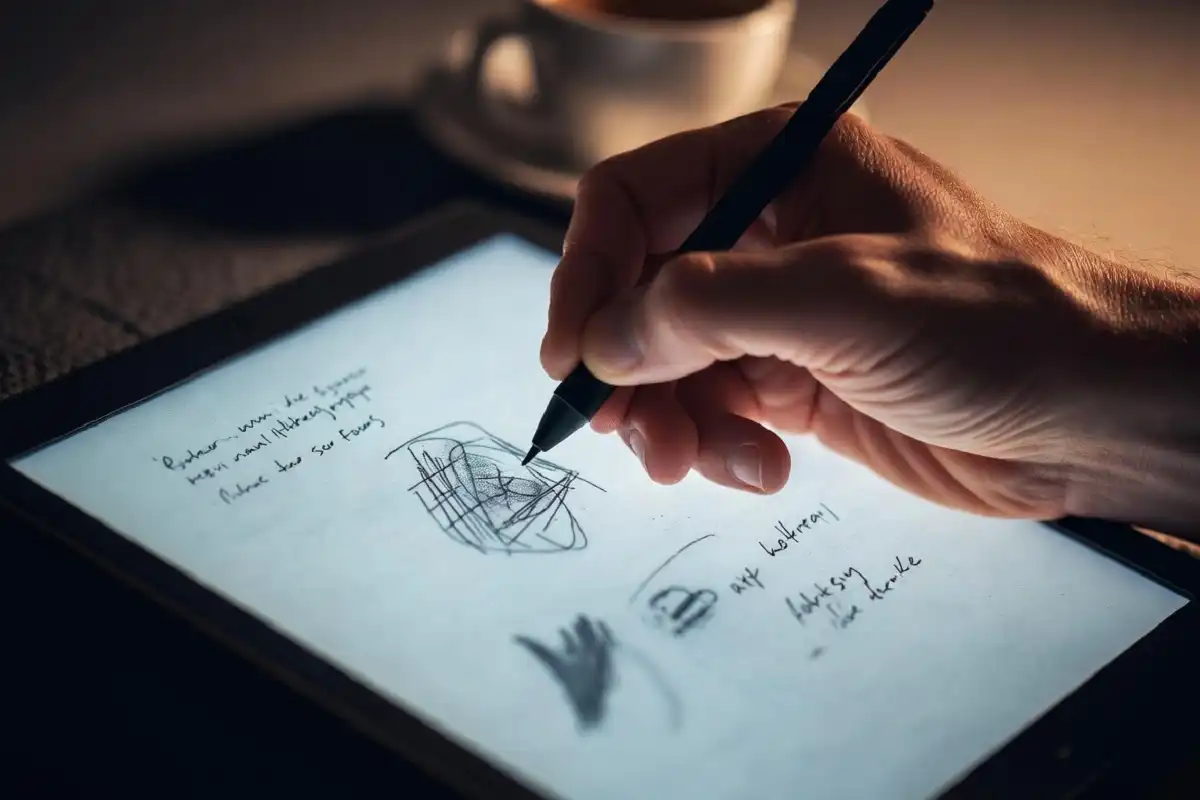
Writing should feel smooth and real. A slight texture under the pen makes notes more comfortable and helps ideas flow. If pen feel matters to you, it helps to spend time choosing the right paper feel before you buy.
Simple, Limited Software
The whole point is fewer features, not more. The best distraction free tablet keeps software light: notes, documents, reading, and little else. No app store full of games, no endless browser tabs.
Distraction Free Tablet vs Regular Tablet
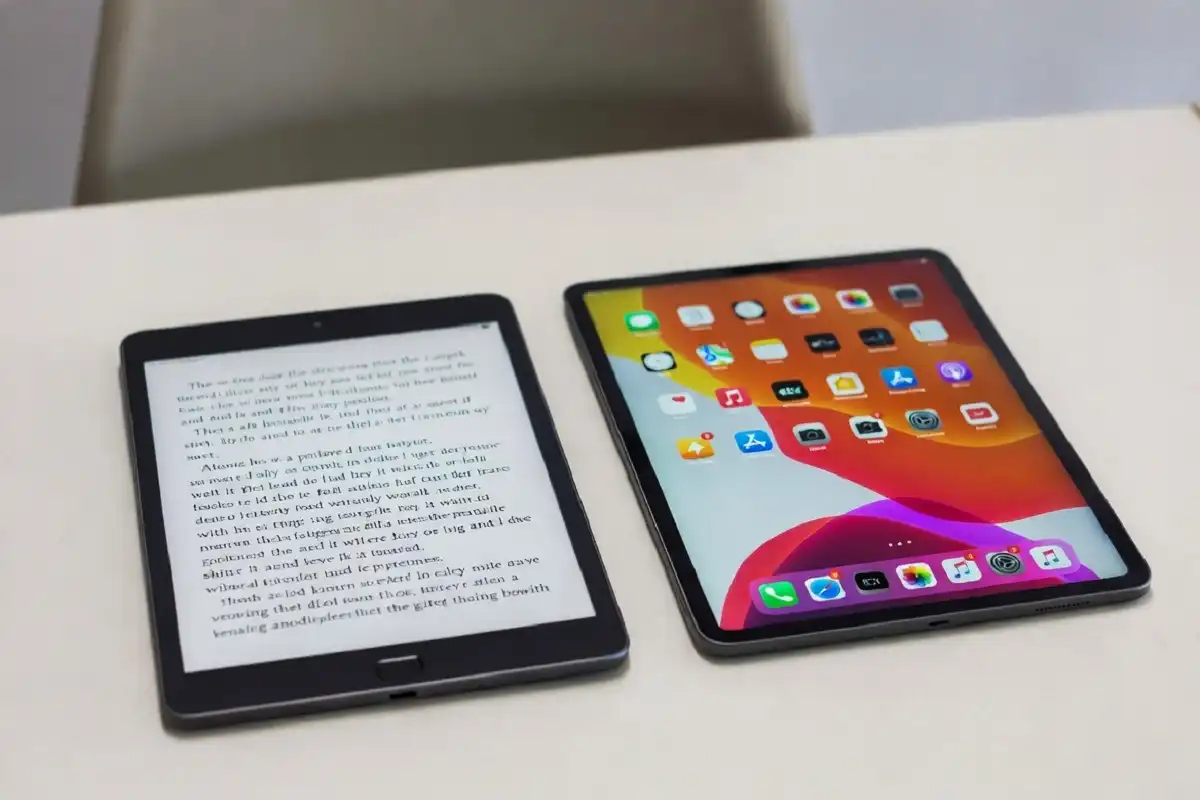
It helps to see the two side by side. A regular tablet is a do-everything screen: video, games, email, and apps in one place. That power is also its weakness, because every task sits one tap away from a distraction.
A focus-first device flips that. It trades features for calm. You lose the color and the apps, but you gain a space where reading and writing feel natural and uninterrupted. For deep work, that trade is often worth it.
Who Benefits Most From a Distraction Free Tablet
These devices are not for everyone, and that is fine. They shine for specific people and habits.
- Students who take long handwritten notes and review readings
- Writers and journalers who want a blank, quiet page
- Office workers who read reports and mark up documents
- Anyone trying to cut screen time and protect deep focus
If you mostly watch videos or play games, a regular tablet still makes sense. For everyone above, the best distraction free tablet can change how a day feels.
How to Choose the Best Distraction Free Tablet for You
Picking the right model is easier when you know your main task. Ask yourself a few simple questions before you spend money.
- Will you mostly write, mostly read, or both?
- Do you need to sync files to a computer or phone?
- How important is pen feel and screen size?
- What is your budget, and how long should it last?
For deeper research, it helps to compare e-ink writing tablet options and review the tablets ranked for handwritten notes. Reading real comparisons makes the best distraction free tablet choice far clearer.
Common Mistakes to Avoid
Buyers often trip over the same issues. Keep these in mind so your device stays a focus tool, not another gadget.
- Expecting a color screen or smooth video, which is not the goal
- Ignoring file sync, then struggling to move notes later
- Overpaying for features you will never use
- Skipping reviews and guessing on pen feel
A little planning keeps the best distraction free tablet doing exactly one job well. If you are weighing cost against benefit, it is worth reading whether the reMarkable 2 is worth it and how a digital paper tablet for work and study fits a real routine.
FAQs
What is the best distraction free tablet for students?
The best distraction free tablet for students is usually an e-ink note device with a comfortable pen and good file sync. Students need long battery life, a paper-like screen for handwriting, and simple software that does not pull focus during study sessions.
Can a distraction free tablet replace my laptop?
No, a distraction free tablet is not a full laptop replacement for most people. It handles reading, note-taking, and light document work very well, but it is not built for spreadsheets, heavy editing, or video. Many users pair it with a laptop instead.
Is an e-ink tablet better than a paper notebook?
An e-ink tablet can be better than paper when you need search, backups, and easy edits. You keep the calm writing feel while saving and organizing notes digitally. Paper still wins on pure simplicity and zero cost, so the right pick depends on your habits.
How much should I spend on the best distraction free tablet?
You should spend based on how often you will write and read, not on flashy specs. The best distraction free tablet ranges widely in price, so set a budget around screen size, pen quality, and battery life rather than extra features you will rarely touch.
Does a distraction free tablet need the internet?
A distraction free tablet does not need constant internet to work. Most let you write and read fully offline, then sync notes when you connect later. This offline-first design is part of why the device stays calm.
Conclusion
A quiet device can reshape how you work and study. The best distraction free tablet removes alerts, apps, and clutter so you can focus on one page at a time. It will not replace a laptop, and it is not for video lovers, but for readers, writers, and note-takers it offers real calm. Decide how you will use it, set a fair budget, and compare a few trusted models. With the right choice, the best distraction free tablet becomes a simple tool that protects your attention every day.