
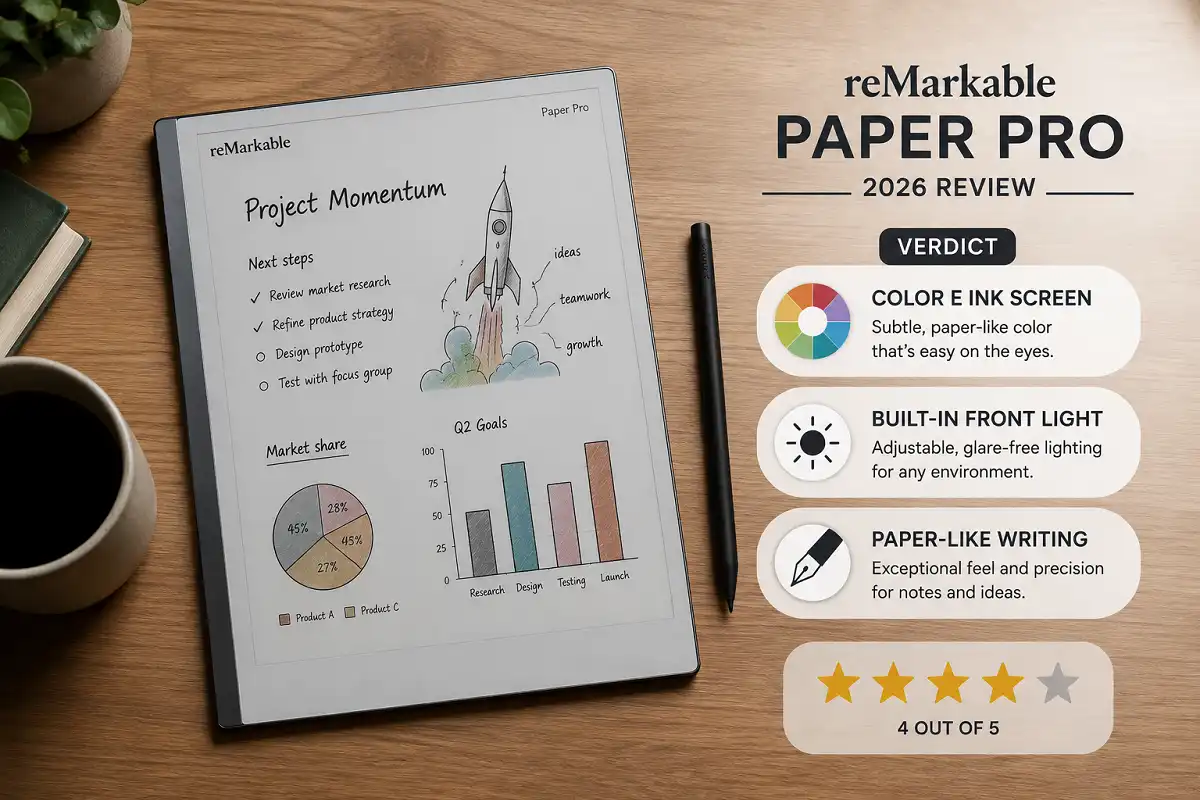
The reMarkable Paper Pro promises a paper-like writing feel with color and a backlight. But does it justify the price? This reMarkable Paper Pro review 2026 breaks down real performance, features, and value so you can decide if it fits your workflow.
The reMarkable Paper Pro is the best distraction-free writing tablet for 2026 if you want a large color E Ink screen, a built-in front light, and natural handwriting. It suits students, writers, and professionals. Heavy app users may prefer an iPad instead.
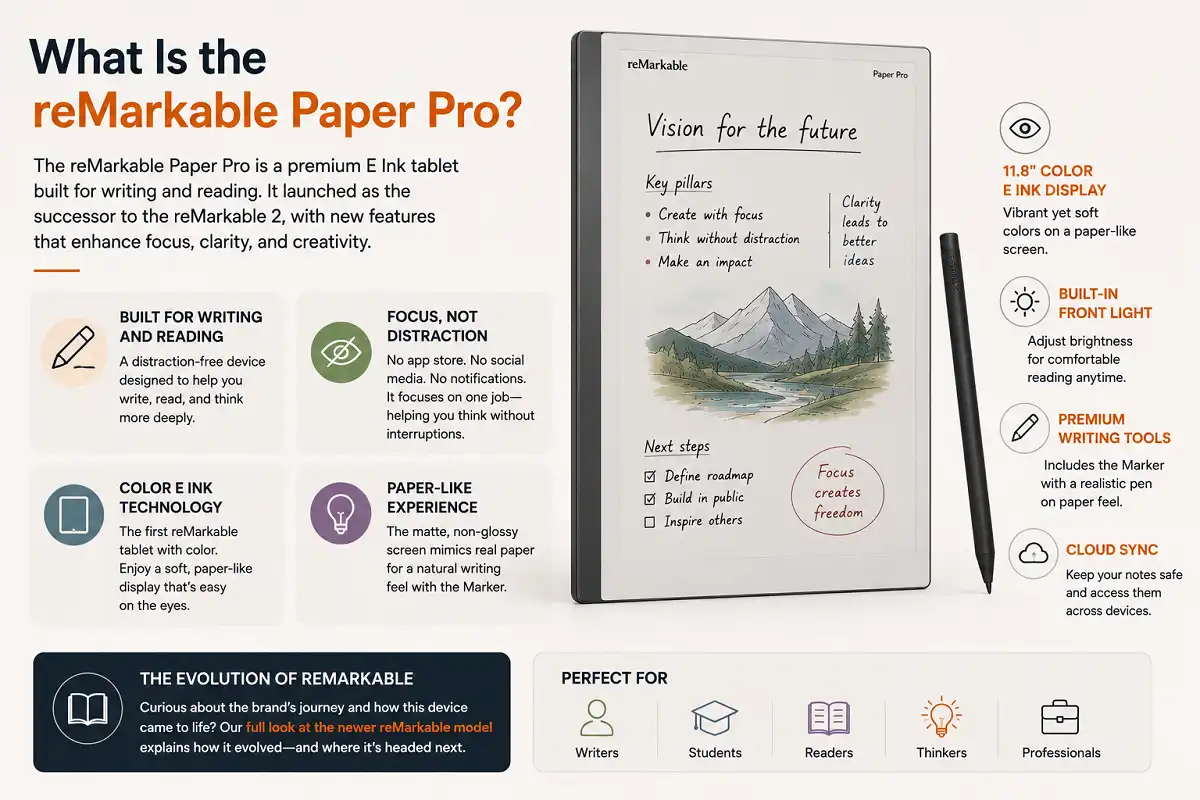
What Is the reMarkable Paper Pro?
The reMarkable Paper Pro is a premium E Ink tablet built for writing and reading. It launched as the successor to the reMarkable 2. It keeps the paper-like experience but adds color and a front light.
This device is not a full tablet. It has no app store. It focuses on one job. That job is helping you write, read, and think without distractions.
The screen uses color E Ink technology. You get a matte, non-glossy surface. It reduces eye strain. It mimics real paper closely.
If you want the background story on the brand, our full look at the newer reMarkable model explains how it evolved.
reMarkable Paper Pro Review 2026: Key Specifications
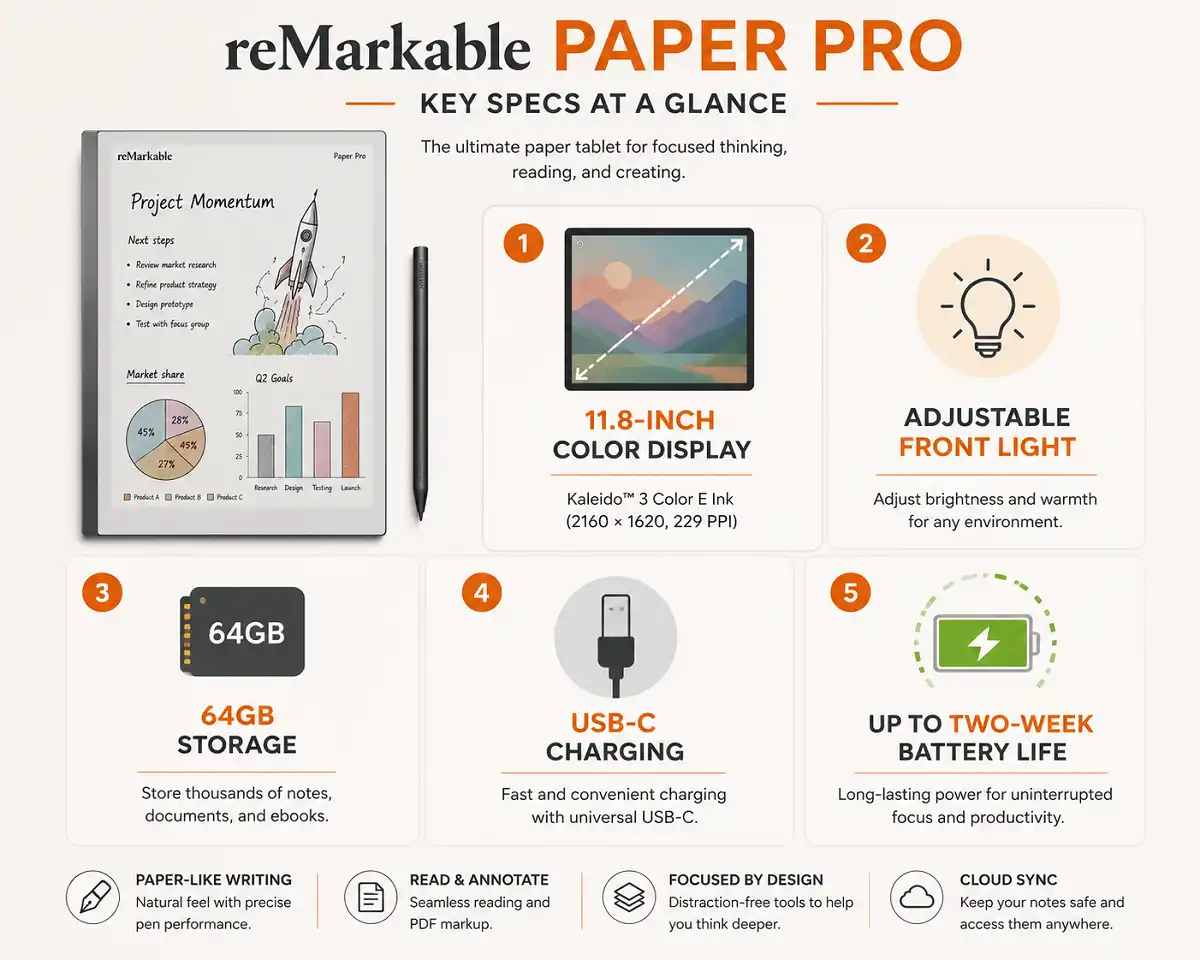
Here are the core specs that matter in this reMarkable Paper Pro review 2026.
The display measures 11.8 inches. That is larger than the reMarkable 2. It uses Canvas Color technology. This is a color E Ink panel built for handwriting speed.
The tablet includes an adjustable front light. The reMarkable 2 never had this. Now you can write in low light or in bed.
Storage sits at 64GB. That holds a huge library of notes and PDFs. The processor is faster than the previous model. Page turns feel quick.
Battery life reaches up to two weeks with light use. Heavy writers may see less. The USB-C port charges the device fast.
How Does the Writing Feel?
The writing feel is the main reason people buy this device. It answers the core question fast: it feels remarkably close to pen on paper.
The stylus glides with slight friction. That friction gives control. Your hand does not slip across glass. Lines appear with almost no lag.
I have found that the latency is low enough to feel instant. Fast writers will notice smooth strokes. The pen supports tilt for shading.
The color screen adds a new layer. You can highlight in yellow. You can underline in red. Notes look organized without extra effort.
Two pen options exist. One has an eraser on top. One does not. Both attach magnetically. Both charge on the side of the tablet.
reMarkable Paper Pro Review 2026: Display and Color
The display is the biggest upgrade in this reMarkable Paper Pro review 2026. Color E Ink changes how you use the tablet.
Colors look muted, not vivid. This is normal for E Ink. Do not expect an iPad screen. Expect soft, paper-like tones instead.
The color helps with note structure. You can code tasks by color. You can mark important lines. This aids memory and review.
The front light spreads evenly. You control brightness with a slider. There is no harsh glare. Reading at night feels comfortable.
Text stays sharp. PDFs render cleanly. Diagrams keep their detail. If you annotate documents often, this display earns its keep. Our guide on marking up PDF files on E Ink devices shows how useful this becomes.
Software and Note-Taking Features
The software stays simple on purpose. It removes clutter. You open the device and start writing.
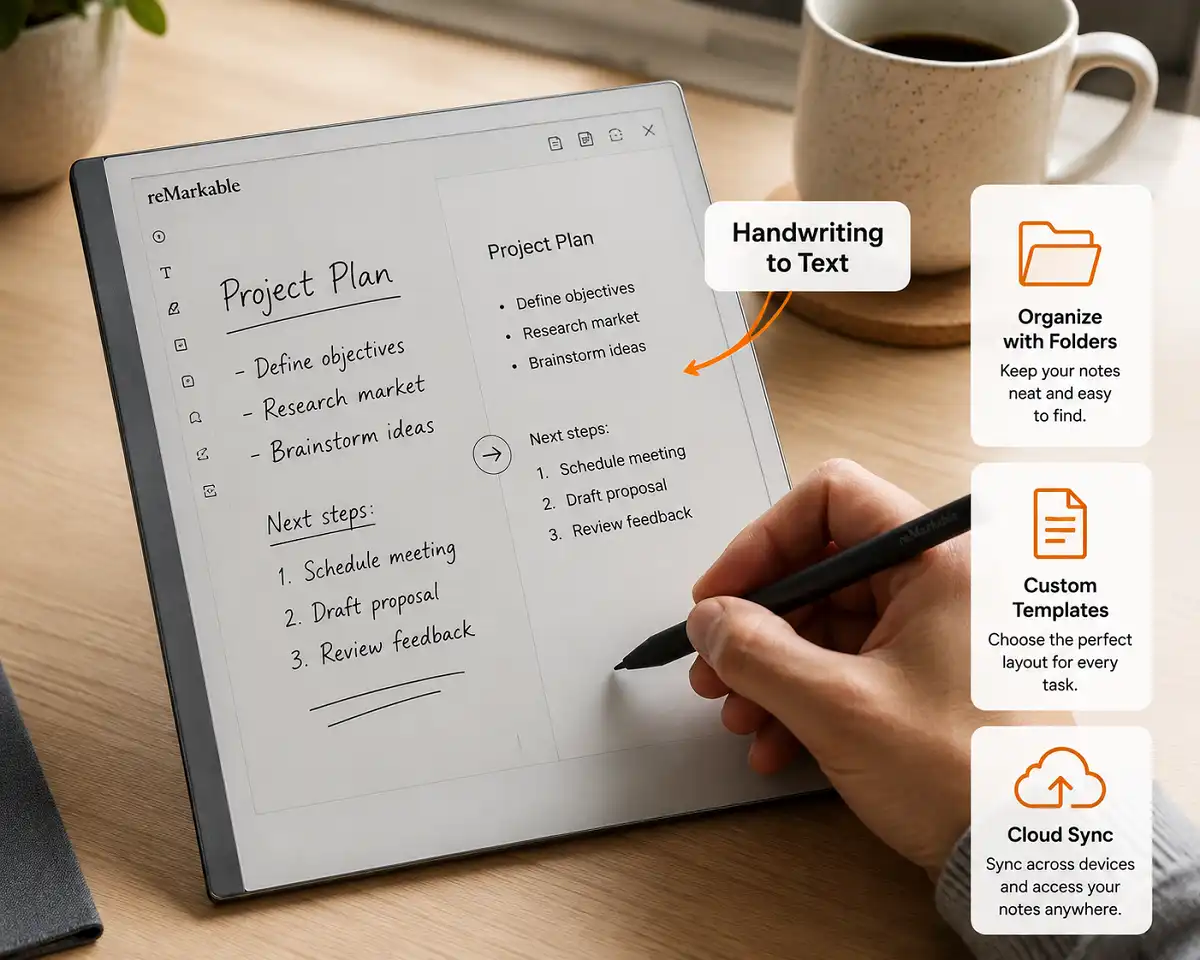
Handwriting conversion works well. It turns your notes into typed text. You can export this text by email. Accuracy is strong for neat writing.
You get templates for planners, to-do lists, and grids. These help structure your day. You can also import your own PDFs as templates.
Folders keep notes organized. Tags help you search. The layered note system lets you separate ink from imported pages.
Cloud sync connects to the reMarkable app. Your notes appear on your phone and computer. This keeps your work backed up. It also lets you read notes anywhere.
reMarkable Paper Pro Review 2026: Battery and Performance
Performance improved clearly in this reMarkable Paper Pro review 2026 test period. The device feels faster than the reMarkable 2.
Menus open quickly. Notes load without delay. The color panel refreshes at a good speed for E Ink.
Battery life depends on the front light. Bright settings drain faster. Dim settings last much longer. Two weeks is possible with careful use.
The device sleeps smartly. It wakes fast. You lose little battery in standby. A quick USB-C charge tops it up in around two hours.
Storage of 64GB is generous. Most users never fill it. Thousands of pages and PDFs fit easily.
What Comes in the Box?
The base package includes the tablet only. The pen is sold separately. So is the folio cover. This raises the true cost.
You must budget for the Marker or Marker Plus. The Marker Plus adds an eraser. Both feel premium in the hand.
The folio protects the screen. It also props the tablet up. Some folios use a keyboard for typing. This turns the device into a light writing station.
Consider these add-ons before buying. They shape your total price. A protective keyboard folio case can be worth it for long typing sessions.
Who Should Buy the reMarkable Paper Pro?
This device suits specific people. It is not for everyone. Match it to your real needs.
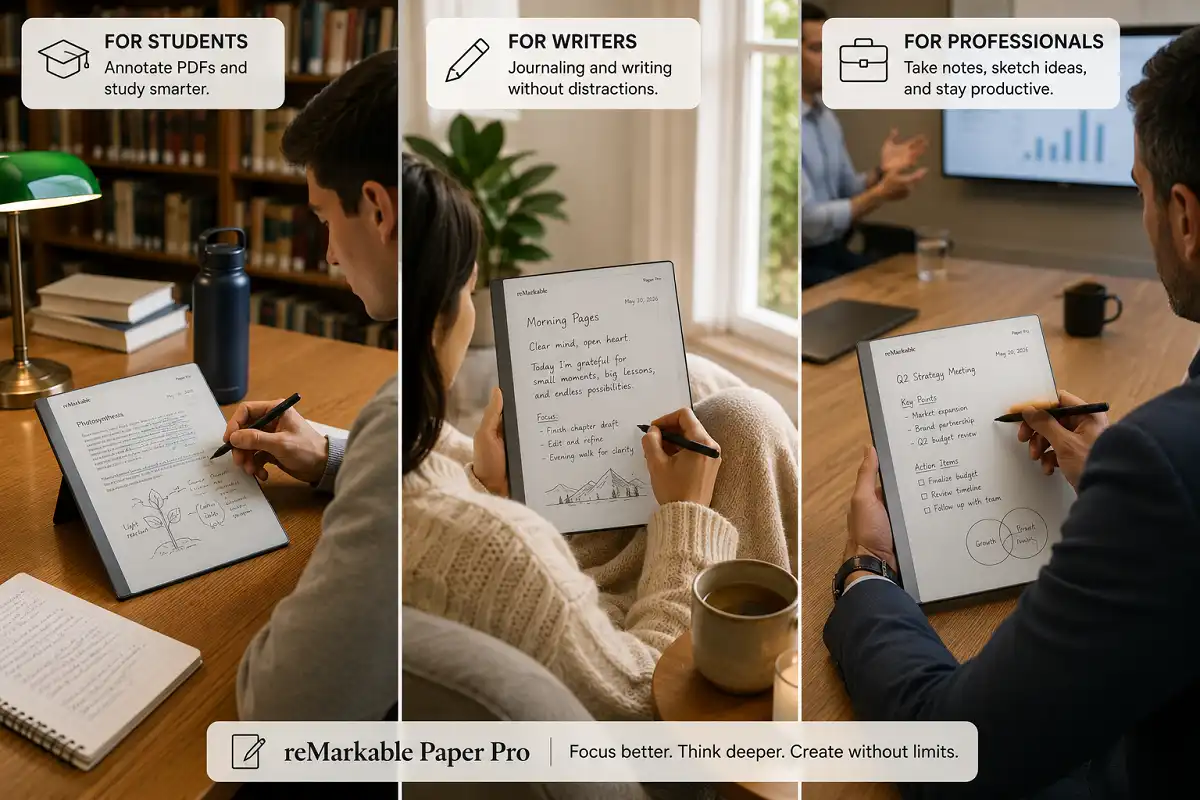
Students benefit greatly. They can annotate lecture PDFs. They can handwrite notes. They avoid social media distractions during study.
Writers and journalers love the paper feel. Drafting by hand feels natural. The color adds mood and structure to journals.
Professionals use it in meetings. They take clean notes. They export summaries by email. The device looks sharp and stays quiet.
Readers who dislike glossy tablets will enjoy it. The matte screen is gentle on the eyes. Long reading sessions feel comfortable.
Who Should Avoid It?
Some users should skip this tablet. It has clear limits. Be honest about your habits.
App lovers will feel restricted. There is no browser. There are no games. There is no video. That is by design.
Budget shoppers may hesitate. The full setup costs a lot. Pens and covers add up quickly. Cheaper note tablets exist.
People who want vivid color should look elsewhere. E Ink color stays soft. It cannot match an LCD or OLED screen.
If you need one device for everything, an iPad fits better. The reMarkable does one thing well. It does not multitask.
reMarkable Paper Pro vs reMarkable 2
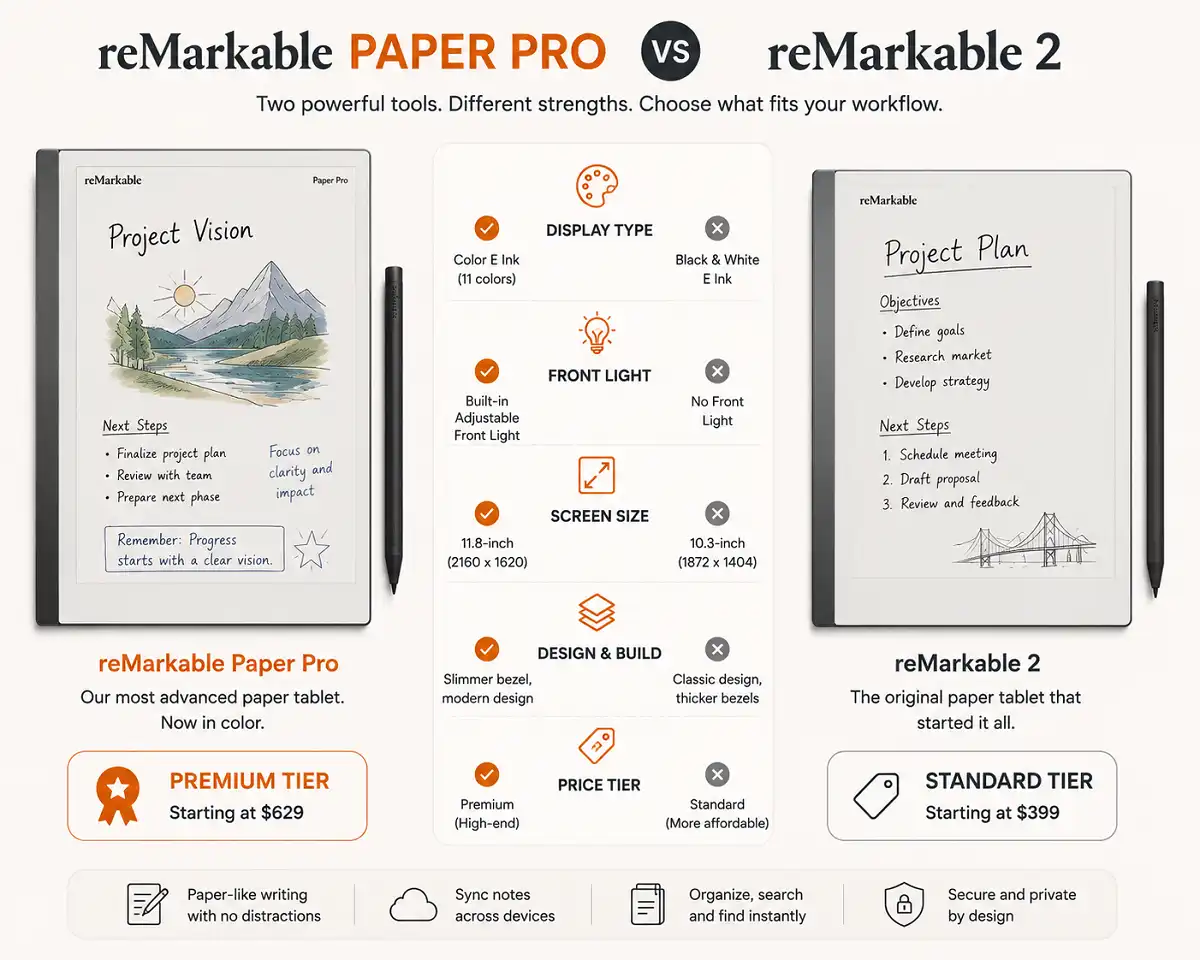
Many buyers compare these two models. This reMarkable Paper Pro review 2026 makes the gap clear.
The Paper Pro adds color. The reMarkable 2 stays black and white. The Paper Pro adds a front light. The reMarkable 2 needs external light.
The Paper Pro has a bigger screen. It runs faster. It stores more. It also costs more.
The reMarkable 2 remains a strong pick. It is lighter. It is cheaper. Its battery lasts longer due to no light. If you want to know whether the older model still holds up, read our take on whether the reMarkable 2 is worth buying.
Choose the Paper Pro for color and lighting. Choose the reMarkable 2 for value and simplicity.
Pros and Cons
Here is a balanced summary from this hands-on review.
Pros:
The color E Ink screen improves note structure. The front light allows writing in any lighting. The writing feel is natural and responsive. The build quality feels premium. Cloud sync keeps notes safe. The large screen suits PDFs well.
Cons:
The pen and cover cost extra. The full price is high. Color looks muted, not vivid. There is no app ecosystem. Battery drops with heavy front light use.
Is the reMarkable Paper Pro Worth It in 2026?
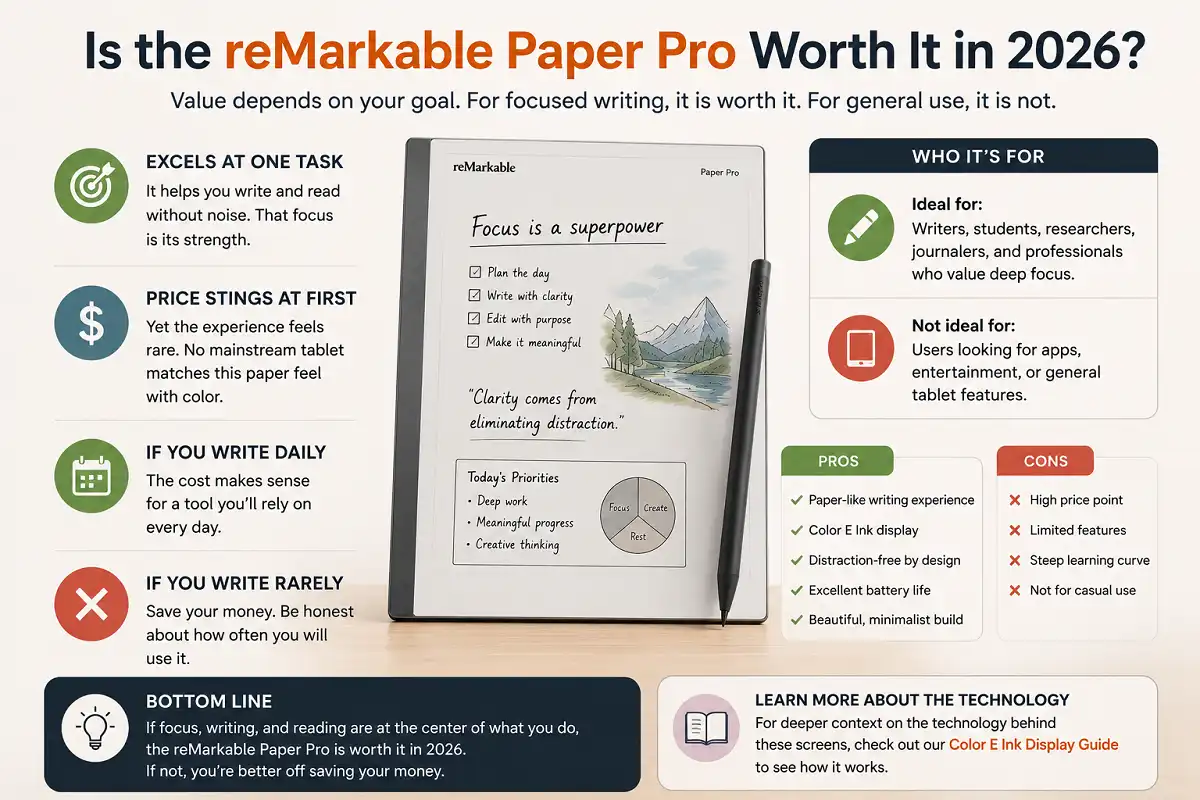
Value depends on your goal. For focused writing, it is worth it. For general use, it is not.
The device excels at one task. It helps you write and read without noise. That focus is its strength. Many people pay for that calm.
The price stings at first. Yet the experience feels rare. No mainstream tablet matches this paper feel with color.
If you write daily, the cost makes sense. If you write rarely, save your money. Be honest about how often you will use it.
For deeper context on the technology behind these screens, the color E Ink display guide explains how it works.
reMarkable Paper Pro Review 2026: Accessories and Ecosystem
Accessories shape your experience more than you expect. This section covers what actually helps day to day.
The Marker Plus is the top accessory. Its built-in eraser speeds up edits. You flip the pen to erase, just like a pencil. Writers and editors save real time this way.
The folio cover matters next. It guards the screen from scratches. It also folds into a stand. Some versions add a keyboard for faster typing.
A keyboard folio changes how you work. You can type long documents on it. Then you can annotate them by hand. This mix suits students and remote workers well.
The reMarkable software ties it all together. The mobile and desktop apps sync your notes. You can share pages by email in seconds. This keeps your workflow smooth across devices.
Third-party covers and sleeves exist too. They protect the tablet in a bag. Pick a snug fit to avoid pressure on the screen.
Buy only what you need at first. Start with a pen and a basic cover. Add a keyboard later if typing becomes frequent.
Tips to Get the Most From It
A few habits improve the experience. Use them from day one. They save time and effort.
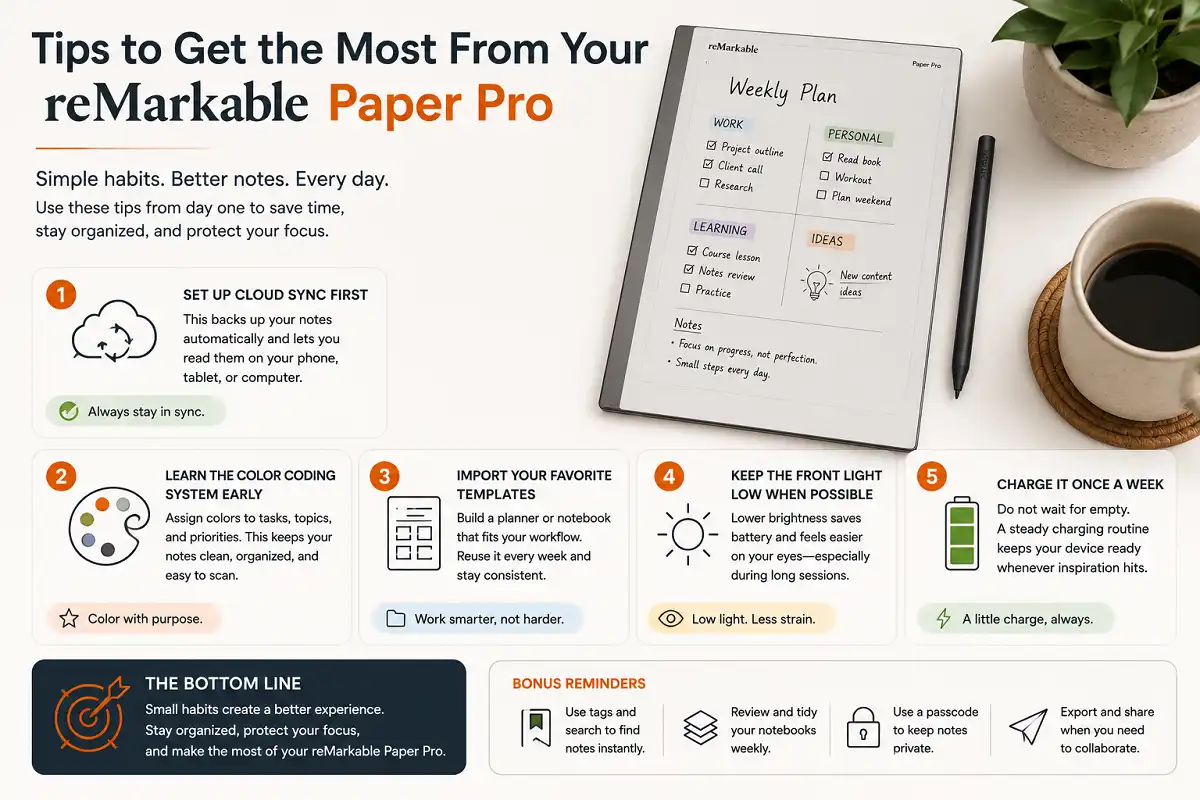
Set up cloud sync first. This backs up your notes. It also lets you read them on your phone.
Learn the color coding system early. Assign colors to tasks and topics. This keeps notes clean and scannable.
Import your favorite templates. Build a planner that fits you. Reuse it every week.
Keep the front light low when possible. This saves battery. It also feels easier on the eyes.
Charge it once a week. Do not wait for empty. A steady routine keeps it ready.
Common Mistakes to Avoid
New users make a few errors. Avoid them to enjoy the device fully.
Do not expect tablet apps. This is not that kind of device. Accept its focus and use it that way.
Do not skip the folio. The screen needs protection. A bare tablet risks scratches and cracks.
Do not ignore updates. reMarkable adds features often. Updates improve speed and add tools.
Do not buy the wrong pen. Decide if you want the eraser. The Marker Plus suits editors best.
FAQs

Does the reMarkable Paper Pro have color?
Can I read books on it?
Is the pen included?
How long does the battery last?
Does it connect to my computer?
Bottom Line
This reMarkable Paper Pro review 2026 gives a clear verdict. The device is the best focused writing tablet you can buy this year, as long as writing and reading are your main goals.
It shines with its natural writing feel, color screen, and front light. It struggles only on price and its lack of apps, which are intentional trade-offs.
Buy it if you value focus and paper-like writing. Skip it if you want a do-everything tablet. For the right user, the reMarkable Paper Pro review 2026 confirms it is a rewarding tool that quietly earns its place on your desk.
To learn more about the underlying screen technology, see this overview of E Ink on Wikipedia.