
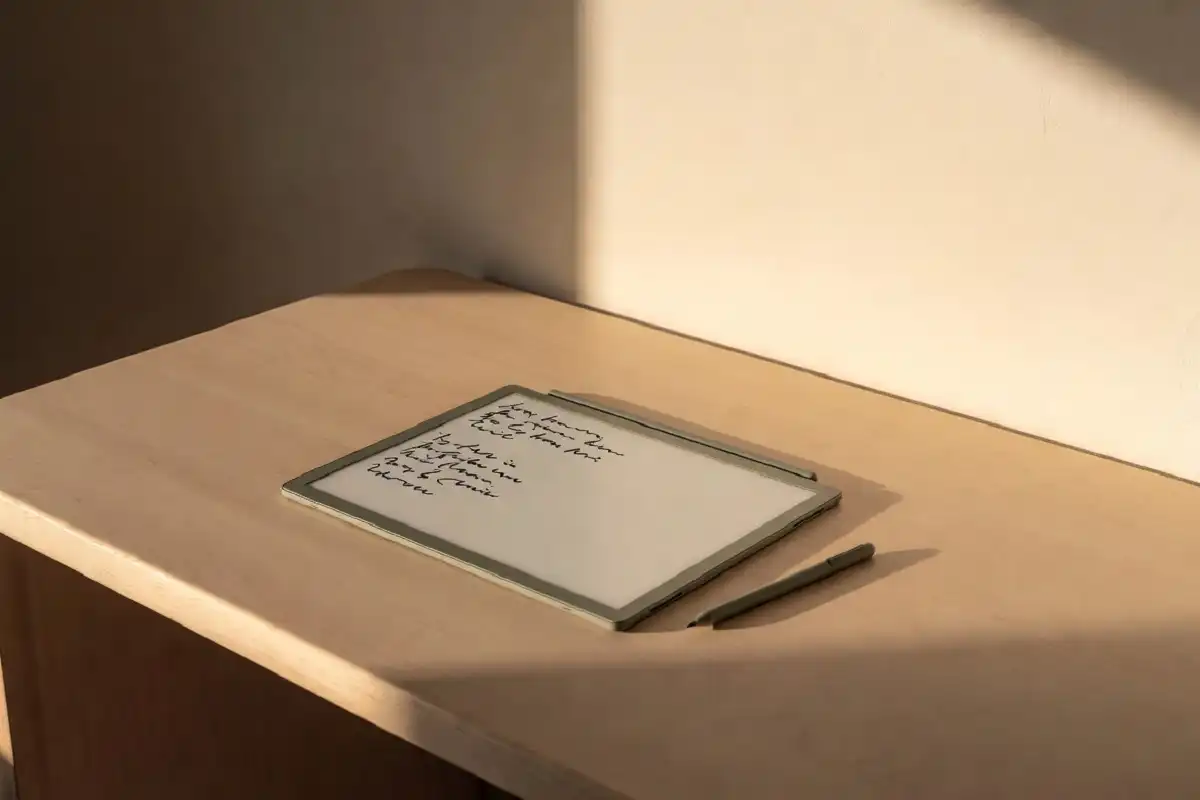
Writing on glass can feel slippery, cold, and tiring after a while. That is why so many people are switching to a paper feel writing tablet. These devices use a textured screen that adds gentle friction under the pen, so each stroke feels closer to a pencil on a notepad. The result is calmer, more comfortable writing for long study sessions and busy workdays. In this guide, you will learn how these tablets work, who they suit best, and what to check before you buy one.
What Is a Paper Feel Writing Tablet?
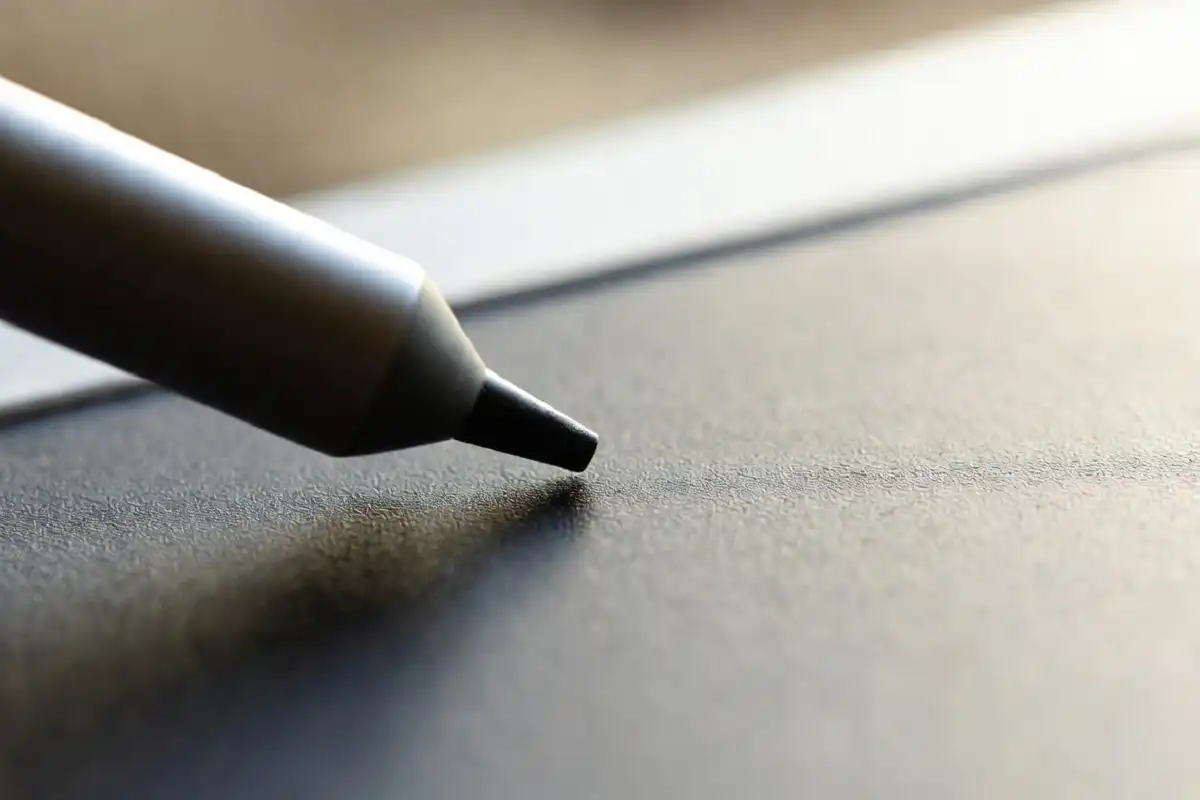
A paper feel writing tablet is a digital device built around handwriting rather than typing. Instead of a smooth, reflective glass surface, it uses a matte, slightly rough display layer that mimics the drag of pen on paper.
Most of these tablets rely on E Ink screens, which look soft on the eyes and reduce glare in bright rooms. They focus on one main job: capturing your handwritten notes, sketches, and ideas with as little distraction as possible.
If you want a deeper look at one popular option, this hands-on device breakdown covers feel and real value in detail.
Why the Writing Surface Matters So Much
The surface is the heart of the experience. A good texture changes how your hand moves and how long you can write without strain.
Here is why the right surface helps:
- Better control: Light friction stops the pen from sliding too fast.
- Less hand fatigue: Your muscles relax when strokes feel predictable.
- Cleaner handwriting: Steady contact makes letters more even.
- Lower glare: Matte layers scatter light instead of bouncing it back.
Many first-time users notice the difference within minutes. The pen grips the screen just enough, so writing feels intentional rather than rushed.
Who Should Consider One?
A paper feel writing tablet fits anyone who writes by hand more than they type. It is not built to replace a laptop, and that focus is exactly its strength.
Students
Students benefit from distraction-free study. There are no pop-ups, no social apps, and no endless tabs. You can take lecture notes, annotate readings, and review material without the pull of a full tablet. The top choices for work and study page is a helpful starting point for comparing models.
Professionals
For meetings, planning, and quick sketches, a paper feel writing tablet keeps your thoughts in one calm place. Many people prefer it for reviewing documents and signing PDFs.
Creatives and Thinkers
Writers, designers, and planners often think better by hand. A textured screen makes brainstorming feel loose and natural, much like a real sketchbook.

Key Features to Check Before Buying
Not every device offers the same quality. When you compare a paper feel writing tablet against another, look closely at these points.
1. Surface Texture and Durability
Some screens come with a built-in textured layer, while others use a replaceable film. Ask how long the texture lasts and whether you can refresh it over time.
2. Pen Latency and Accuracy
Latency is the tiny delay between moving the pen and seeing the line. Lower latency feels more natural. Good pressure sensitivity also helps your lines look alive rather than flat.
3. Battery Life
E Ink screens sip power, so many of these tablets last for days or weeks on a single charge. This makes a paper feel writing tablet easy to carry without a charger.
4. File Organization and Export
Check how notes are sorted, searched, and shared. Strong export options to PDF or cloud storage keep your work flexible.
5. Weight and Build
A light, thin body matters if you carry it daily. The device should feel sturdy but never heavy in your bag.
For a broader 2026 comparison, the digital paper tablet roundup lays out strong options side by side.
Paper Feel Writing Tablet vs Regular Tablets
It helps to understand what you gain and what you give up.
A standard tablet does many things at once: video, games, browsing, and notes. A paper feel writing tablet does fewer things, but it does writing better. The matte screen, long battery, and quiet interface all push you toward focus.
If you mainly want media and apps, a regular tablet wins. If you want a calm space for handwriting, the textured option is the clear choice. According to Wikipedia’s overview of E Ink technology, these displays reflect light like paper and hold an image without constant power, which explains their gentle look and long battery life.
Tips to Get the Most From Your Device
A few small habits make a big difference once your tablet arrives.
- Keep a spare pen tip: Tips wear down faster on textured screens.
- Match pen pressure to your style: Light writers and heavy writers benefit from small setting changes.
- Use folders early: Organize notes from day one so search stays easy.
- Clean the surface gently: A soft, dry cloth keeps the texture even.
- Back up your notes: Sync to the cloud so nothing gets lost.
These steps protect both the screen and your workflow.
How to Know If It Is Worth the Price
Value depends on how often you write by hand. If most of your day involves notes, planning, or reviewing documents, the comfort adds up quickly.
People who only jot a few lines now and then may not need a dedicated device. But steady note-takers often find the calm, focused feel pays for itself in better habits. This breakdown of whether the device suits work and study is useful if you are weighing the cost.
FAQs
Does a paper feel writing tablet really feel like real paper?
Yes, it feels close to real paper because the screen has a textured layer that adds light friction under the pen. It is not identical to a notebook, but the difference from smooth glass is clear and comfortable for most users.
Is it good for reading as well as writing?
It works well for reading because E Ink screens are soft on the eyes and reduce glare. You can read documents, books, and articles comfortably, though page turns are slower than on a standard color tablet.
How long does the writing surface last?
The surface lasts a long time with normal use, often a year or more depending on how hard you press. Some models use replaceable films, so you can refresh the texture when it starts to feel too smooth.
Can I use it for office work?
Yes, it suits office work like meeting notes, planning, and document review. You can annotate PDFs and export files, which makes it a strong fit for daily professional tasks.
Will it replace my laptop?
No, it will not replace a laptop, and it is not meant to. A paper feel writing tablet handles handwriting and reading, while a laptop still does typing, browsing, and heavy multitasking.
Conclusion
A paper feel writing tablet gives you something rare: a quiet, focused space made for handwriting. The textured screen reduces glare and hand strain, the long battery keeps you free from chargers, and the simple design keeps distractions away. It will not replace your laptop, and it does not try to. Instead, it brings back the calm joy of writing by hand in a modern, digital form. If you write often for study or work, the right model is well worth a close look. For more help choosing, see this ranked guide to handwritten note devices.