
Remote work sounds freeing until you realize how many hours disappear to scattered tools, unclear communication, and tasks that never seem to end. Choosing the best productivity apps for remote work is not about downloading everything. It is about finding the right combination that matches how you actually work.
The best productivity apps for remote work include Notion (notes and project management), Slack (team communication), Todoist (task tracking), Clockify (time tracking), Google Drive (file storage), Zoom (video calls), and Forest (focus). Together these seven tools cover everything a remote worker needs day to day.
Why Most Remote Workers Use the Wrong Apps
The problem is not a lack of options. There are hundreds of productivity apps available in 2026. Finding the best productivity apps for remote work starts with understanding what you actually need, not what looks impressive on a features list. The real issue is that most remote workers pile on too many tools without a clear system.
They use one app for notes, another for tasks, a third for files, and a fourth for time tracking, but none of these tools talk to each other. The result is wasted time and mental overload.
The best productivity apps for remote work are the ones that remove friction, not add it.
Here is what actually matters when choosing apps:
- Does it reduce back-and-forth communication?
- Does it help you track what needs to get done?
- Does it work well across devices?
- Does it integrate with other tools you already use?
If an app does not do at least one of these things reliably, it probably does not belong in your workflow.
The 7 Best Productivity Apps for Remote Work in 2026
1. Notion: Notes, Wikis, and Project Management in One Place
Notion is the closest thing to a second brain for remote workers.
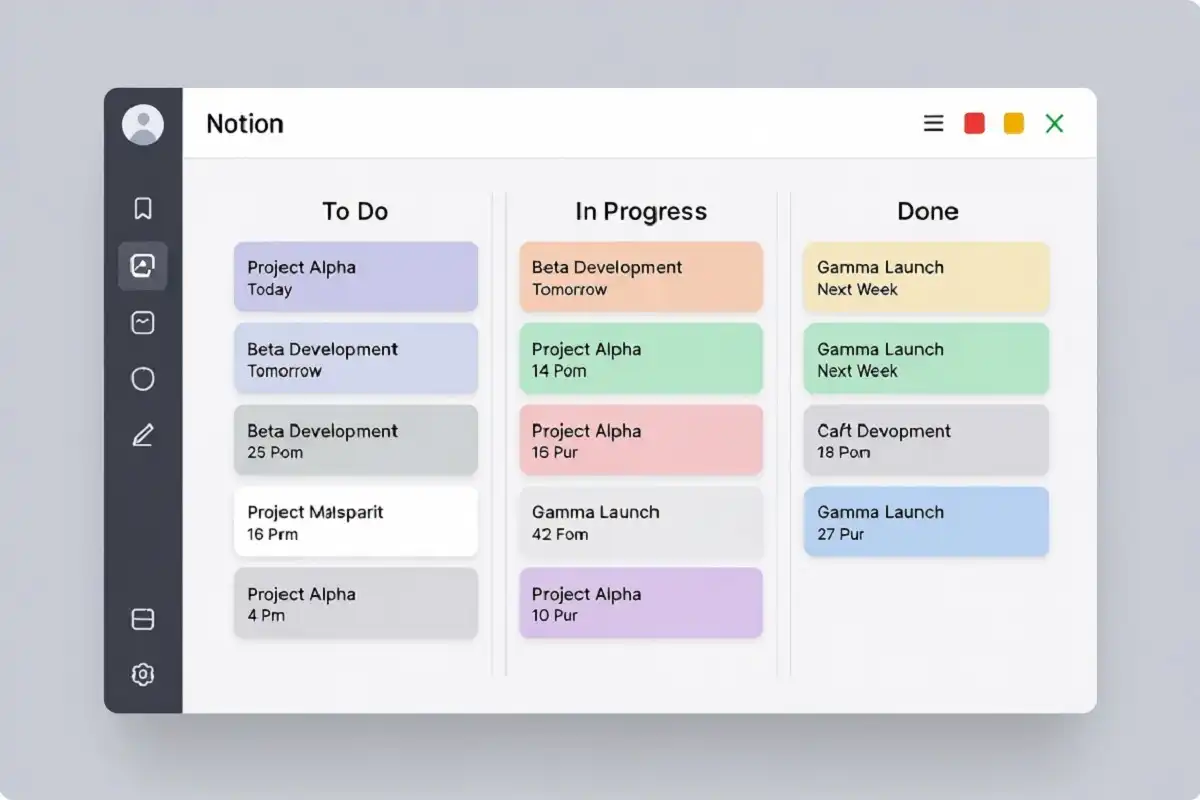
You can use it to write notes, manage projects, build a team wiki, track goals, and store reference material. Everything lives in one workspace. You do not need a separate app for meeting notes and another for project tracking.
What makes Notion stand out is its flexibility. You can structure it exactly the way your brain works. Some people build a simple daily to-do list inside Notion. Others build entire company operating systems with databases, linked pages, and automated templates.
For solo remote workers, a simple setup works best. I usually keep one Notion workspace with three sections: a daily planner, an active projects board, and a reference library. That structure alone saves me from opening five different apps to find one piece of information.
Notion also introduced AI features in recent years that help with writing, summarizing, and generating first drafts. These are optional but genuinely useful for content-heavy work.
Notion consistently appears at the top of any list of best productivity apps for remote work because it replaces three or four single-purpose tools in one workspace.
Best for: Writers, project managers, researchers, and anyone managing multiple projects at once.
Price: Free tier available. Paid plans start at $10 per month.
2. Slack: Real-Time Team Communication Without Email Chaos
Email was never designed for fast-moving remote teams. Slack replaces most of your internal email with organized channels, direct messages, and thread-based conversations.
Channels keep communication focused. A #marketing channel stays on marketing. A #design-feedback channel keeps design discussions in one place. You do not hunt through a cluttered inbox for a file someone sent three weeks ago.
Slack also integrates with almost every other tool on this list. When someone completes a task in Todoist or uploads a file to Google Drive, Slack can notify the right channel automatically. This reduces the need to manually update everyone on progress.
One feature I find underused is Slack’s reminder system. You can flag any message and set a reminder for later. This keeps your attention on the current task without losing track of something important.
The only real downside of Slack is notification overload. The solution is to set clear notification windows and mute channels that do not require immediate attention.
Slack is one of the best productivity apps for remote work specifically because it reduces the communication overhead that slows down distributed teams.
Best for: Teams of any size that need fast, organized communication.
Price: Free tier available. Pro plan starts at $7.25 per user per month.
3. Todoist: The Simplest Way to Track Tasks Across Projects
Todoist is one of the most reliable task managers available, and it has stayed that way for years because it does not try to do too much.
The interface is clean. Adding a task takes two seconds. You type the task name, set a due date using natural language (like “every Monday at 9am”), assign a priority level, and move on. There is no friction.
Where Todoist gets powerful is the combination of projects, labels, and filters. You can see all high-priority tasks across every project in one view. This is useful when you are managing client work, personal goals, and team responsibilities at the same time.
Todoist also shows a Karma score based on how consistently you complete tasks. It sounds trivial, but for remote workers who lack external accountability, this small motivational layer genuinely helps.
If you are building a solid digital workflow for focused work, pairing Todoist with a focused writing or note-taking device makes a noticeable difference in daily output.
Best for: Individual remote workers and small teams who want a fast, no-nonsense task manager.
Price: Free tier available. Pro plan is $4 per month.
4. Clockify: Time Tracking That Pays for Itself
Most remote workers do not track their time until a project runs over budget or a client asks where the hours went.
Clockify solves this before it becomes a problem. It is a free time tracker that lets you log hours by project, task, and client. You start a timer when you begin work and stop it when you finish. Over time, this data shows exactly where your hours are going.
This matters for two reasons. First, it helps you bill clients accurately. Second, it helps you recognize where you are wasting time. Most people are surprised to find they spend two to three times longer on low-value tasks than they think.
Clockify works on desktop, mobile, and as a browser extension. Reports can be exported for invoicing or internal review. For freelancers especially, this tool pays for itself in the first week.
Time tracking is often the most underrated feature when people evaluate the best productivity apps for remote work, and Clockify makes it effortless.
Best for: Freelancers, consultants, and anyone billing by the hour or managing productivity data.
Price: Free for unlimited users. Paid plans add more reporting and admin features.
5. Google Drive: Shared File Storage That Everyone Can Access
File sharing is one of the most overlooked problems when people evaluate the best productivity apps for remote work.
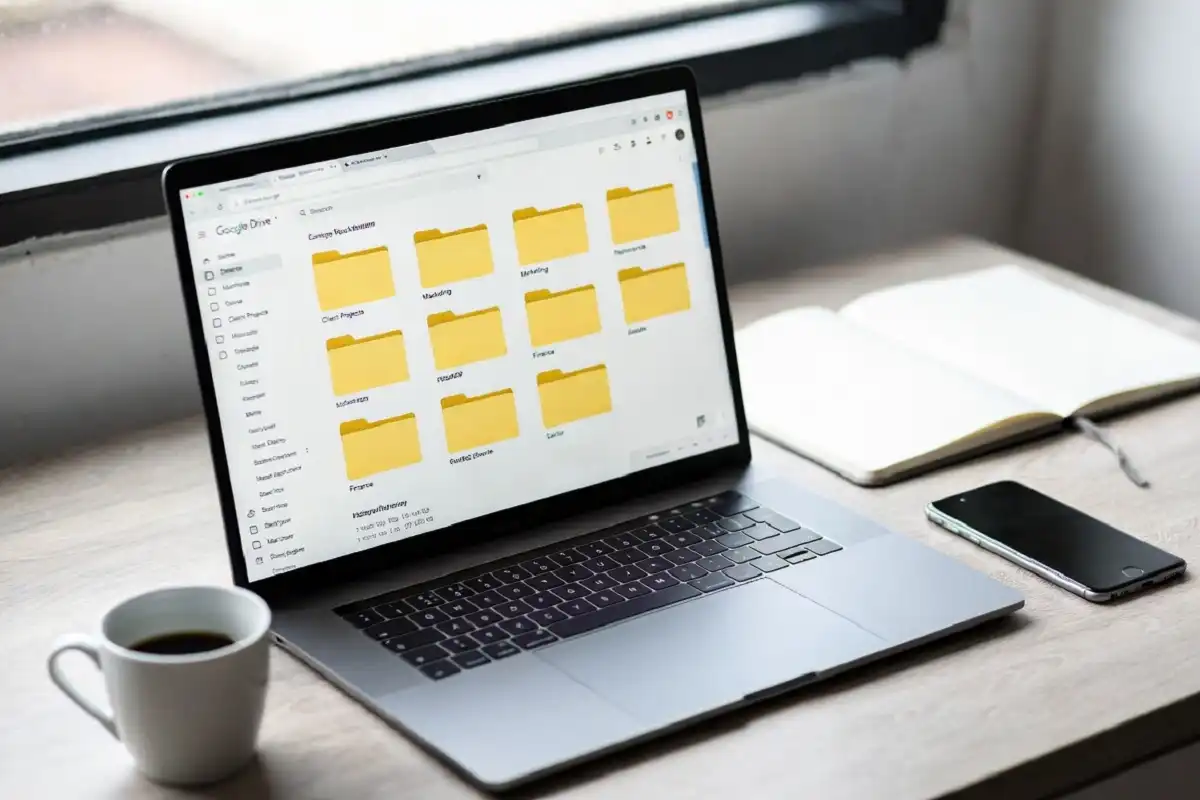
Emailing attachments creates version confusion. Sending links to files that expire creates frustration. Google Drive removes both problems. Files live in one place, everyone with permission can access them, and changes are tracked automatically.
Google Drive integrates directly with Google Docs, Sheets, and Slides, which means your team can collaborate on documents in real time without anyone downloading and re-uploading files.
For remote workers who handle a lot of documents, the search function inside Google Drive is surprisingly powerful. You can search file names, document contents, and even text inside scanned PDFs using Google’s built-in OCR.
You can learn more about cloud storage features and organization to get the most out of Google Drive’s full capability.
Best for: Teams that need a central, accessible file hub with real-time collaboration.
Price: 15GB free. Google One plans start at $1.99 per month for 100GB.
6. Zoom: Video Calls That Are Still the Standard in 2026
Video communication remains central to remote work, and Zoom is still the most reliable option for most teams in 2026.
The reason Zoom holds its position is stability. Calls rarely drop. Audio quality is consistent. Features like breakout rooms, virtual backgrounds, recording, and meeting transcription work reliably across operating systems.
Zoom’s AI companion feature, introduced in recent versions, auto-generates meeting summaries and action items after each call. This removes the need for someone to take manual notes during a meeting, which lets everyone focus on the conversation instead.
For one-on-one calls, Zoom Meetings is overkill. But for team standups, client presentations, and workshops with screen sharing, it remains the most feature-complete option.
Best for: Teams with regular video meetings, client presentations, and remote workshops.
Price: Free for meetings up to 40 minutes. Paid plans start at $13.99 per month per user.
7. Forest: A Focus App That Keeps You Off Your Phone
The biggest productivity killer for remote workers is not workload. It is distraction. Specifically, the phone.
Forest is a focus app that works on a simple principle. You set a timer and plant a virtual tree. If you leave the app to check social media or browse the internet, the tree dies. If you stay focused, it grows.
This sounds simple because it is. But it works. The visual commitment of a growing tree creates enough friction to break the habit of mindless phone checking.
Forest also donates to real tree-planting projects when you earn coins inside the app. This adds a small but meaningful external motivation to staying focused.
For remote workers who struggle with focus and distraction, Forest paired with other tools that support deep concentration creates a stronger system than willpower alone.
Best for: Anyone who struggles with phone distraction during work hours.
Price: Free on Android. One-time purchase of $1.99 on iOS.
How to Build a Productive Remote Work App Stack
Knowing the best productivity apps for remote work is only half the equation. Using all seven apps at once from day one is not the right approach.
Start with three: a task manager, a communication tool, and a file storage system. These cover the basics for most remote workers. Add time tracking when billing becomes important. Add a focus app when distraction becomes a recurring problem. Add a workspace tool like Notion when your notes and projects outgrow simple lists.
The goal is a system where every tool has a specific job and does not overlap with another. Redundancy creates confusion. Simplicity creates momentum.
Remote work productivity also benefits from reducing digital clutter on your devices. Some remote workers find that using a distraction-free device for deep work alongside these apps creates a cleaner separation between focused work and communication.
Common Mistakes Remote Workers Make With Productivity Apps
Using too many tools: Three overlapping note apps do not make you more organized. They make it harder to find anything.
Never reviewing what works: Download an app, use it for two weeks, and then check: is this actually saving time? If not, remove it.
Ignoring integrations: Most of these apps connect to each other. A Slack notification when a Todoist task is completed reduces the need to manually update your team.
Relying on apps instead of systems: Apps support systems. They do not replace them. A clear daily routine, a defined work schedule, and a consistent shutdown process matter more than the apps you use. Even the best productivity apps for remote work cannot fix a workflow that has no structure behind it.
What You Should Remember
The best productivity apps for remote work are the ones you actually use consistently. Notion handles notes and projects. Slack keeps team communication organized. Todoist tracks tasks without friction. Clockify shows where your time really goes. Google Drive keeps files accessible. Zoom handles video communication. Forest protects your focus.
Pick the apps that match your actual workflow. Start simple. Add tools only when a real need appears. And review your system regularly to cut anything that is not earning its place.
Productivity is not about the apps. It is about the habits and systems they support.
FAQs
What is the single best productivity app for remote workers?
There is no single answer because it depends on your role. When people search for the best productivity apps for remote work, they often expect one perfect tool, but the reality is that a task manager like Todoist combined with Slack for team communication covers the majority of daily needs.
Are free productivity apps good enough for remote work?
Yes, in most cases. Todoist, Clockify, Google Drive, and Forest all have strong free tiers. Paid upgrades add reporting, storage, or administrative features that matter more for teams than individual users.
How many productivity apps should a remote worker use?
Three to five is a reasonable number for most people. One for tasks, one for communication, one for files, and optionally one for time tracking and one for focus. Beyond five, the overhead of managing tools starts to reduce productivity instead of improving it.
Can I use these apps on both desktop and mobile?
All seven apps listed here work on desktop and mobile. Most also offer browser extensions or web versions, which means you can access them from any device without installing software.
What productivity app is best for freelancers specifically?
Todoist for task management and Clockify for time tracking are the two most important apps for freelancers. Add Google Drive for client file sharing and Zoom for client calls, and you have a complete freelance setup.