
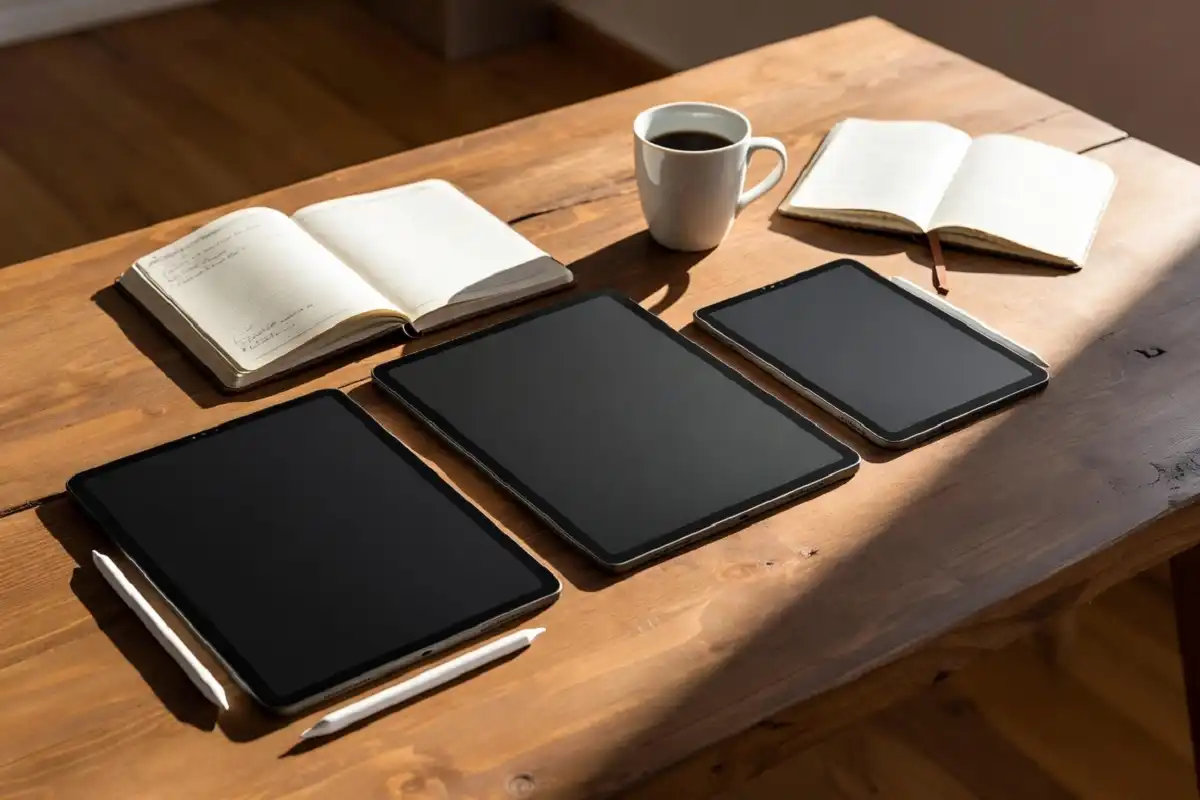
Finding the best tablet for handwritten notes comes down to more than picking the most expensive device. Writing feel, battery life, software, and your specific use case all play a role. Whether you are a student capturing lectures, a professional annotating documents, or a creative who thinks better by hand, the right tablet is different for each person. This guide covers the leading options in 2026, what makes each one stand out, and exactly who each device is built for so you can make a confident, well-informed choice.
What to Look for Before You Buy
Choosing the best tablet for handwritten notes starts with knowing which features actually matter for daily use. Not every device marketed as a writing tablet delivers a genuinely satisfying handwriting experience, so evaluating a few core criteria before purchasing is time well spent.
Writing latency is the most critical factor. A tablet that lags noticeably between pen movement and ink appearing on screen will feel unnatural and frustrating over time. Low latency is non-negotiable for a positive writing experience.
Screen texture matters almost as much. Glass screens feel slippery and lack the resistance that paper provides. Devices with matte or textured screen surfaces produce a much more natural writing sensation.
Battery life separates tablets built for occasional use from those suited to full days of note-taking. E-ink tablets last significantly longer between charges than LCD or OLED alternatives.
Software and organization determine whether your notes are actually useful after you take them. Search, export, folder organization, and cloud sync all affect how much value you get from your digital handwriting over time.
Top Picks: Best Tablet for Handwritten Notes in 2026
reMarkable 2: Best for Focused, Distraction-Free Writing
The reMarkable 2 remains the benchmark for writing feel among dedicated note-taking tablets. Its textured screen surface and low-latency Marker stylus produce a sensation closer to pen on paper than any competing device at a similar price point.
It is intentionally limited. There are no apps, no browser, and no media features. For users who want exactly that kind of focus, it is ideal. For users who need more from a single device, those limits become frustrating quickly.
Battery life is excellent, typically lasting several days of regular use. Handwriting-to-text conversion is accurate and the document organization system is clean and intuitive.
The main trade-off beyond the feature limitations is the Connect subscription, which unlocks cloud sync and third-party integrations and adds an ongoing cost to ownership.
For a deeper look at this device, this detailed reMarkable 2 review covering features, feel, and real value is worth reading before you decide.
Apple iPad with Apple Pencil: Best All-Around Tablet for Notes
The iPad is the best tablet for handwritten notes for users who also need a full-featured device. The Apple Pencil offers genuinely excellent writing performance with low latency and pressure sensitivity, and apps like Notability, GoodNotes, and Apple Notes give it a mature, flexible note-taking ecosystem.
The standard iPad (10th generation and later) paired with an Apple Pencil USB-C is the most affordable entry point and covers most handwriting use cases well. The iPad Pro with the Apple Pencil Pro adds a more refined writing experience for users who demand the best the platform can offer.
The trade-off versus e-ink devices is battery life and screen glare. Long writing sessions on a glass display feel less natural than writing on a matte e-ink surface, and daily charging is required.
Onyx Boox Note Air 3: Best E-Ink Tablet With App Support
The Onyx Boox Note Air 3 runs Android, which means it supports third-party apps including Google Drive, Dropbox, email clients, and select note-taking apps. This gives it a flexibility that pure writing tablets like the reMarkable 2 do not offer.
Writing feel is very good, slightly behind the reMarkable 2 in terms of paper-like texture but close enough that most users will not notice in daily use. The larger screen size suits PDF annotation and document review well.
It is the strongest recommendation for users who want an e-ink experience without giving up connectivity and app access. No ongoing subscription is required, which also makes the total cost of ownership more predictable.
Supernote A5X2: Best for Writers Who Value Build Quality
The Supernote A5X2 has earned a loyal following for its thoughtful design and build quality. The writing experience is comparable to the reMarkable 2 for most users, and the software is developed with active community input, meaning it improves meaningfully over time.
There is no subscription requirement. Cloud sync is available through standard services without an additional fee, and the device handles PDFs and handwritten notebooks with equal capability.
It is a quieter recommendation than the reMarkable or Boox simply because it has less mainstream visibility, but users who try it tend to stay with it.
Samsung Galaxy Tab S9 with S Pen: Best Android Tablet for Notes
The Samsung Galaxy Tab S9 is a strong contender for the best tablet for handwritten notes in the Android ecosystem. The writing experience on the LCD display is smooth and accurate, and Samsung Notes is a solid built-in app supported by a range of third-party alternatives.
As a full Android tablet, it does everything beyond note-taking too: streaming, browsing, productivity apps, and gaming. For users who want one device to handle everything, it is a strong option.
Daily charging is required, and the glass screen does not replicate the feel of writing on paper. But for users who prioritize versatility, that trade-off is reasonable.

E-Ink vs LCD Tablets for Handwriting: Which Is Better
The choice between e-ink and LCD is one of the most important decisions when looking for the best tablet for handwritten notes, and the answer depends on your priorities.
- Superior battery life, often several days per charge
- Eye comfort during long reading and writing sessions
- Matte screen texture that mimics paper naturally
- Fewer distractions from notifications and apps
LCD and OLED advantages:
- Responsive color displays suited to multimedia use
- Access to a full app ecosystem
- Better for users who need one device for everything
- Lower entry price for capable hardware
For dedicated note-takers and document workers, e-ink is usually the better fit. For students and professionals who also need their tablet to handle a broad range of tasks, a full-featured tablet like the iPad or Galaxy Tab often makes more practical sense.
For a side-by-side comparison of leading e-ink options, this guide to top e-ink writing tablet choices for work and study covers the key differences in real-world use.
Best Tablet for Handwritten Notes by Use Case
Matching the device to your actual workflow makes a bigger difference than chasing specifications. Here is a quick breakdown by use case:
For students: The iPad with Apple Pencil offers the most flexibility. It handles note-taking, research, and general student life in one device. Budget-conscious students should look at the standard iPad as the entry point.
For professionals annotating documents: The Onyx Boox Note Air 3 or the reMarkable 2 are both strong choices. The Boox suits users who need email and cloud access on the same device. The reMarkable suits users who prefer a completely focused tool.
For writers and journal keepers: The Supernote A5X2 and reMarkable 2 both suit long-form handwriting well. The Supernote has a slight edge in software depth for dedicated writing workflows.
For creative note-takers who sketch: The iPad Pro with Apple Pencil Pro is in a different class for illustration and mixed handwriting-sketch workflows. No e-ink device currently matches it for visual creative work.
According to Wirecutter’s tablet buying guides, the iPad remains the top recommendation for general-purpose tablet use, while dedicated e-ink devices lead for writing-first workflows.
Stylus Quality Matters as Much as the Tablet
When searching for the best tablet for handwritten notes, the stylus deserves equal scrutiny to the screen. The best tablet for handwritten notes setup is only as good as the pen it ships with or supports. A few things worth checking before purchasing:
- Whether the stylus is included or costs extra
- Whether it charges separately or is battery-free
- Pressure sensitivity levels for natural line variation
- Whether tilt detection is supported for shading and sketching
- The availability of replacement tips for long-term use
The Apple Pencil Pro, Supernote’s LAMY stylus option, and the reMarkable Marker Plus are all considered premium writing instruments in their respective ecosystems. The Samsung S Pen included with the Tab S9 is the best included stylus value in the mainstream Android space.
According to The Verge’s coverage of note-taking tablets, stylus latency and screen texture are the two factors users consistently cite as most important to the overall writing experience, above resolution, storage, or connectivity features.
For users evaluating the full e-ink category, this overview of the best digital paper tablet options for work and study in 2026 offers additional context on where the market is heading.

FAQs
What is the best tablet for handwritten notes for students on a budget?
The standard Apple iPad with a USB-C Apple Pencil is the most capable budget-friendly option and a strong answer to the question of the best tablet for handwritten notes for students. It handles note-taking, document reading, and general student needs well without requiring a premium device purchase.
Do e-ink tablets feel like writing on real paper?
The better e-ink tablets, particularly the reMarkable 2 and Supernote A5X2, come close enough that most users find the experience noticeably more natural than writing on glass. The textured screen surface creates genuine resistance that replicates paper feel well.
Can I use Microsoft OneNote or Notion on a writing tablet?
On Android-based tablets like the Onyx Boox series, yes. On dedicated writing-only tablets like the reMarkable 2 or Supernote, third-party apps are not supported natively. Export and sync to services like Dropbox and Google Drive is typically available as an alternative.
Is the Apple Pencil worth the extra cost?
Yes, for iPad users focused on note-taking, the Apple Pencil is worth the investment. The writing experience without it is limited. The standard Apple Pencil USB-C is the best value entry point and handles most note-taking use cases well.
How important is screen size for handwritten notes?
Screen size matters more for document annotation and PDF review than for general note-taking. A 10-inch screen comfortably handles standard notebook-style notes. Users who regularly annotate A4 or letter-sized documents benefit meaningfully from a larger display.
Do writing tablets work with existing cloud storage?
Most do, with varying levels of integration. iPads and Android tablets connect directly to all major cloud services. E-ink tablets like the reMarkable 2 offer cloud sync through their own service, with integrations to Google Drive and Dropbox available through the subscription tier.
Conclusion
The best tablet for handwritten notes is not the same device for everyone. E-ink tablets like the reMarkable 2, Onyx Boox Note Air 3, and Supernote A5X2 lead for users who prioritize writing feel, battery life, and focus. The iPad with Apple Pencil leads for users who need a single versatile device. The Samsung Galaxy Tab S9 is the strongest Android all-rounder. Knowing your primary use case, whether that is lectures, document annotation, journaling, or creative work, is the most reliable guide to making the right choice. Buy for your actual workflow and you are unlikely to be disappointed.