
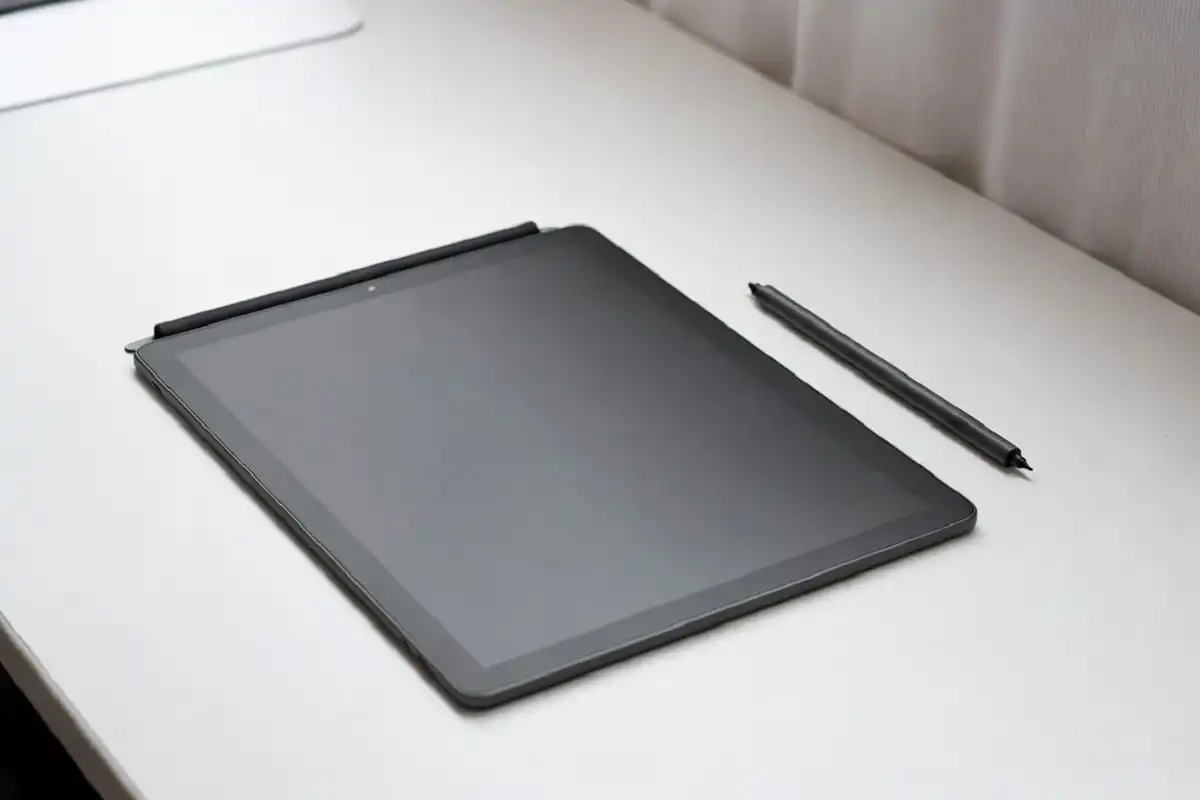
The reMarkable 2 is a paper tablet built for one purpose: giving you a focused, distraction-free space to write, read, and think. It strips away everything a smartphone or laptop offers and replaces it with a single, calm writing surface. For some people, that trade-off is exactly what they need. For others, it raises questions about value and practicality. This reMarkable 2 review covers the design, writing experience, software, battery life, and pricing so you can decide whether it belongs in your daily routine.
reMarkable 2 Review: Design and Build Quality
In this reMarkable 2 review, design stands out immediately. The reMarkable 2 is one of the thinnest tablets ever made at 4.7mm. It sits flat in your hand without feeling fragile, and the matte polymer surface gives it a texture that feels deliberate rather than cheap.
The device comes in a single gray tone with no buttons on the face. Two physical buttons sit on the side for navigating pages, and a USB-C port handles charging. There is no headphone jack, no speakers, and no camera. Every design decision points toward simplicity.
The Marker and Marker Plus styluses are sold separately or bundled depending on the purchase option. The Marker Plus includes an eraser on the opposite end, which is a small but genuinely useful addition for anyone who edits handwriting frequently.
reMarkable 2 Review: The Writing Experience
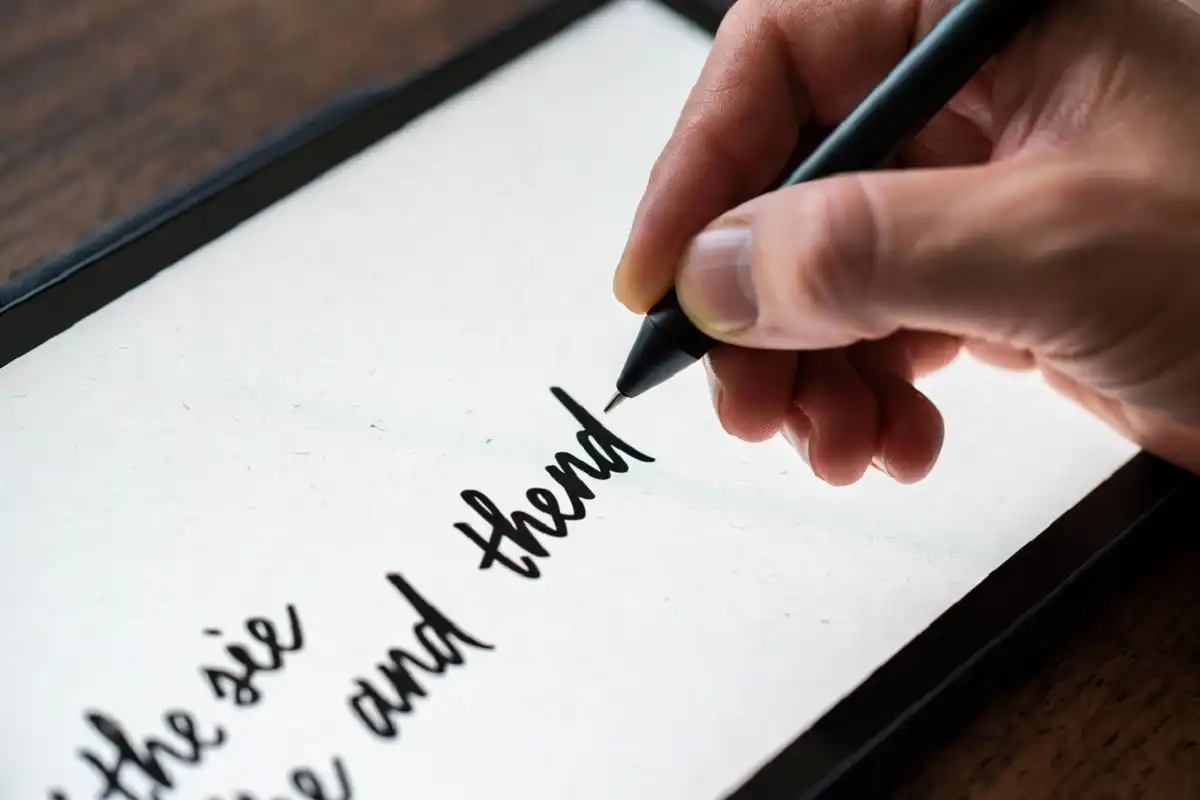
The writing experience in this reMarkable 2 review is the reason most people consider this device, and it holds up well in practice. The screen has a textured surface that creates friction against the stylus tip, mimicking the resistance you feel when writing on paper.
Latency is low enough that the ink appears to follow your pen in real time. There is a slight delay compared to actual paper, but it is subtle enough that after a short adjustment period, writing feels natural rather than digital.
Pressure sensitivity adds line weight variation, which matters if you are someone who naturally writes with expressive strokes. The combination of surface texture, low latency, and pressure response puts the reMarkable 2 ahead of most competing devices in pure writing feel.
reMarkable 2 Review: Software and Features
Note Taking and Organization
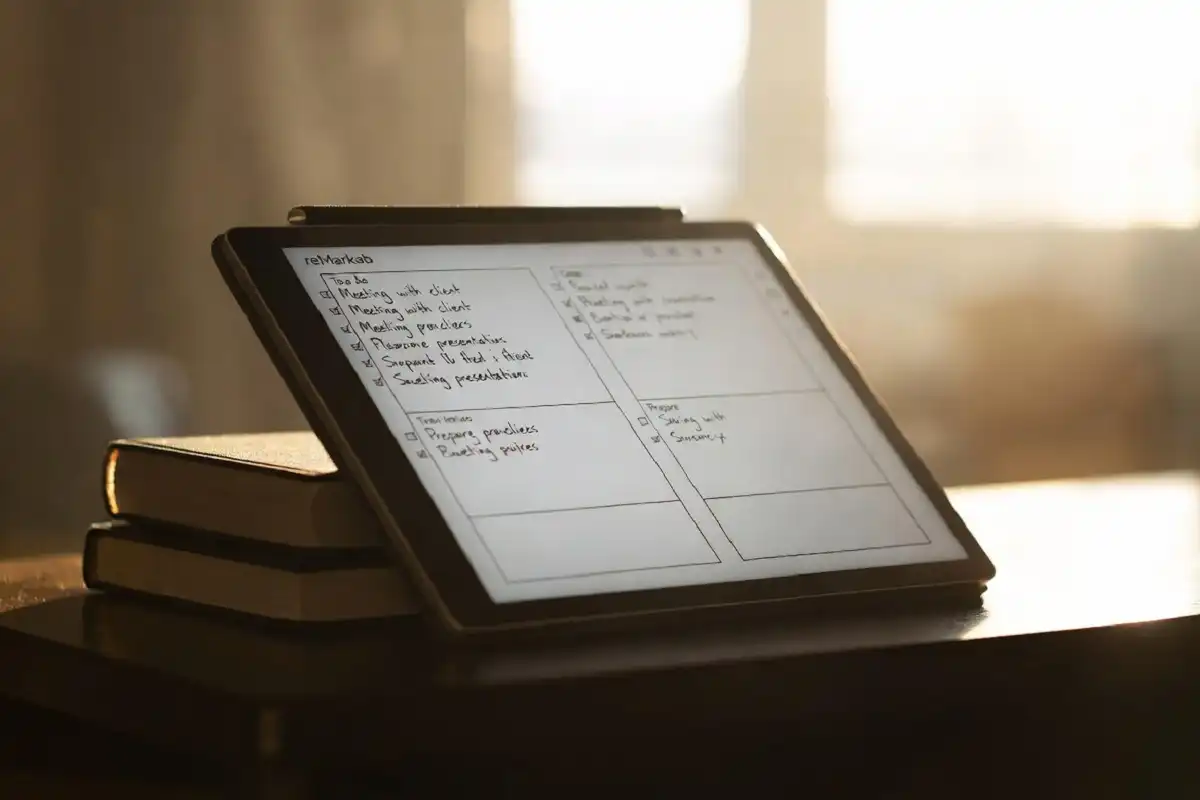
The reMarkable 2 organizes content into notebooks and folders. You can create unlimited pages within any notebook, and the interface for switching between documents is clean and fast. Handwriting-to-text conversion works accurately for neat handwriting and is useful for exporting notes to other platforms.
Templates give you a choice of lined, dotted, blank, and structured page formats. This is useful for people who move between free-form journaling and structured note taking depending on the task.
PDF and Document Annotation
PDF support is one of the most practical aspects of this device. You can import a document, annotate directly on the page, highlight sections, and add margin notes. For students, academics, or professionals who review dense documents regularly, this workflow is genuinely efficient.
EPUB files are also supported for basic reading. The reading experience is clean and comfortable, though the device is not a replacement for a dedicated e-reader if fiction reading is your primary use.
Cloud Sync and App
The reMarkable app for desktop and mobile allows you to sync your notes, view them on other devices, and send pages by email. Basic sync is included with the device. Some advanced features, including unlimited cloud storage and integrations with tools like Google Drive and Dropbox, require a Connect subscription billed monthly or annually.
The subscription model has been a point of discussion among users. The core device works without it, but the cloud features add meaningful value for anyone who relies on cross-device access.
reMarkable 2 Review: Performance and Battery Life
A central part of any reMarkable 2 review is performance. The device runs a custom Linux-based operating system optimized for e ink displays. Navigation is smooth for an e ink tablet, and the software rarely stutters during normal use.
Battery life is a consistent strength. Because e ink screens consume power only when the display refreshes, the reMarkable 2 lasts several weeks on a single charge under typical use. Sleep mode preserves the last-viewed page, so picking up where you left off requires no loading time.
The device does not run hot and stays cool in all usage conditions. There are no fans, no heat vents, and no performance throttling to manage.
reMarkable 2 Review: What the Device Does Not Do
No reMarkable 2 review is complete without covering limitations. Being clear about what it cannot do is as important as covering strengths. The reMarkable 2 does not run third-party apps. You cannot install Notion, GoodNotes, or any other software. What ships with the device is what you get.
There is no backlight on the base model, which means you need ambient light to use it. A folio cover with a built-in light is available as an accessory, but it adds cost and thickness.
The device also does not support audio, video, or web browsing. If you need a tablet that handles emails, video calls, or media playback alongside your writing, the reMarkable 2 is not that device.
For a broader look at how purpose-built gadgets compare to all-in-one devices in daily use, this guide to the best smart gadgets that upgrade everyday routines covers the trade-off well across different product categories.
reMarkable 2 Review: Pricing and Value
Every reMarkable 2 review needs to address cost directly. The base device is priced at a premium compared to general-purpose tablets at a similar cost. What you are paying for is a focused, well-engineered tool rather than a feature-rich device.
Accessories add to the total investment. The Marker Plus, a folio cover, and a Connect subscription each carry their own cost. A fully equipped setup with accessories can reach a price point that requires genuine consideration.
Whether the value holds depends entirely on your use case. For someone who takes handwritten notes daily, reads and annotates documents regularly, and values screen-free focus, the device earns its price over time. For occasional note takers or casual readers, the cost-to-benefit ratio is harder to justify.
According to The Verge’s coverage of e ink writing tablets, the reMarkable 2 remains one of the most consistently recommended devices in its category because of how well it executes its specific purpose rather than how broadly it competes.
If you are researching e ink devices more broadly before deciding, this comparison of leading e ink tablets for reading and note taking gives useful context for how the reMarkable 2 fits within the wider market.
For anyone who also wants to think about how devices like this fit into a more connected, gadget-optimized daily routine, this overview of the best car gadgets worth owning is a good example of how purpose-specific tools consistently outperform generalist alternatives.

reMarkable 2 Review: Who Should Buy It
The reMarkable 2 suits a specific type of person well. It is a strong fit for:
- Professionals who take extensive handwritten notes in meetings
- Students who annotate PDFs and research papers daily
- Writers who want a distraction-free drafting environment
- Anyone who spends long hours reading documents and wants a screen that feels like paper
It is less suited for people who need a general-purpose device, want to run apps, or are not certain they will use handwriting features regularly enough to justify the cost.
FAQs
Is the reMarkable 2 worth it in 2025?
The reMarkable 2 is worth it in 2025 if handwritten note taking or PDF annotation is a regular part of your day. The writing feel remains one of the best in the category, and the focused software keeps the experience clean. For occasional users, the price is harder to justify.
Does the reMarkable 2 need a subscription?
The reMarkable 2 works without a subscription for basic note taking and local storage. The Connect subscription unlocks cloud sync, unlimited storage, and integrations with services like Google Drive and Dropbox. It is optional but adds meaningful value for users who work across multiple devices.
Can the reMarkable 2 replace a paper notebook?
The reMarkable 2 can replace a paper notebook for most daily writing tasks. The writing feel, pressure response, and page organization tools are strong enough to handle everything from meeting notes to structured planning. Users who prefer very fast, natural handwriting may notice the slight latency at first, but most adjust within a short period.
How does the reMarkable 2 compare to other e ink tablets?
The reMarkable 2 stands out for its writing experience and minimal software environment. Devices like the Onyx Boox offer more flexibility with full Android support, while the Kindle Scribe is stronger for book reading. The reMarkable 2 leads specifically in the quality of handwriting and the simplicity of its focused design.
Does the reMarkable 2 have a backlight?
The base reMarkable 2 does not include a built-in backlight, which means it requires ambient light to use comfortably. A book light cover accessory is available that adds front lighting, though it comes at an additional cost and increases the overall thickness of the device slightly.
Conclusion
This reMarkable 2 review comes to a clear verdict: it is an excellent device for the right person. The writing experience is the best in its class, the battery life is exceptional, and the distraction-free software environment is a genuine asset for focused work. The trade-offs are real. No apps, no backlight on the base model, and a premium price with optional subscription costs require honest consideration. If your work revolves around handwriting, annotation, or deep reading, the reMarkable 2 delivers on its promise in a way few devices in this category can match.