
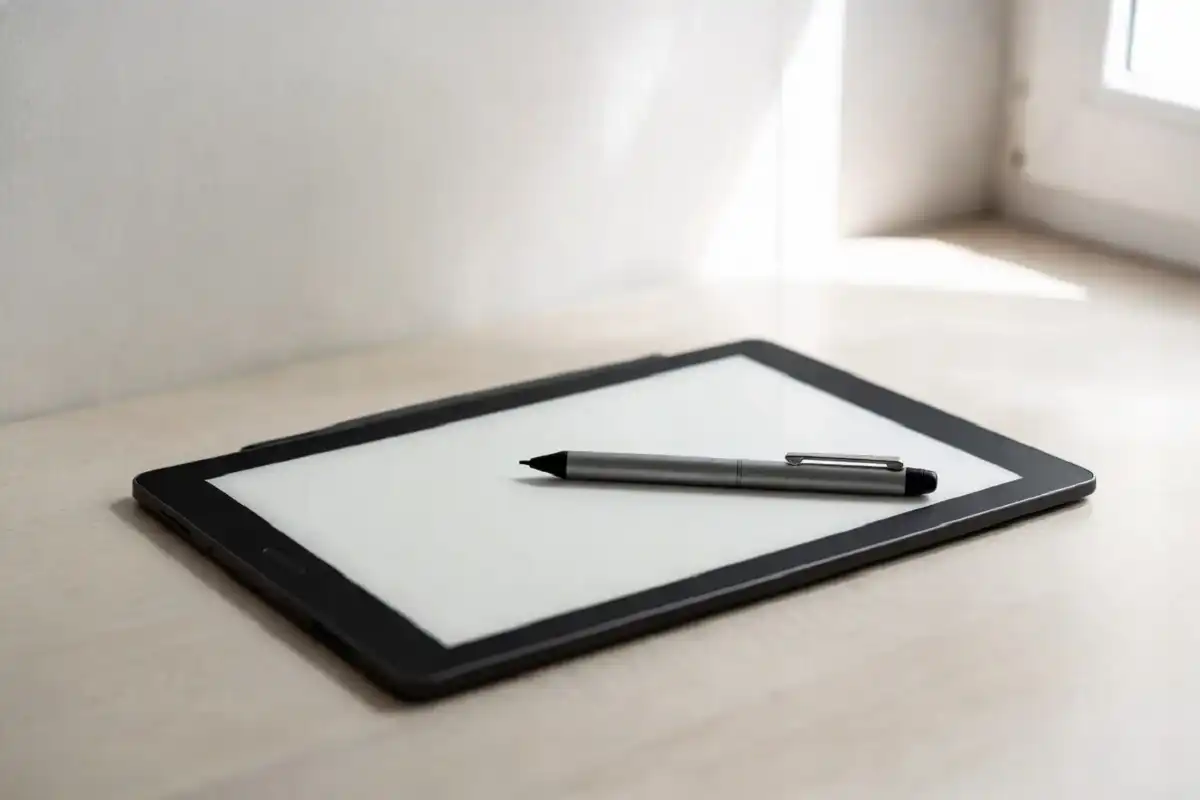
An e ink writing tablet is one of those tools that genuinely changes how you work once you try it. The display looks like real paper, the stylus feels like a real pen, and there is no backlit glare pulling at your eyes after long sessions. Whether you are a student juggling lecture notes, a professional annotating contracts, or someone who wants to replace scattered notebooks with one quiet device, the options available in 2026 are better than ever. This guide covers what to look for, which models stand out, and who this technology actually suits.
What Is an E Ink Writing Tablet?
An e ink writing tablet is a digital device that uses electronic ink display technology to mimic the look and feel of writing on paper. Unlike standard tablets with backlit LCD or OLED screens, e ink displays are reflective. They bounce ambient light off the surface the same way a printed page does, which makes them much easier on the eyes during extended reading or writing sessions.
Most models pair this display with a pressure-sensitive stylus and dedicated note-taking software. The better ones offer near-zero latency, so your written stroke appears on screen almost instantly with no visible lag. That responsiveness is what separates a true writing device from an ordinary e-reader.
How the Technology Works
The e ink display uses tiny capsules filled with charged particles suspended in liquid. When an electrical charge is applied, particles rearrange to display text or images. Because no continuous power is needed to hold a static image on screen, battery life on these devices is exceptional. Many models last several weeks on a single charge under regular daily use.
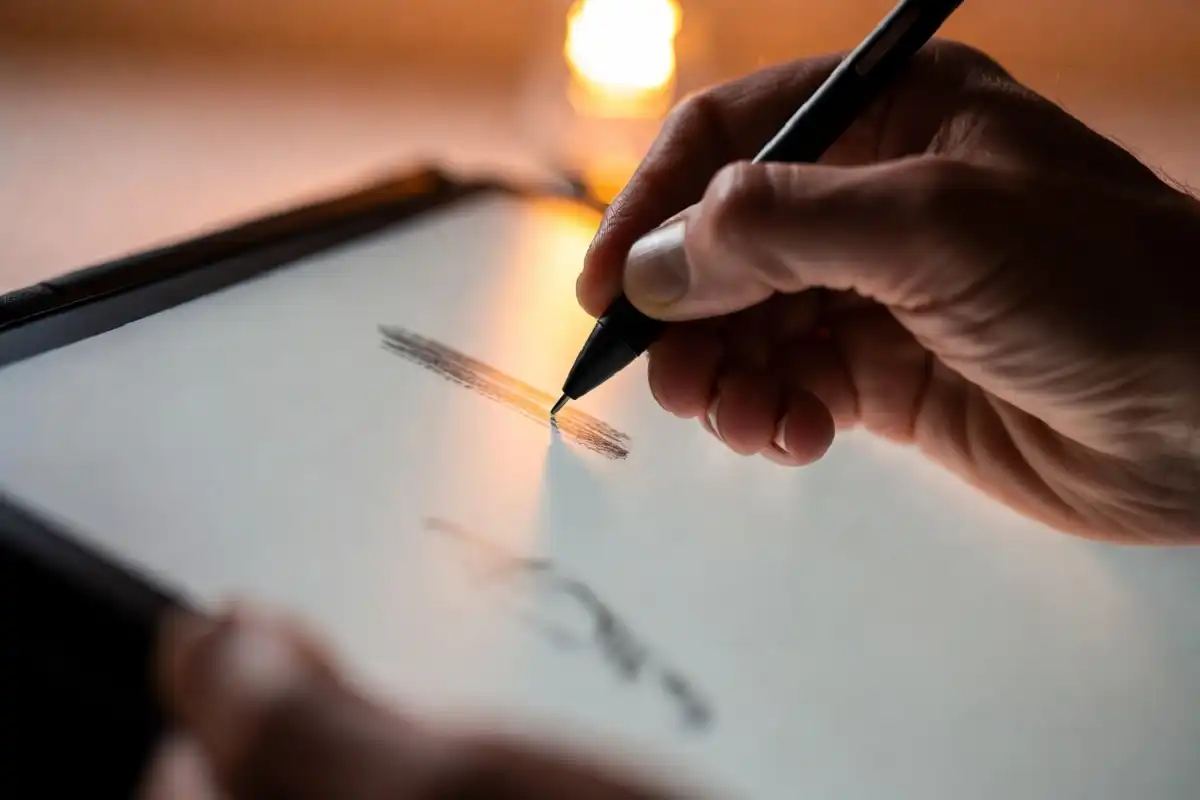
The stylus on most devices uses either electromagnetic resonance (EMR) or active stylus technology. EMR styluses, as found on the reMarkable 2, require no battery and deliver fine-point precision. The result is a writing experience that many users describe as the closest digital equivalent to pen on real paper.
Key Features to Look for Before Buying
Not every model delivers the same experience. These are the features that genuinely matter when comparing options:
- Screen size: 10 to 10.3 inches works well for most note-taking and reading tasks. Larger 13-inch screens suit PDF-heavy workflows but add weight.
- Stylus latency: Top 2026 models have brought latency down to around 21ms, which feels instantaneous during writing.
- Handwriting-to-text conversion: This turns your handwritten notes into searchable, editable text, which is a real time-saver for students and professionals.
- Cloud sync: Integration with Google Drive, Dropbox, or the device’s own cloud service keeps notes accessible across all your devices.
- Operating system: Some devices run a closed, distraction-free OS. Others run Android, which gives you access to apps like Kindle, Notion, and Google Docs.
- Battery life: A quality device should last weeks between charges with typical daily use.
- Document format support: PDF annotation is essential. EPUB and DOCX support is a practical bonus.
Top E Ink Writing Tablets Worth Considering in 2026
reMarkable 2
The reMarkable 2 remains the standard for pure writing feel. Its textured screen surface creates friction similar to pen on paper, and the low-latency stylus produces clean, natural strokes. It runs a closed operating system designed entirely around writing and reading, which means no apps competing for your attention.
The trade-off is limited versatility. Cloud sync requires a monthly subscription, and there is no app store. For users who want one focused device for writing, reading, and document annotation, it is still a top-tier choice. A thorough breakdown is available in this reMarkable 2 review covering features, feel, and value.
BOOX Note Air 3
The BOOX Note Air 3 runs Android 12 and opens up access to a wide range of apps alongside its native note-taking tools. It has a 10.3-inch screen, precise stylus support, and handles PDF, EPUB, and DOCX files well. For users who want the focused feel of e ink alongside the flexibility of a real operating system, this is one of the strongest options available.
Kindle Scribe
Amazon’s Kindle Scribe is the practical choice for anyone already embedded in the Kindle ecosystem. The 11-inch screen is comfortable for reading and annotation, and the integration with Amazon’s library is seamless. It bridges the gap between e-reader and digital notebook well, though dedicated writers may find the native writing tools less refined than purpose-built alternatives.
reMarkable Paper Pro
The Paper Pro adds color e ink to the core reMarkable experience. This improves document reading and annotation in particular, especially for anything that uses color coding. It keeps the paper-like writing feel the brand is known for while expanding what the screen can display.
Who Should Buy an E Ink Writing Tablet?
This type of device is a strong fit for specific kinds of users rather than a universal upgrade.
Students benefit from replacing notebooks with a single organized device. Notes stay searchable, handwriting-to-text conversion supports study sessions, and the distraction-free interface removes the temptation to browse during lectures.
Writers and researchers often find the focused environment more productive than a laptop. There is no notification bar and no easy way to get sidetracked. The device functions as a dedicated thinking space.
Professionals who read and annotate reports, contracts, or presentations can mark up documents naturally and send annotated files directly from the device.
Avid readers who want to write notes in the margins of books or PDFs will find the combination genuinely satisfying and practical.
This is not the right device for video, gaming, or heavy multitasking. It is a purposeful tool. For users exploring a broader range of focused productivity hardware, this guide to smart gadgets that improve everyday life covers other options worth pairing with your setup.

E Ink vs. Standard Tablet: The Real Difference
A standard tablet runs on a backlit screen. It is powerful and capable, but extended reading and writing causes eye fatigue that most users feel after an hour or more. The constant pull of apps and notifications makes staying focused harder.
An e ink writing tablet removes most of that friction. The display reads comfortably in direct sunlight. The battery lasts weeks. The software is intentionally minimal. You trade versatility for focus, and for the right kind of work, that is a trade worth making.
According to Engadget’s updated e ink tablet roundup, the category has matured significantly, with current models delivering polished note-taking, document management, and reading in a well-integrated package. The days of treating these as niche curiosities are over.
Practical Tips for Getting the Most Out of Your Device
A few habits make a meaningful difference once you own one:
- Set up a clear folder structure from day one so notes do not pile into an unmanageable stack.
- Sync your notes regularly rather than waiting until you need a specific file on another device.
- Spend a few minutes calibrating stylus pressure settings. Most tablets allow this, and it noticeably improves the writing feel.
- Keep the screen clean with a microfiber cloth. E ink surfaces show smudges more visibly than glass screens.
For a detailed comparison of reading and annotation features across leading models, the e ink tablet guide for reading and note-taking is a useful companion resource.
FAQs
What is the best e ink writing tablet in 2026?
The best choice depends on your priorities. For pure writing feel, the reMarkable 2 leads the category. For Android app support and flexibility, the BOOX Note Air 3 is stronger. For Kindle users who also want to write, the Kindle Scribe is a well-rounded pick.
Is writing on this type of device really like writing on paper?
Writing on a quality e ink writing tablet is very close to the paper experience, especially on models with textured screens. With latency as low as 21ms on top models, the stroke appears almost instantly, and the surface friction closely replicates the resistance of writing on good paper.
Can you read books on an e ink writing tablet?
Yes. Most support common formats including EPUB and PDF, and Android-based models give access to apps like Kindle or Kobo. Reading on e ink is particularly comfortable because the display has no backlight glare.
Does it work without internet?
Yes. Writing and note-taking functions work completely offline on all major models. Internet is only needed for cloud syncing, downloading documents, or accessing apps on Android-powered devices.
How long does the battery last?
Battery life ranges from one to several weeks under typical daily use. Because e ink only draws power when the screen updates rather than continuously, standby consumption is very low compared to standard tablets.
Are these devices good for students?
Yes, they work very well for students. The combination of digital handwriting, PDF annotation, handwriting-to-text conversion, and a distraction-free interface makes them practical for lectures, study sessions, and document review.
Conclusion
An e ink writing tablet is a purposeful tool for people who take reading, writing, and focused thinking seriously. It will not replace your laptop or phone, and it was not designed to. What it creates is a calm, paper-like workspace for the kinds of tasks that benefit from fewer distractions and more intention. The technology has matured to the point where latency, build quality, and software are all reliably good across the leading models. Whether you are a student, a writer, or a professional who lives in documents, this is one of the more considered additions you can make to your daily workflow in 2026.