
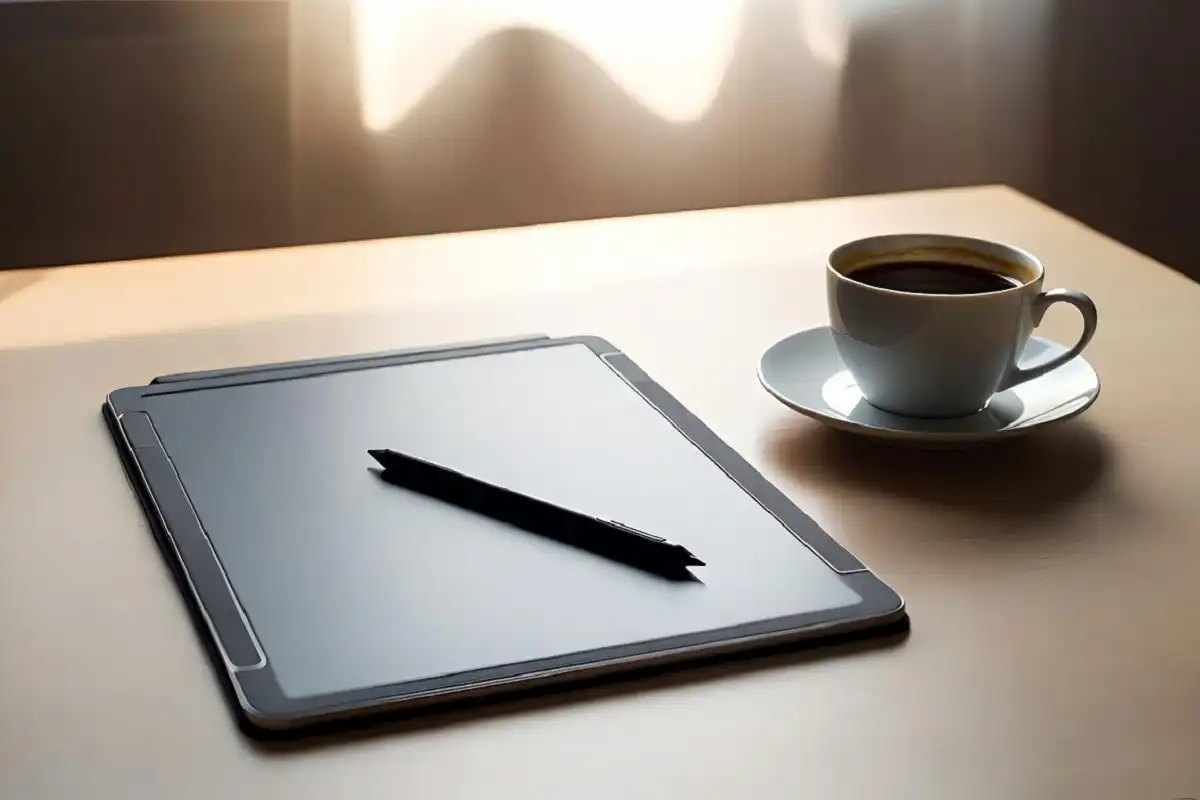
A digital paper tablet is a focused device built to give you the look and feel of writing on real paper, without the bulk of physical notebooks or the distractions of a regular screen. Using e ink display technology, these devices reflect light the way a printed page does, which makes them easy on the eyes even during long sessions. In 2026, the category has matured into a serious productivity tool for students, writers, and professionals alike. This guide explains how digital paper tablets work, which features matter most, and how to choose the right one for your needs.
What Is a Digital Paper Tablet?
A digital paper tablet is a digital device that uses an e ink display to simulate how it feels and looks when you read or write on actual paper. Unlike a conventional tablet with a backlit LCD or OLED screen, e ink displays are reflective. They use ambient light rather than producing their own, which means no eye-straining glow, no blue light exposure during long reading sessions, and a viewing experience that holds up perfectly in direct sunlight.
Most of these devices pair the display with a pressure-sensitive stylus and software built for note-taking, document annotation, and reading. The result is a device that sits in its own category: more capable than a basic e-reader, but more focused than a general-purpose tablet.
How the Technology Works
E ink displays use tiny microcapsules filled with charged white and black particles suspended in a clear fluid. An electric field causes the particles to rearrange, forming visible text or images. Crucially, the display only consumes power when the screen updates. A static page of text or a handwritten note requires no energy to stay visible, which is why battery life on these devices is measured in weeks rather than hours.
The stylus on most of these devices relies on electromagnetic resonance (EMR) technology, requiring no battery of its own. It communicates with sensors beneath the display surface to track position and pressure. Top models in 2026 have reduced stylus latency to around 21ms, a level most users describe as feeling instantaneous during natural handwriting.
Key Features to Look for When Buying
Choosing the right digital paper tablet comes down to matching specific features to how you plan to use the device. Here is what actually matters:
- Screen size: 10 to 10.3 inches suits most note-taking and reading tasks. A 13-inch screen adds space for PDFs and spreadsheets but increases the device’s weight and footprint.
- Stylus latency: The lower, the better. Models at or below 21ms feel genuinely natural to write on.
- Handwriting-to-text conversion: Converts your handwritten notes into searchable, editable digital text. Invaluable for students and professionals who need to reference notes quickly.
- Cloud synchronization: Syncing with services like Google Drive or Dropbox keeps notes available across devices without manual file transfers.
- Operating system: Closed, purpose-built software (as on the reMarkable series) offers a distraction-free environment. Android-based devices like the BOOX range offer more flexibility with access to third-party apps.
- Document format support: PDF annotation is the core use case for most buyers. EPUB, DOCX, and TXT support broadens what you can do with the device.
- Battery life: A well-built device should comfortably last several weeks on a single charge with regular daily use.
Top Digital Paper Tablets Worth Considering in 2026
reMarkable 2
The reMarkable 2 remains one of the most recommended options for users who want a pure writing and reading experience. Its slightly textured screen surface creates friction that closely mimics pen on paper, and the low-latency stylus produces clean, confident strokes. The device runs a closed operating system designed entirely for writing and document work, which means no push notifications, no social media, and no temptation to do anything other than the task at hand.
The trade-off is limited versatility. Advanced cloud sync features and certain productivity tools require a subscription. For users who want one focused device and nothing more, it is still a benchmark product. A detailed breakdown of its features is available in this reMarkable 2 review covering real-world performance and value.
BOOX Note Air 3
The BOOX Note Air 3 runs Android 12, which opens up a wide app ecosystem alongside its native note-taking tools. It handles PDF, EPUB, and DOCX files with equal ease, and the 10.3-inch screen is well-sized for both document review and free-form writing. For users who want the focused nature of e ink alongside the flexibility of a proper operating system, this is one of the strongest offerings on the market.
Kindle Scribe
Amazon’s Kindle Scribe brings the familiar Kindle reading experience to an 11-inch screen with added stylus support for annotations and notes. It integrates naturally with the broader Amazon library and supports handwritten note-taking directly within books and documents. It is the practical choice for users already invested in the Kindle ecosystem who want writing capability without switching platforms.
Viwoods AiPaper
The Viwoods AiPaper has built a following for its clean design, AI-assisted note organization, and support for multiple cloud services. It suits professionals who want smart document management alongside a reliable paper-like writing surface.
The Writing Experience: What to Actually Expect
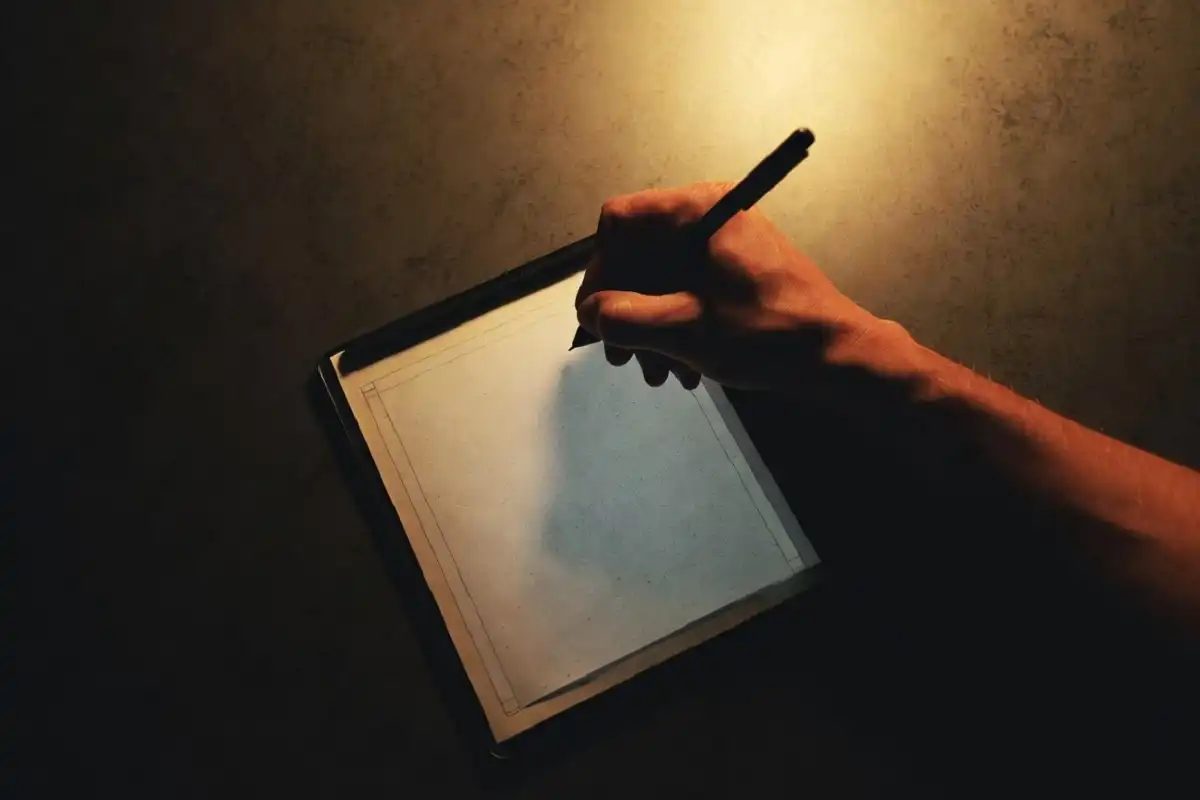
Writing on a quality e ink writing surface genuinely feels different from writing on a glass tablet screen. The slight surface resistance on textured models gives your stylus a drag that feels intentional rather than slippery, similar to writing on a good quality notebook page. That tactile quality is something many users say they did not expect to matter until they experienced it.
Latency is the other critical factor. Early e ink writing devices had a visible delay between pen stroke and ink appearing on screen, which broke the natural rhythm of writing. Current top-tier models have reduced that gap to the point where most users stop noticing it within minutes.
The screen itself contributes as well. Because there is no backlight, there is no glare from overhead lighting or windows. You work against a neutral, paper-grey background that does not tire your eyes.
Who Is a Digital Paper Tablet Actually For?
This category of device suits particular types of users rather than everyone.
Students gain a practical advantage by consolidating lecture notes, annotated readings, and study documents into one organized device. Handwriting-to-text conversion makes reviewing notes faster, and the distraction-free environment supports focused study.
Writers and researchers often find the intentionally limited interface more productive than a laptop. Without browser tabs and notifications pulling attention away, the device becomes a dedicated thinking and drafting space.
Legal and business professionals use them to review contracts, mark up reports, and annotate presentations in a way that feels natural and produces clean digital output ready to share.
Avid readers who want to annotate texts, highlight passages, and add margin notes find the experience much more satisfying than typing comments into a separate document.
For anyone in this list who also wants to explore other focused productivity hardware, this guide to e ink options for reading and note-taking offers a useful companion comparison.
Digital Paper Tablet vs. Regular Tablet: Honest Comparison
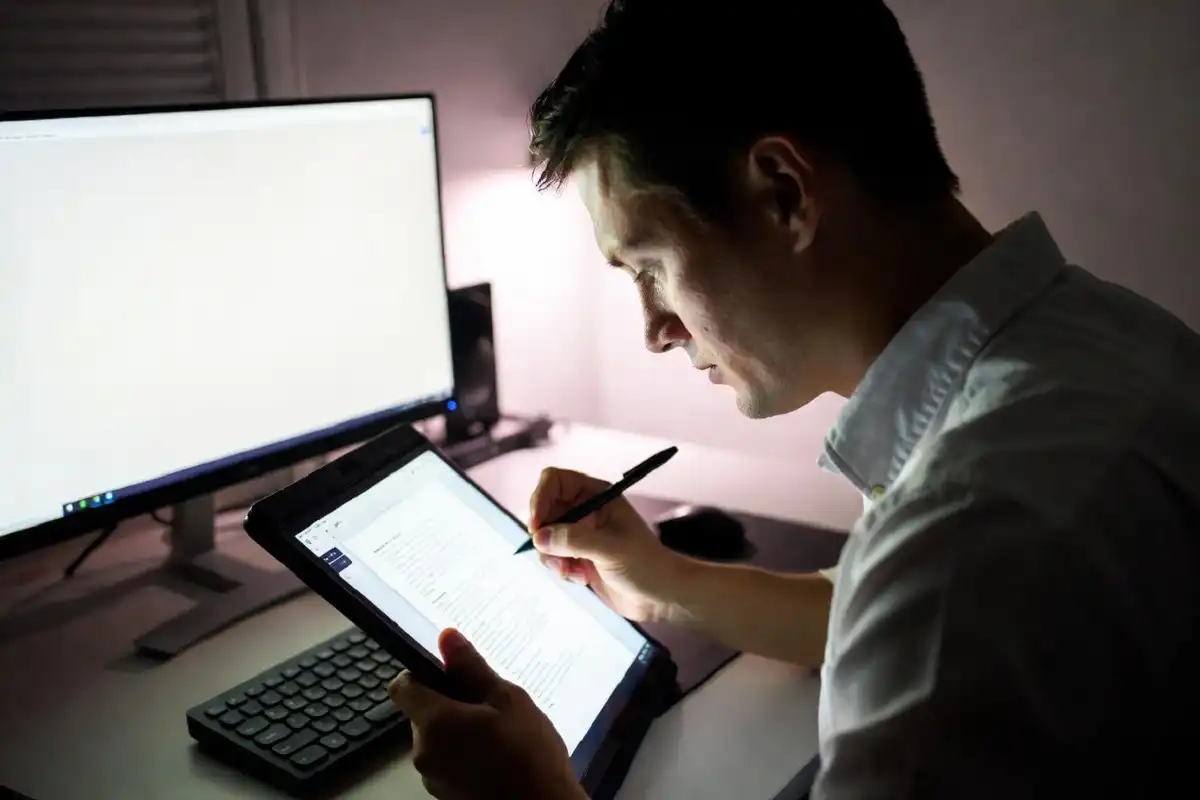
A standard tablet like an iPad is a more powerful and versatile device. It handles video, gaming, creative apps, and multitasking in ways this type of device simply cannot. If you need a device that does everything, a regular tablet is the right answer.
But that versatility comes at a cost to focus. A backlit screen causes eye fatigue during long reading or writing sessions. Notifications, apps, and the general openness of a full operating system create constant opportunities for distraction. Battery life is measured in hours.
A digital paper tablet removes those friction points entirely for the tasks it is built to do. Reading and writing on e ink is noticeably more comfortable over extended periods. The battery lasts weeks. The software asks you to do one thing at a time. According to Engadget’s updated e ink tablet guide, these devices now offer the best of paper notebooks and digital tools in one package, with current models delivering polished note-taking, reading, and document management across the board.
The honest summary is that neither type replaces the other. They serve different purposes, and many users who own both reach for a digital paper tablet specifically when they want to work without interruption.
Practical Tips for New Owners
Getting the most from your new device takes a small amount of setup and a few habits worth building early.
- Organize your notes into folders before they accumulate. A clear structure from day one saves significant time later when searching for a specific document.
- Sync regularly rather than waiting until you urgently need a file on another device.
- Try the handwriting-to-text feature early. Many new owners ignore it and then discover it much later as one of the most useful things the device does.
- Use a sleeve or case when carrying the device. E ink screens are durable, but the stylus tip and the textured writing surface benefit from protection in a bag.
For users interested in how this kind of device fits into a broader productivity-focused setup, the top e ink writing tablet guide for work and study covers compatible workflows in more detail.
FAQs
What does a digital paper tablet actually do?
A digital paper tablet lets you write, annotate documents, and read using an e ink display that mimics the appearance and feel of real paper. It is designed for focused work without the distractions or eye strain associated with standard backlit screens.
Is it really worth buying over a regular tablet?
It depends entirely on how you plan to use it. For focused writing, reading, and document annotation, a digital paper tablet is genuinely better suited than a general-purpose tablet. If you need video, apps, or heavy multitasking, a regular tablet is the stronger choice.
Which digital paper tablet is the best in 2026?
The right answer varies by use case. The reMarkable 2 leads for pure writing feel and focused design. The BOOX Note Air 3 is the top choice for users who want Android app support alongside e ink. The Kindle Scribe suits users who prioritize seamless access to Amazon’s reading library.
Can you read books on a digital paper tablet?
Yes. Most support EPUB and PDF formats natively, and Android-based models give access to apps like Kindle, Kobo, and Google Play Books. Reading on e ink is comfortable for extended sessions because the display has no backlight and behaves like a printed page.
How long does the battery last?
Battery life on a well-made device of this type ranges from one to several weeks under typical daily use. The e ink display only consumes power when the screen changes, which dramatically reduces overall energy use compared to standard tablets.
Do these devices work without an internet connection?
Yes. Writing, note-taking, and reading all work completely offline on every major model. Internet connectivity is only needed for cloud syncing, downloading documents, or accessing apps on Android-based devices.
Conclusion
A digital paper tablet is a purposeful, well-defined tool for people who want to read, write, and think without the constant pull of notifications and eye-straining screens. It does not try to compete with a laptop or a standard tablet. Instead, it creates a quiet, focused space for the kinds of work that benefit from fewer distractions and a more comfortable display. The technology has matured significantly, and in 2026, the leading models deliver a reliably good experience across writing, reading, and document annotation. If focused productivity and eye comfort matter to your daily routine, a digital paper tablet is a straightforward upgrade worth making.