
E ink tablets have changed the way people read, write, and take notes. Unlike bright LCD screens, they are easy on your eyes and work beautifully in direct sunlight. Whether you are a student who wants to annotate PDFs, a writer looking for a distraction-free space, or a professional who takes handwritten notes, there is an e ink tablet built for your needs. This guide breaks down the best e ink tablet options available right now, covering what each one does well and who it suits best.
What Is an E Ink Tablet and Why Does It Matter
An e ink tablet is a device that uses electronic paper display technology instead of a traditional backlit screen. Many people searching for the best e ink tablet are drawn in by how closely the experience resembles writing and reading on real paper.
These tablets are not designed to replace your smartphone or laptop. They do one thing exceptionally well: give you a calm, focused environment for reading documents and writing by hand. For anyone who spends hours each day in front of glowing screens, switching to e ink for reading and note taking can make a noticeable difference in comfort and concentration.
Key Features to Look for in the Best E Ink Tablet
Before picking a device, it helps to know which features actually matter. Not every e ink tablet is built the same way, and the best choice depends on how you plan to use it.
- Screen size: Larger screens (10 inches and above) work better for reading full-page PDFs, while smaller screens are more portable for everyday note taking
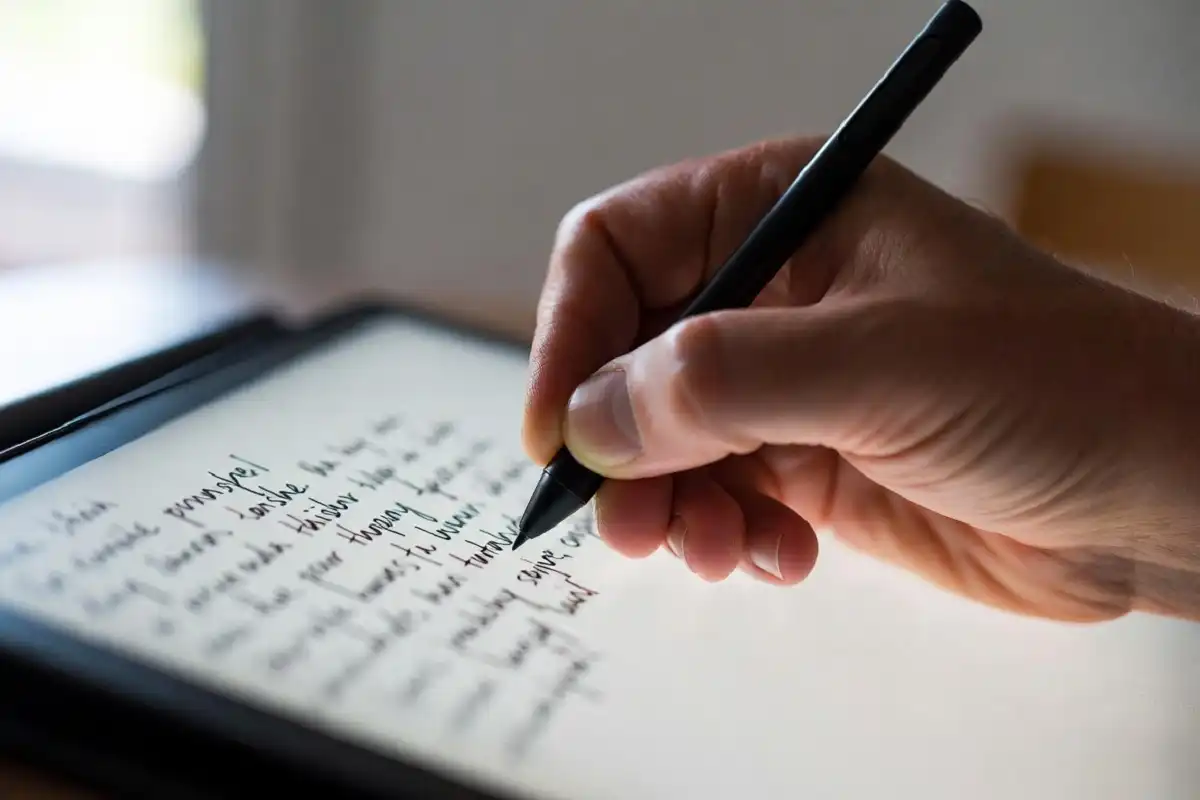
- Stylus support: A responsive stylus with low latency makes handwriting feel natural rather than sluggish
- Storage and cloud sync: Enough storage for your documents and a reliable way to sync files from your computer or phone
- Battery life: E ink screens use very little power, so most tablets last days or even weeks on a single charge
- Software ecosystem: Some devices work with open Android apps while others use locked, proprietary systems
Understanding these factors before you buy saves you from choosing a tablet that is either too limited or more than you actually need.
Best E Ink Tablet Options Worth Considering
reMarkable 2
The reMarkable 2 is one of the most recognized names in this category and consistently ranks among the best e ink tablet choices for focused writing. It has a thin, premium build and a writing experience that comes closer to pen on paper than almost any other device in its class.
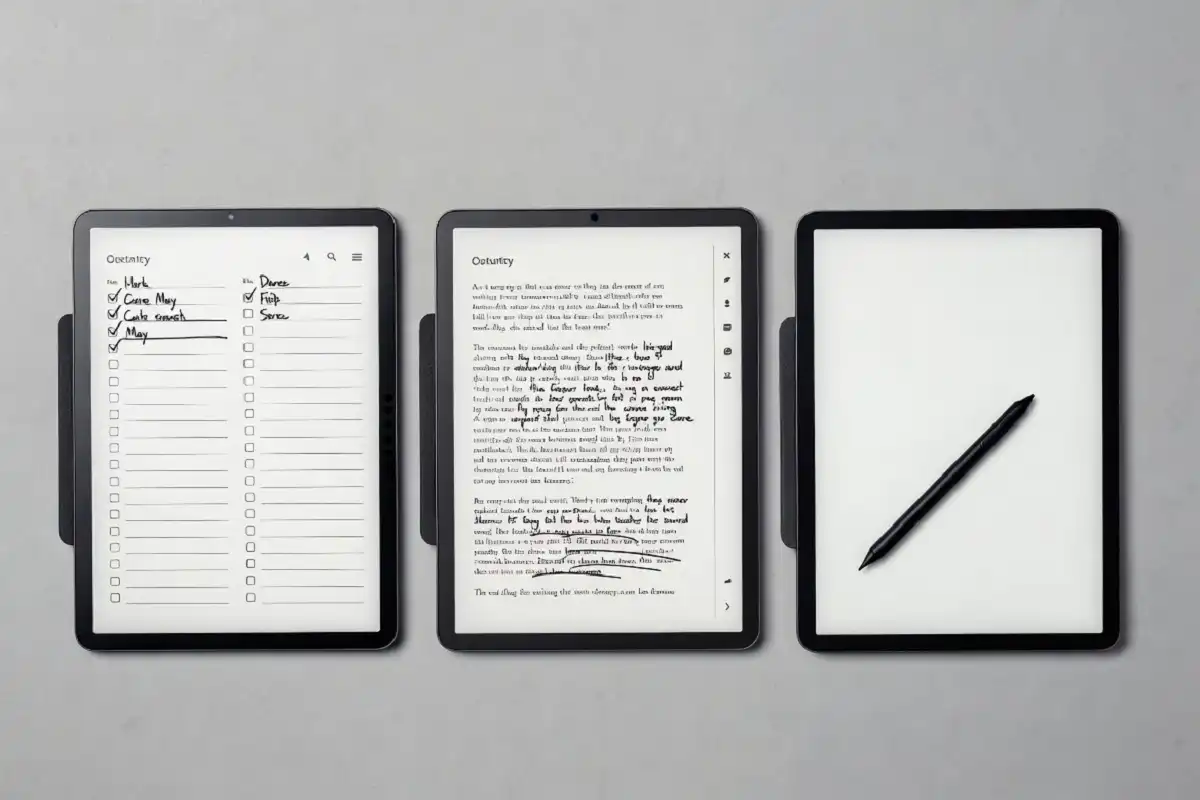
The software is intentionally minimal. You get handwriting, PDF annotation, and document organization. There are no games, no social apps, and no distractions. For writers and students who want a dedicated space for clear thinking, that restraint is a genuine strength.
The trade-off is that it runs a closed system with a subscription needed to unlock some cloud features. If that feels limiting, it is worth comparing it with more open alternatives.
Kindle Scribe
The Kindle Scribe is Amazon’s entry into this space and brings the best e ink tablet experience for readers who already live inside the Kindle ecosystem. It pairs a large, sharp display with basic note-taking support and seamless access to your Kindle library.
It is not the strongest pure note-taking device, but as a reading tablet with annotation capability, it delivers well. If you primarily read books and only occasionally want to jot notes, the Kindle Scribe fits that balance cleanly.
Onyx Boox Series
The Onyx Boox line runs full Android, which sets it apart from most competitors and makes it the most flexible best e ink tablet option for users who want freedom over their software environment. This means you can install third-party apps, use cloud services of your choice, and customize the experience far beyond what closed systems allow.
Models in this range vary in screen size and price, covering everything from pocket-sized readers to large-format tablets suited for academic papers and technical documents. For anyone who wants flexibility rather than a walled ecosystem, Onyx Boox is one of the most capable families of e ink devices available.
Kobo Elipsa 2E
The Kobo Elipsa 2E is a strong option from a brand known for its reading-first approach. It includes stylus support, a clean writing surface, and deep integration with the Kobo bookstore and library borrowing through OverDrive.
It sits at a more accessible price than some competitors while still offering a genuinely satisfying writing and reading experience. For casual users who do not need Android app support, it delivers solid value.
Supernote A5X / A6X2
Supernote devices are built with a strong focus on handwriting quality and long-term note organization. They have earned a loyal following among digital journaling enthusiasts and professionals who rely on handwritten workflows.
The stylus does not require a battery or charging, and the screen surface is designed to give pen-on-paper feedback. For anyone who prioritizes handwriting above all else, Supernote deserves a close look when choosing the best e ink tablet for their needs.
Who Should Buy an E Ink Tablet
An e ink tablet is not the right tool for everyone, and being honest about that helps you make a smarter buying decision.
Students and Academics
Students who read dense PDFs, annotate research papers, or take handwritten lecture notes benefit greatly from having the best e ink tablet available for academic work. The eye-friendly screen makes long reading sessions far more comfortable than a laptop or iPad.
Writers and Journalists
Writers who use distraction-free tools often find that the best e ink tablet supports a kind of focus that glass-and-LCD tablets simply do not offer. The absence of notifications and the paper-like feel encourages longer, more concentrated writing sessions.
Professionals in Meetings
Taking handwritten notes in meetings on an e ink tablet feels closer to a physical notebook than any other digital option. Notes can be organized, searched, and exported without the awkward bright screen energy of a laptop in a quiet conference room.
If you are already interested in upgrading other parts of your daily tech setup, this guide to the best smart gadgets for men to upgrade daily life covers other devices worth considering alongside an e ink tablet.
E Ink Tablets vs. Regular Tablets: The Real Difference
Many people wonder whether a regular tablet like an iPad or Android device can serve the same purpose. The short answer is that it can do more, but it does not do the same things as well.
LCD and OLED screens are bright, fast, and versatile. They are excellent for video, gaming, and general productivity. But they emit light directly at your eyes, which causes fatigue during extended reading sessions.
E ink screens reflect light the way paper does. They are slower to refresh, which makes them unsuitable for video or fast-moving content. But for reading and handwriting, that same slowness creates a calm, focused environment that active screens cannot replicate.
According to research published through Harvard Health Publishing, blue light exposure from screens at night can disrupt sleep patterns. E ink displays, especially with warm front-light options, produce significantly less blue light, making them a friendlier option for evening reading.
How to Get the Most from Your E Ink Tablet
Getting the right habits in place from the start helps you use your device more effectively.
- Organize your notes into clearly labeled folders from day one rather than letting them pile up
- Use the export function regularly to back up handwritten notes to your computer or cloud storage
- Set up your preferred cloud service during initial setup so syncing becomes automatic
- Keep the stylus nib in good condition and replace it when writing starts to feel rough
- Use the front light sparingly during the day and rely on natural light when possible
For those who enjoy reviewing practical tech before buying, this overview of the best gadgets for car drivers shows how purpose-built devices often outperform all-in-one alternatives in specific use cases, a principle that applies equally to e ink tablets.
If you want a broader view of how dedicated devices fit into a smarter daily routine, this guide to the best smart gadgets for upgrading daily life is a useful companion read.
FAQ Section
What is the best e ink tablet for note taking?
The reMarkable 2 and Supernote A5X are widely considered the strongest options for pure note taking because of their low-latency stylus performance and paper-like writing feel. Both are purpose-built for handwriting rather than general media consumption, which makes them more focused tools for this specific use case.
Is an e ink tablet worth buying in 2025?
Yes, the best e ink tablet available today is worth buying if reading, writing, or annotation is a regular part of your day. The technology has matured significantly, and current devices offer a writing experience that comes very close to physical paper. For reducing screen fatigue and improving focus, they deliver genuine value.
Can I read books on an e ink tablet?
Yes, most e ink tablets support common ebook formats including EPUB and PDF. Devices like the Kindle Scribe and Kobo Elipsa 2E also connect directly to book stores and library lending services, making it easy to build and manage a reading library entirely on the device.
How long does the battery last on an e ink tablet?
Most e ink tablets last between one and four weeks on a single charge under typical use. Because e ink screens only consume power when the display changes rather than continuously, battery life is far longer than any LCD device of comparable size.
Do e ink tablets work with all stylus pens?
No, most e ink tablets require their own proprietary stylus or a specific compatible pen. Using an incompatible stylus will either not work at all or produce poor results. Always check which stylus is supported before purchasing a third-party option.
Conclusion
Finding the best e ink tablet comes down to knowing how you plan to use it. For distraction-free writing and handwriting, the reMarkable 2 and Supernote stand out. For reading with annotation, the Kindle Scribe and Kobo Elipsa 2E are strong choices. For maximum flexibility, the Onyx Boox series leads with its open Android foundation. Whatever your priority, there is a device in this category designed to match it. Take your time with the comparison, consider your daily habits, and invest in the one that fits your actual workflow rather than the one with the most features.