

Taking notes on paper feels natural, but carrying stacks of notebooks is not always practical. This is where a paper tablet for students becomes useful. It looks and feels like writing on real paper, yet stores everything in one slim device. There are no social media alerts, no pop-ups, and no endless browsing. For learners who want to read, write, and revise without distractions, a paper tablet for students offers a calm and simple way to stay on track during long study sessions.
What Is a Paper Tablet?
A paper tablet is a writing device built around an electronic ink screen instead of a bright, glowing display. The screen mimics the look of printed text, so reading feels gentle on the eyes. You write with a stylus, and the surface gives slight friction that feels close to pen on paper.
Most of these devices skip apps, games, and web browsers on purpose. The goal is single tasking. You open it to write a note or read a PDF, not to scroll. This focus is the main reason a paper tablet for students has grown popular with school and college learners. You can read more about E Ink display technology to understand how the screen works.
Why Students Are Choosing Paper Tablets in 2026
Study tools have changed, and many learners now want fewer distractions, not more. A regular tablet can pull attention toward videos and messages within seconds. A paper focused device removes that temptation by design.
Fewer Distractions
The biggest reason students switch is concentration. With no notifications competing for attention, it is easier to sit with a topic for longer. If staying on task is a struggle, it may help to look at other gadgets that improve focus and concentration too.
Easier on the Eyes
The matte screen reflects light like paper rather than shining into your face. This can reduce tired eyes during late night revision. Learners worried about digital eye strain often find an ink based screen more comfortable for long reading.
One Light Device for Everything
Instead of carrying several notebooks, you keep all subjects in one place. Notes, lecture slides, and study PDFs sit together and stay organized by folder. For students who value clean, simple setups, this fits well with the idea behind minimalist tech gadgets.
Key Features to Look For
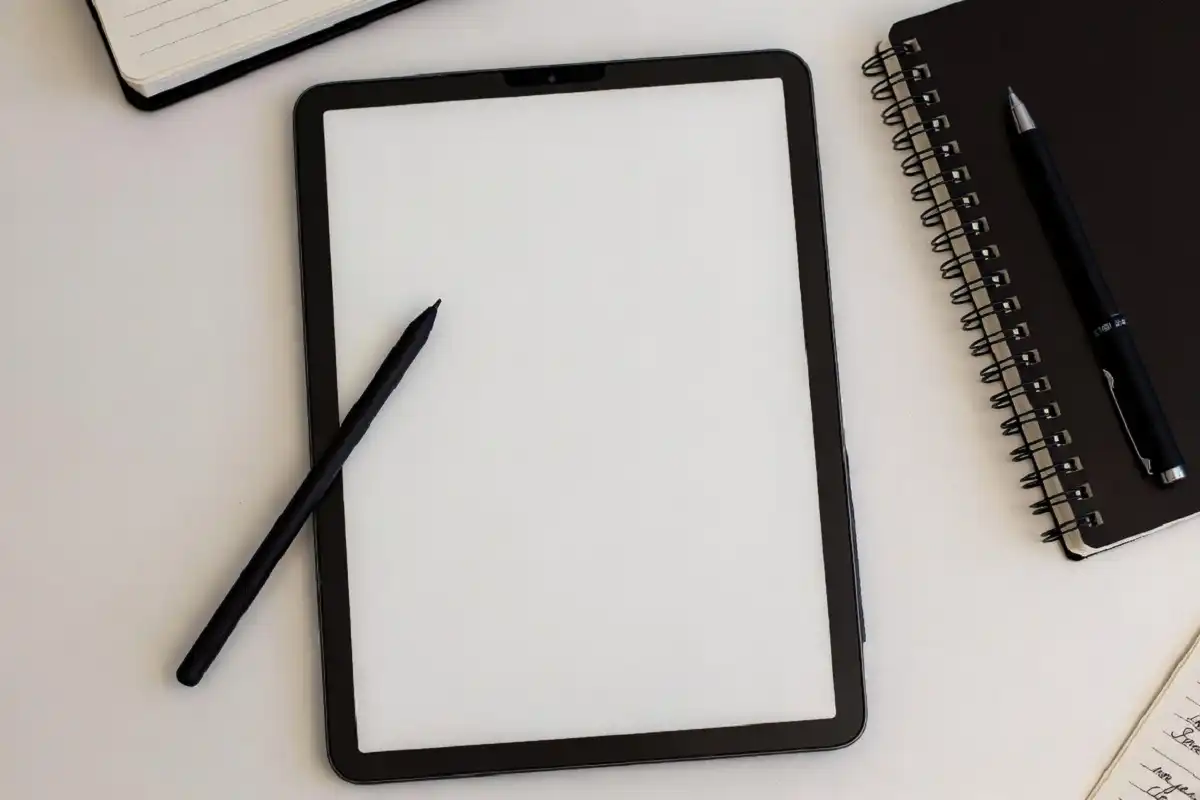
Not every device suits every learner. Before choosing a paper tablet for students, check a few practical points.
- Writing feel: Look for a stylus and surface that feel close to real paper, with little lag.
- Battery life: Ink screens use very little power, so many last for days on one charge.
- File support: Make sure it reads PDFs and lets you mark them up directly.
- Storage and sync: Cloud backup or app sync keeps notes safe if the device is lost.
- Weight and size: A lighter body is easier to carry between classes all day.
A model that handles these basics well will serve most learners for years. If you want a deeper breakdown, this guide on choosing an ink based note device is a helpful next read.
How a Paper Tablet Helps With Studying
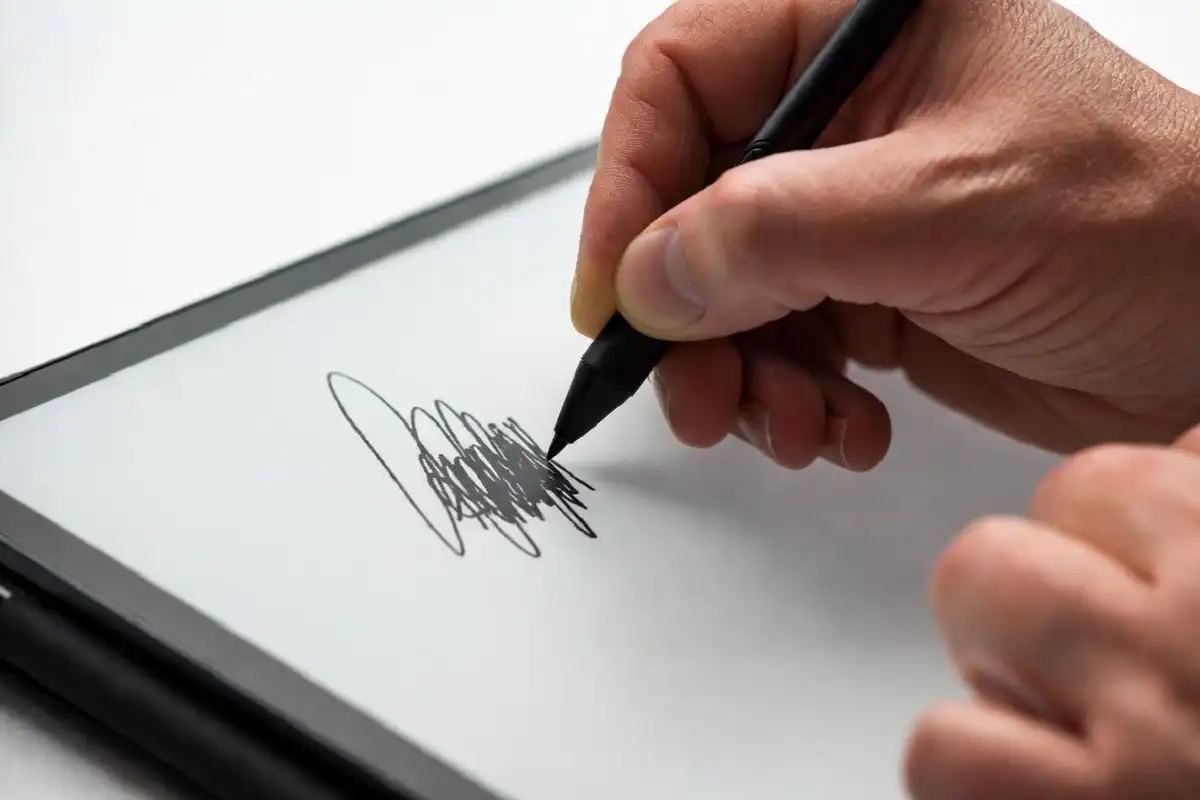
Writing by hand has long been linked with better recall and understanding. When you summarize a lecture in your own words, your brain processes the material more deeply than simple typing often allows. A paper tablet for students keeps that handwriting benefit while adding the ease of digital storage.
Here are common ways learners use these devices:
- Taking handwritten lecture notes that can be searched later
- Annotating PDFs and textbooks directly on the page
- Drawing diagrams, formulas, and mind maps freely
- Keeping a study planner and to do list in one notebook
- Reading long readings without the pull of other apps
Because everything stays in one quiet space, study sessions feel less scattered. Many students pair a paper tablet for students with other simple tools, such as the tech gadgets that support productivity, to build a steady routine.
Things to Keep in Mind Before Buying
A paper tablet for students is not a full replacement for a laptop. It is built for writing and reading, not for typing essays, editing video, or running heavy software. Knowing this helps set the right expectation.
Color is another point. Most ink screens show grayscale, so they are great for text and sketches but limited for color heavy subjects like detailed art or maps. Some newer color models exist, though they can cost more and look softer than a standard screen.
Price also matters. A good paper tablet for students sits at a mid range cost, so it works best for learners who write often and value focus. If reducing screen time is a goal, it pairs well with other gadgets that lower daily screen use.
FAQs
Is a paper tablet for students worth buying?
Yes, it is worth it for learners who take many handwritten notes and want fewer distractions. The device replaces several notebooks, lasts long on a charge, and keeps study material organized in one place.
Can a paper tablet replace a laptop for school?
No, it cannot fully replace a laptop. A paper tablet handles writing, reading, and PDF notes very well, but it is not made for heavy typing, research with many open tabs, or running large programs.
Does writing on a paper tablet feel like real paper?
For most users, yes, it feels close to real paper. The matte screen and textured surface add gentle friction, so the stylus does not slide around like a pen on glass.
Is a paper tablet for students good for eye comfort?
It is generally easier on the eyes than a glowing screen. The ink display reflects room light instead of shining outward, which can help during long reading or late study hours.
How long does the battery last?
Battery life is usually strong because ink screens only draw power when the page changes. Depending on use, many devices last several days to a couple of weeks per charge.
Conclusion
A paper tablet for students is a simple answer to a common problem: staying focused while studying. It brings back the calm feel of writing on paper and adds the convenience of keeping notes, PDFs, and planners in one light device. It will not replace a laptop, and it works best for reading and handwriting rather than heavy tasks. Still, for learners who want fewer distractions and easier eye comfort, it is a smart, practical choice in 2026. If you study daily and value clean, quiet tools, this kind of device can support steadier habits and better focus.