
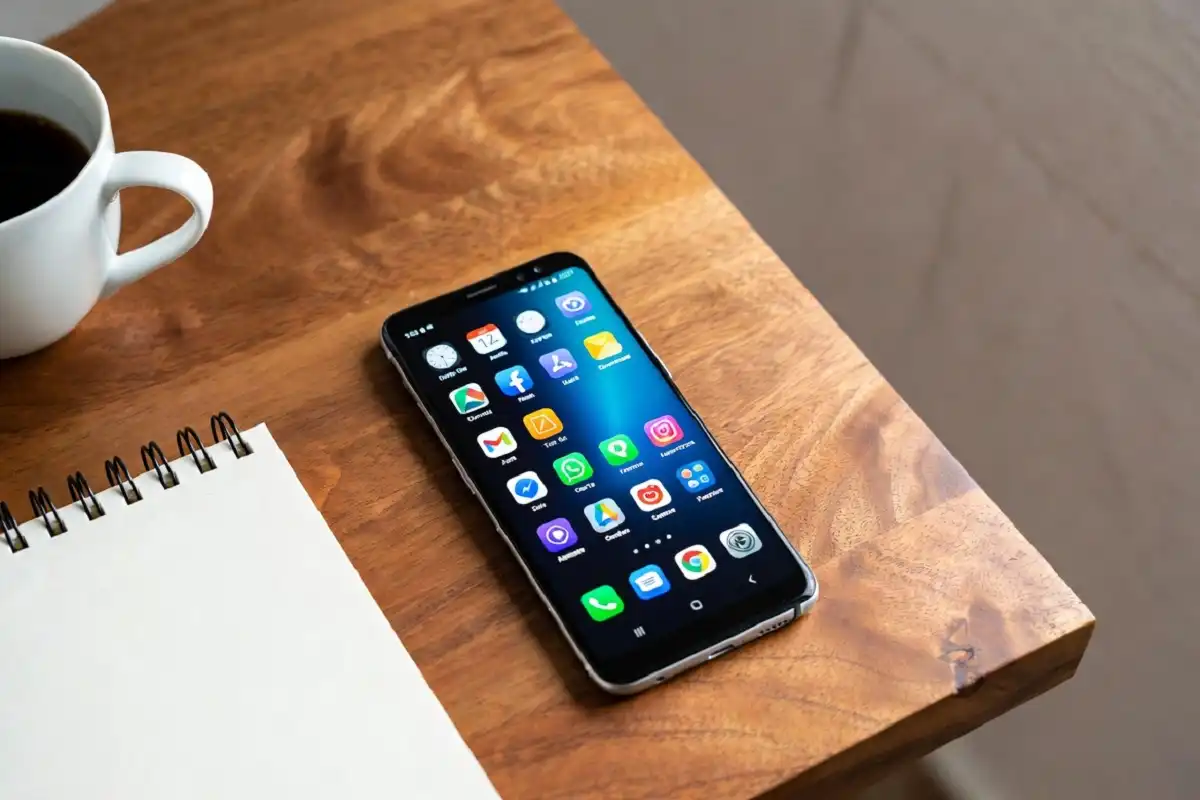
Your phone can do far more than send messages and play videos. With the right setup, it becomes a small office that fits in your pocket. Android productivity tools help you plan your day, track tasks, take notes, and stay focused without jumping between dozens of apps. Whether you study, run a business, or manage a busy schedule, these apps save time and lower stress. This guide covers the best Android productivity tools for 2026, what each type does, and how to pick the ones that fit your daily routine.
Why Android Productivity Tools Are Worth Using
A good app does more than look nice. It removes friction from daily work. The best Android productivity tools turn scattered habits into a simple system you can trust.
Here is what they help with:
- Cutting down wasted time on small, repeated tasks
- Keeping notes, files, and reminders in one place
- Helping you spend less time scrolling and more time working
- Working offline when your signal is weak
Many people install too many apps and end up more distracted, not less. The goal is a small set of tools that work well together and quietly support your day.
Best Types of Android Productivity Tools
There is no single app that does everything well. Instead, think in categories and pick one strong option from each. Below are the main groups of Android productivity tools and what to look for in each one.
Task and To-Do Managers
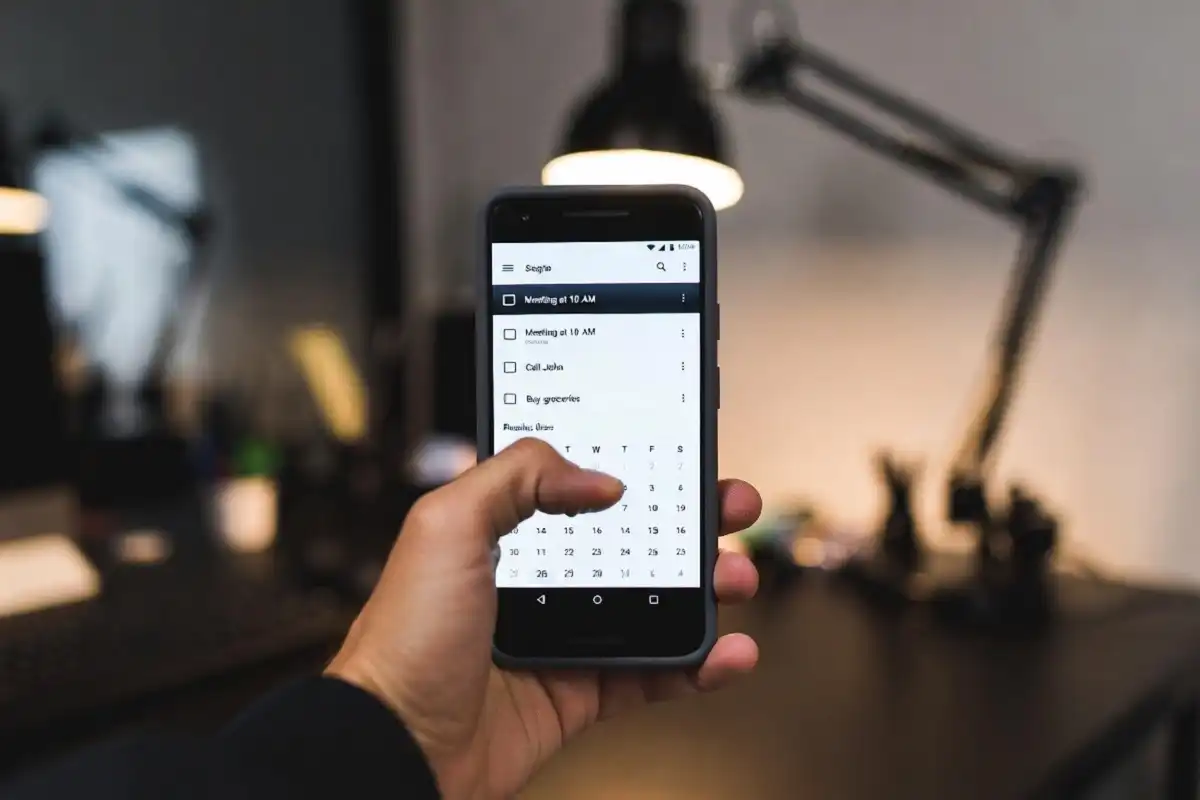
These apps hold your to-do list and remind you what matters most. Look for quick entry, due dates, and simple labels. Popular choices like Todoist, TickTick, and Google Tasks are available on the Google Play Store and sync across devices, so your list is always with you. Strong task managers are the backbone of most Android productivity tools, because they keep everything else organized.
Note-Taking Apps
Notes capture ideas before they slip away. Apps such as Google Keep, Notion, and Obsidian let you jot text, add images, and search later. If you prefer writing by hand, a dedicated device can feel more natural than glass. You can read more about how to choose an e-ink note-taking tablet if you want a paper-like option that pairs with your phone.
Calendar and Scheduling
A clear calendar stops double-booking and missed meetings. Google Calendar remains the standard for many users, with shared events, color coding, and reminders. Pairing your calendar with your task app is one of the smartest moves when building Android productivity tools that actually stick.
Focus and Distraction Blockers
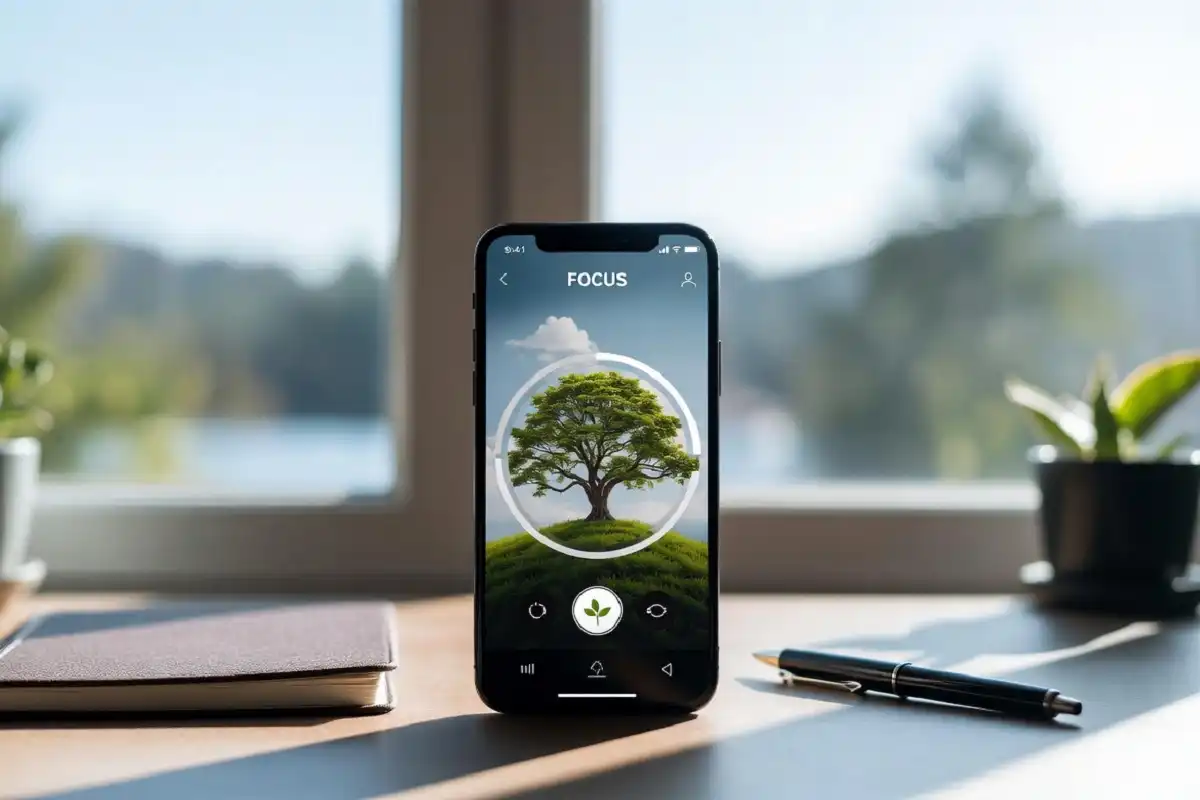
Even the best apps fail if you keep checking notifications. Focus tools like Forest, one sec, and the built-in Digital Wellbeing features limit access to time-wasting apps during work blocks. If concentration is a struggle, see these gadgets for focus and concentration that work alongside your phone. Used together, focus apps and Android productivity tools sharply cut interruptions.
File Storage and Cloud Sync
Files should follow you, not sit on one device. Google Drive, Dropbox, and OneDrive keep documents safe and reachable from any screen. Reliable storage quietly supports every other tool in your Android productivity tools kit.
How to Choose the Right Android Productivity Tools
Picking apps is personal. What works for a student may not suit a manager. Keep these points in mind when comparing Android productivity tools:
- Ease of use: an app you enjoy opening is an app you will keep using
- Sync: your data should move smoothly between phone, tablet, and computer
- Offline access: useful during travel or weak signal
- Privacy: check what data the app collects before you trust it
- Cost: free versions suit most people, so pay only for features you truly need
Start with two or three apps, learn them well, then add more only if there is a clear gap. Students in particular often benefit from a focused setup, and a paper tablet for students can reduce screen fatigue during long study sessions.
Simple Tips to Get More From Your Apps
Owning great apps is only half the job. These habits help you use Android productivity tools well:
- Review your task list each morning for five minutes
- Turn off non-urgent notifications to protect deep work
- Use one note app, not five, to keep ideas in one place
- Sync your accounts so nothing lives on a single device
- Add a few desk gadgets that make work fun to keep your space pleasant
Small, steady habits beat big bursts of effort. The right Android productivity tools make these habits easier to follow.
FAQs
What are the best Android productivity tools for students?
The best Android productivity tools for students include Google Tasks for assignments, Google Keep for notes, and a focus app like Forest. These free options cover planning, note-taking, and concentration without any extra cost.
Are free Android productivity tools good enough?
Free Android productivity tools are good enough for most people. Apps like Google Calendar, Keep, and Tasks offer strong features at no cost, and you only need paid plans for advanced needs such as large teams or extra storage.
How many productivity apps should I use?
You should use a small set of three to five apps that cover tasks, notes, calendar, and focus. Too many apps create clutter and make it harder to stay organized.
Do these apps work offline?
Many of these apps work offline and sync once you reconnect. Always check the offline settings for each app, since note and storage tools usually offer this while some web-based services need a connection.
Can Android productivity tools improve focus?
Yes, Android productivity tools can improve focus when paired with distraction blockers and clear daily planning. Limiting notifications and reviewing your task list each morning makes the biggest difference.
Conclusion
Building a smoother workday does not require expensive software or a brand-new phone. A few well-chosen Android productivity tools can handle your tasks, notes, calendar, and focus while keeping everything in sync. Start small with one app from each group, learn how they fit your routine, and adjust over time. The goal is not to collect apps but to remove friction, so you can spend energy on work that matters. Pair these apps with good habits, such as a quick morning review and fewer notifications, and you will notice a difference within a week. With the right Android productivity tools in place, your phone becomes a quiet helper instead of a constant distraction.