
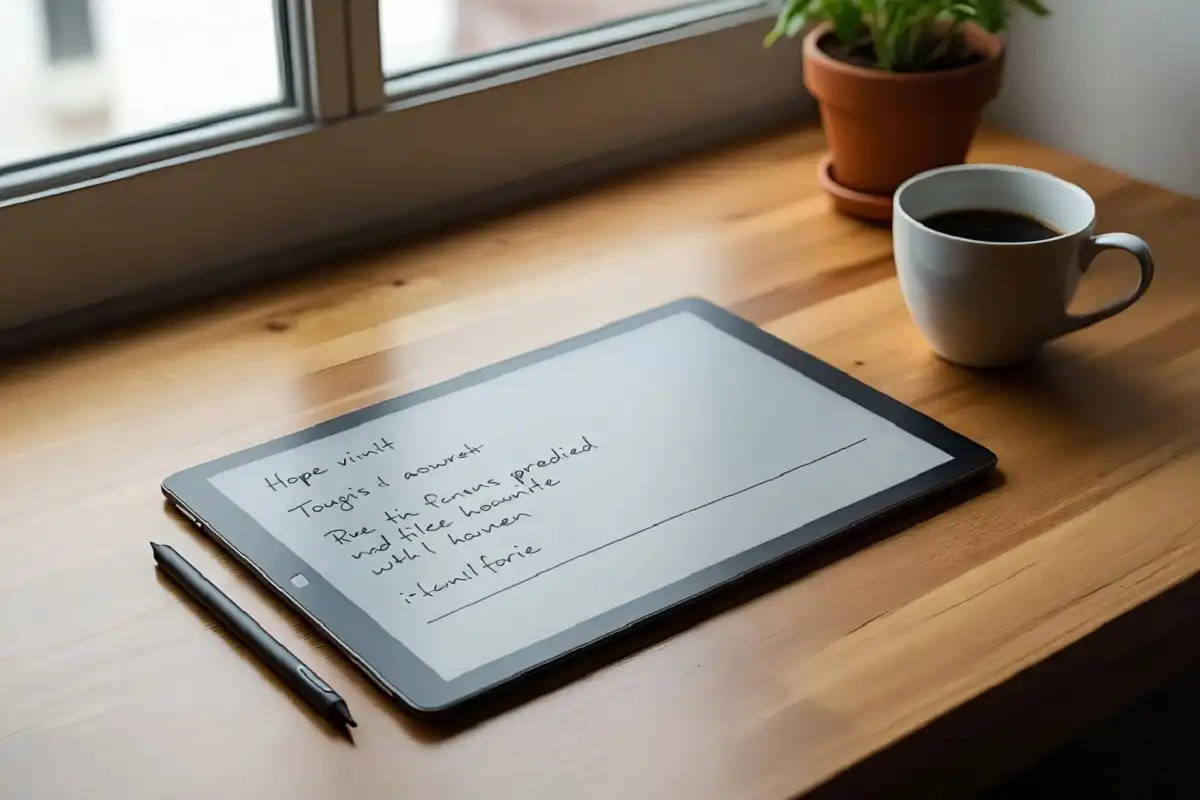
An e ink note taking tablet is a slim device that feels like writing on real paper, only it stores everything in digital form. Instead of a bright, busy screen, it uses an electronic paper display that is soft on the eyes and free from glare. People who want to write by hand, read long documents, or plan their week without constant notifications are turning to these calm tools. This guide explains how an e ink note taking tablet works, who it suits, and what to look for before you buy one in 2026.
What Is an E Ink Note Taking Tablet?
An e ink note taking tablet is a writing and reading device built around an electronic ink screen rather than a backlit LCD. The display reflects light the way paper does, so the text looks steady and matte. You can read more about the underlying display technology on the E Ink and electronic paper reference pages.
Most models pair the screen with a stylus that has very little lag, so handwriting feels natural. The result is a single, quiet space for notes, sketches, and reading, without the apps and alerts that fill a normal tablet.
How Does It Differ From a Regular Tablet?
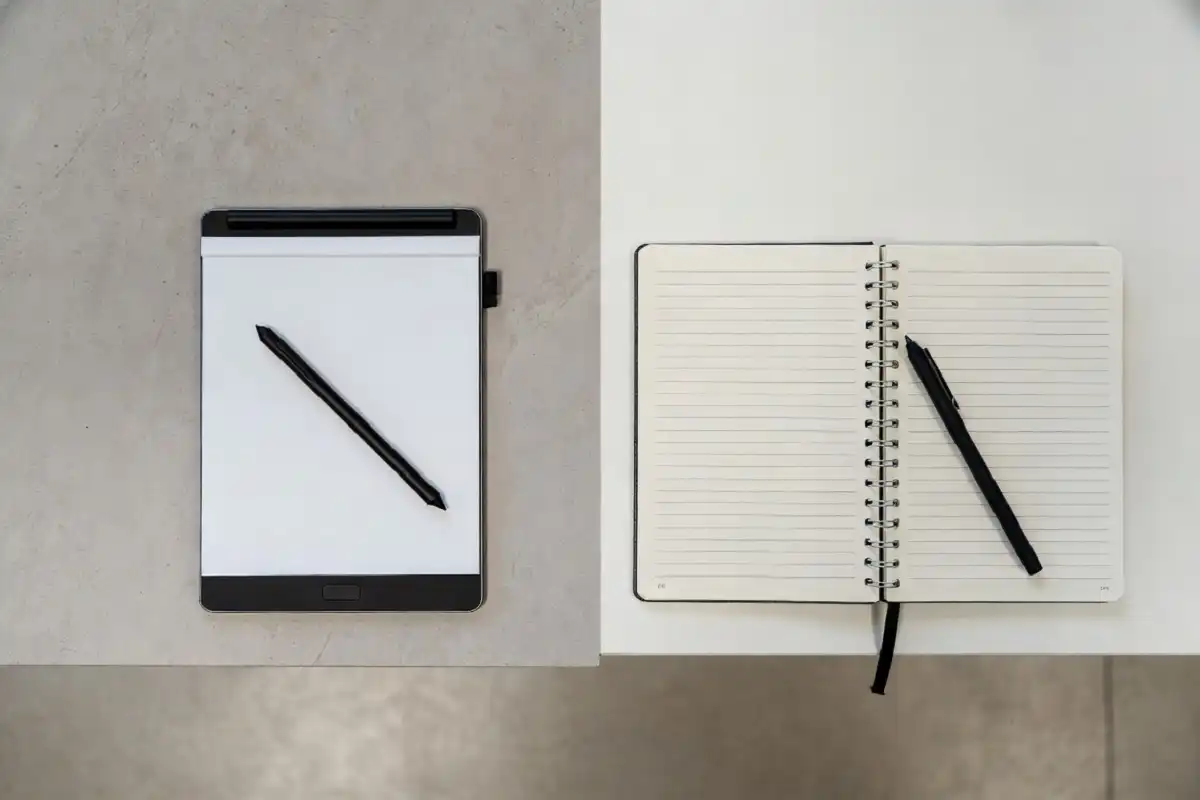
The main difference is the screen and the purpose. A standard tablet is a small computer for video, games, browsing, and dozens of apps. An e ink note taking tablet does fewer things on purpose, and that focus is the point.
Key differences include:
- Screen type: Electronic ink instead of a glowing LCD, which reduces eye strain in long sessions.
- Battery life: Often measured in days or weeks rather than hours, since the screen only draws power when the image changes.
- Distractions: Few or no social apps, so your attention stays on writing and reading.
- Weight and feel: Thin, light, and matte, which makes long writing sessions comfortable.
If you want a device that supports deep work rather than constant scrolling, this trade is worth making. It also sits well alongside other gadgets that help with focus.
Who Should Use an E Ink Note Taking Tablet?
An e ink note taking tablet fits people who think and plan with a pen in hand. It is not for everyone, and that is fine. The clearest match is someone who values fewer distractions over feature overload.
Common users include:
- Students who take handwritten lecture notes and study from PDFs.
- Professionals who run meetings, sketch ideas, and review documents.
- Writers and researchers who draft by hand before typing.
- Readers who want a larger, paper like page for books and reports.
If reducing distractions is a goal across your whole setup, pairing one with the best productivity gadgets can make a real difference to how a day flows.
Key Benefits of an E Ink Note Taking Tablet
Easier on the Eyes
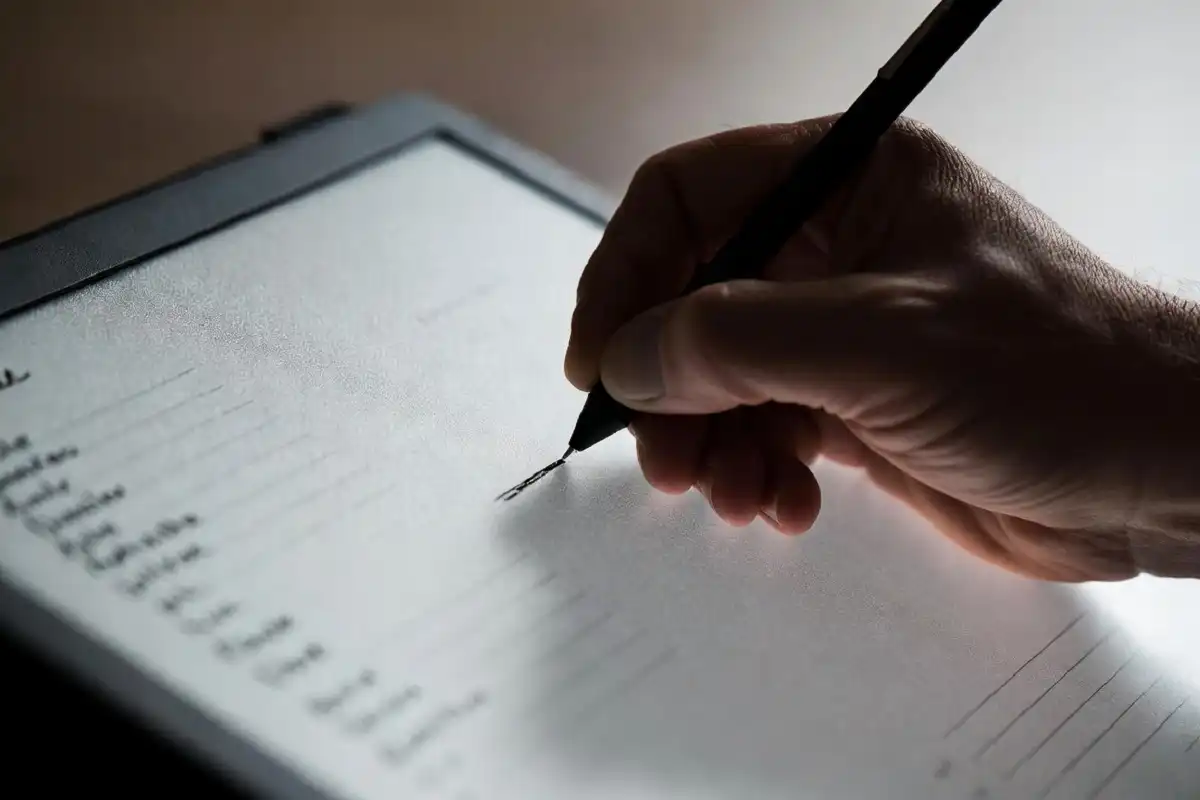
Because the screen reflects light instead of shining it at you, long writing and reading sessions feel gentler. There is no flicker and no harsh glow, which many people find helpful at night.
Fewer Distractions
A regular phone or tablet pulls your attention every few minutes. An e ink note taking tablet keeps the page in front of you and little else, which supports clearer thinking and steady work.
Long Battery Life
Since the display holds an image without using power, a single charge can last for many days of regular use. You can leave the charger at home for a trip and still take notes all week.
One Place for Everything
Instead of loose papers and several notebooks, you keep notes, sketches, and reading in one searchable device. Many models let you organize pages into folders and export them as files.
Less Screen Time Pressure
Swapping a glowing tablet for an electronic paper device can naturally cut down on idle scrolling, which supports goals around reducing screen time.
What to Look For Before You Buy
Choosing the right device comes down to a few practical points. Here is a simple checklist to guide your decision.
- Writing feel: A textured surface and low pen lag make handwriting comfortable. The paper feel of a writing tablet is one of the biggest factors in daily satisfaction.
- Screen size: Larger pages suit documents and drawing, while smaller ones travel more easily.
- Storage and sync: Check how files move to your phone or computer and whether cloud backup is included.
- Stylus details: Look at whether the pen needs charging, how it attaches, and if extra nibs are easy to find.
- Reading support: If you read often, confirm which file types the device opens, such as PDF and EPUB.
- Price and extras: Some accessories, like cases or premium pens, cost more and may be sold separately.
For people who prefer a clean, simple setup, an e ink note taking tablet also pairs nicely with other minimalist tech gadgets that keep clutter low.
Common Drawbacks to Keep in Mind
No device is perfect, and an e ink note taking tablet has clear limits. Knowing them early prevents disappointment.
- Slower screen refresh: The display is not built for video or fast animation.
- Mostly grayscale: Many models show shades of gray rather than full color, though color options are growing.
- Focused feature set: You give up the wide app library of a normal tablet.
- Upfront cost: A quality device with a good pen can be a real investment.
For most buyers, these trade offs are the price of a calmer, more focused tool, and they are worth weighing against your habits.
Tips to Get the Most From Your Device
A few small habits help an e ink note taking tablet earn its place in your routine.
- Set up clear folders for work, study, and personal notes from day one.
- Use templates for planners, meeting notes, and to do lists to save time.
- Sync regularly so your writing is backed up and easy to find later.
- Keep a spare nib on hand, since the writing tip wears over time.
- Charge weekly out of habit, even though the battery lasts long.
FAQs
Is an e ink note taking tablet good for reading books?
Yes, an e ink note taking tablet works well for reading because the matte screen mimics paper and is comfortable for long sessions. Most models open common file types like PDF and EPUB, and the larger page size suits reports and textbooks better than a phone.
Can I edit and export my handwritten notes?
Yes, you can usually move handwritten notes off the device as image or document files, and many models offer cloud sync to your computer or phone. Some also convert handwriting into typed text, though accuracy depends on your writing style and the model you choose.
Does an e ink note taking tablet replace paper completely?
For many people it comes close, since it keeps notes, planners, and reading in one searchable place. Some still keep a small paper pad for quick scribbles, so think of it as a strong primary tool rather than a forced all or nothing switch.
How long does the battery last?
Battery life is one of the standout features, often lasting days or even weeks on a single charge with normal use. The screen only draws power when the image changes, so simply reading a static page uses very little energy.
Is it worth the cost?
It is worth it if you write or read often and value focus, since the comfort and reduced distractions add up over time. If you mainly want video, games, and apps, a standard tablet may serve you better for less money.
Conclusion
An e ink note taking tablet is a quiet, focused tool for anyone who thinks best with a pen and wants relief from glowing, distracting screens. It will not match a regular tablet for apps or video, and that is exactly the point. What it offers instead is a calm page for writing, sketching, and reading, plus battery life measured in days and a feel close to real paper. If your goal is clearer thinking, fewer interruptions, and one tidy place for your ideas, this kind of device is a smart addition to your setup in 2026. Weigh your habits, check the writing feel, and choose the size that fits your days.