
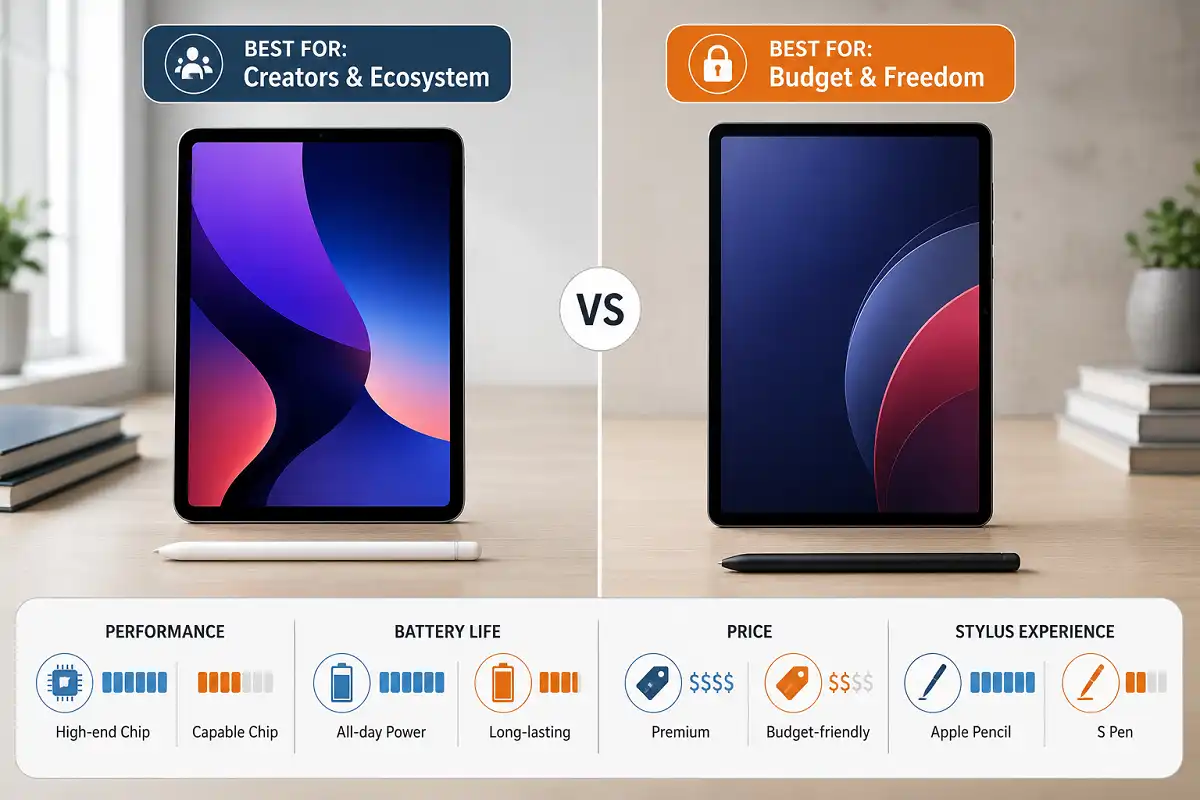
You’ve narrowed your search down to two tablets, and now you’re stuck. An iPad promises a smooth, polished experience. An Android tablet promises more choice and a lower price tag. Neither answer is wrong, and that’s exactly the problem.
This android tablet vs ipad comparison skips the marketing talk. It looks at what actually changes your daily experience: speed, apps, screen quality, stylus support, battery life, and price. By the end, you’ll know which tablet fits your budget and the way you actually use a screen.
Android Tablet vs iPad Comparison: The Short Answer
If you want the fast version, here it is.
Pick an iPad if you already own an iPhone or Mac. It’s also the better pick for creative work like drawing or video editing, or if you want a tablet that still runs smoothly five years from now.
Pick an Android tablet if you’re on a budget, or you use Windows or Google Workspace daily. It’s also the right call if you want expandable storage or the freedom to customize your device and install apps outside the Play Store.
That’s the shortcut. But your major, your budget, and your daily habits all pull the decision in different directions, so let’s look closer.
Performance: Chips, Multitasking, and Real-World Speed
Raw speed is usually where any android tablet vs ipad comparison starts, so let’s get it out of the way first. Apple’s M-series chips still set the bar. The latest iPad Pro runs on the same silicon family found in MacBooks. It handles 4K video edits, large Procreate canvases, and multiple split-screen apps without slowing down. Reviewers consistently note that heavy creative workflows still feel snappier on iPadOS hardware.
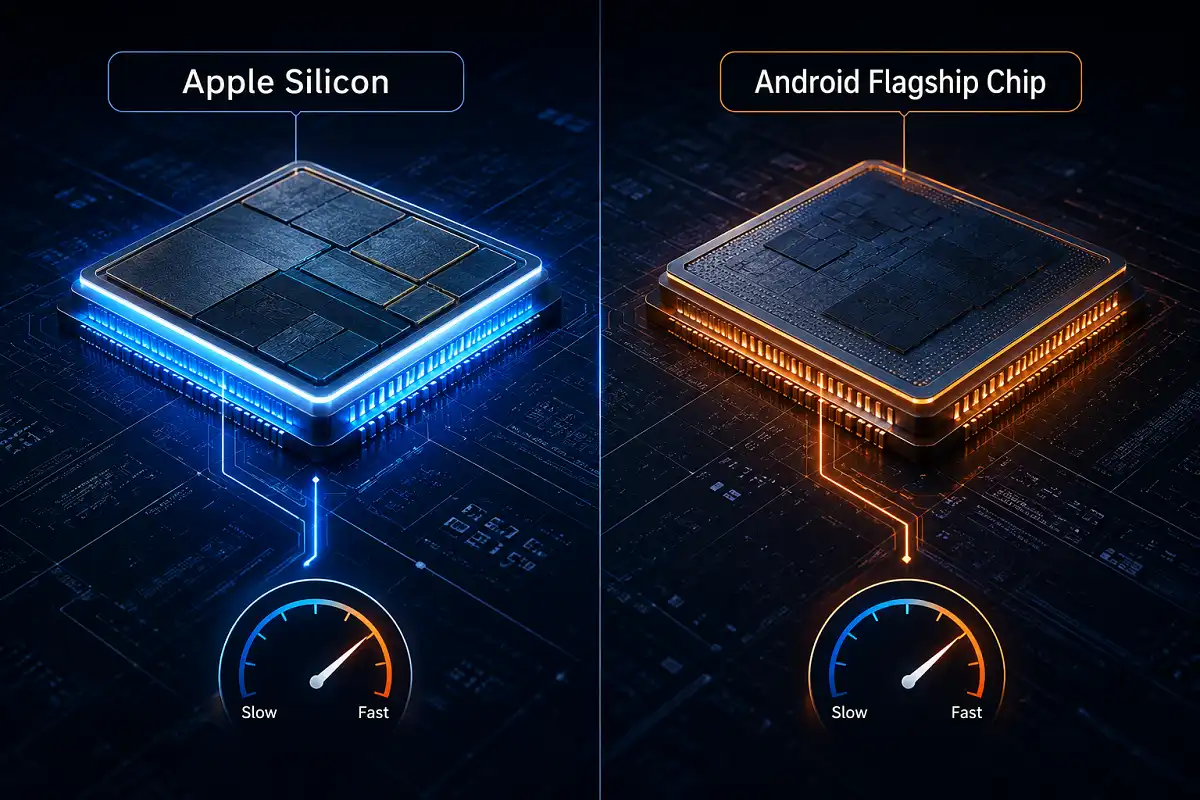
Android has closed the gap considerably. Flagship chips from Qualcomm and MediaTek now match Apple in everyday speed. Samsung’s Galaxy Tab S-series, plus strong midrange options from Xiaomi and Lenovo, handle multitasking, streaming, and browsing without a hitch. For students checking email, taking notes, and watching lectures, the performance difference between the two platforms is barely noticeable.
Where the gap still shows up is sustained, heavy workloads. If you’re rendering video or running professional design software, the iPad’s chip and cooling design usually hold up better over long sessions.
Software and Ecosystem: The Real Dividing Line
This is where an android tablet vs ipad comparison stops being about specs and starts being about how you actually work. Software, more than any spec sheet, decides whether an android tablet vs ipad comparison feels like a close call or an easy decision.
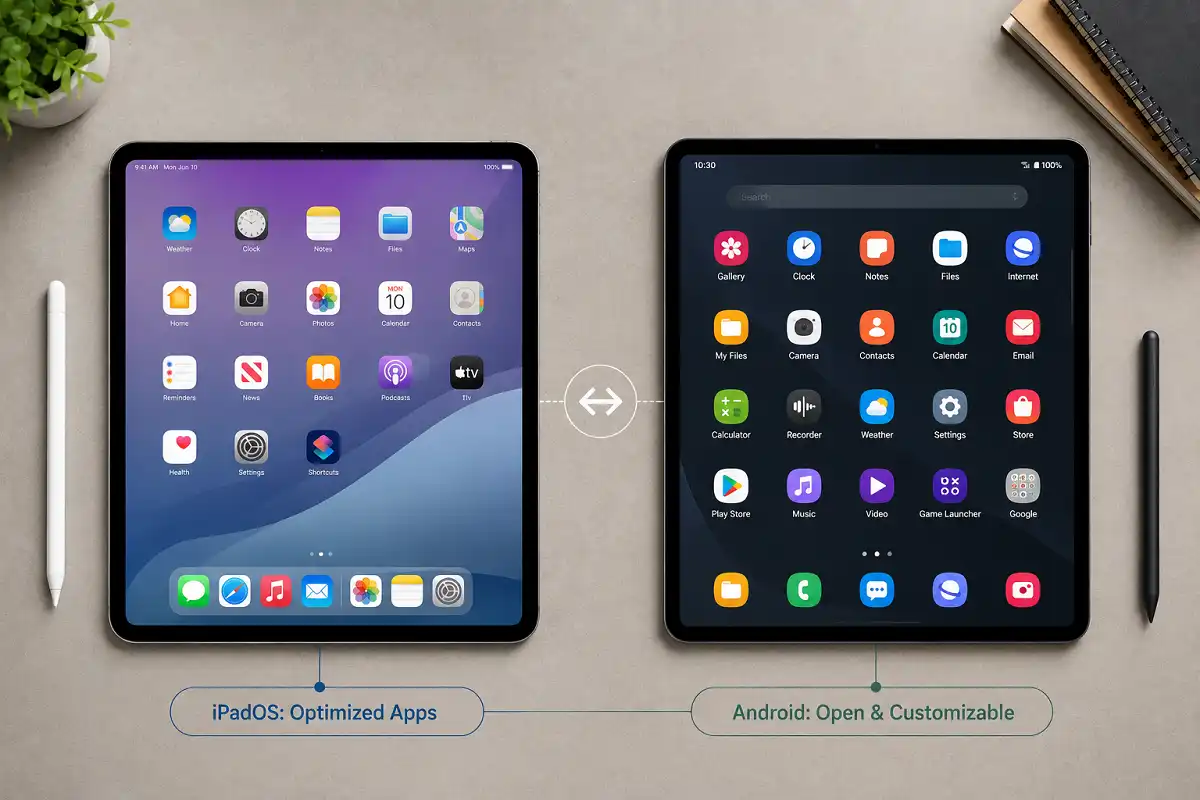
iPadOS is polished and consistent. Every app is optimized for the tablet screen, not just stretched from a phone layout. Apps like Procreate, LumaFusion, and GoodNotes are built specifically for iPad hardware, and Apple pushes software updates to every supported model for years. If you already use an iPhone or MacBook, features like Handoff, AirDrop, and Universal Clipboard let your devices work as one connected system.
Android wins on flexibility. Samsung’s One UI, along with custom interfaces from Xiaomi and Lenovo, now include real desktop-style multitasking and floating windows. You can sideload apps outside the Play Store and plug in a microSD card for extra storage. Connecting the tablet to a Windows PC is also smoother than on an iPad. The tradeoff is consistency. Because so many manufacturers build Android tablets differently, app optimization for large screens varies more than it does on iPadOS.
If your daily computer is a Mac or iPhone, the iPad slots in with almost no friction. If you run Windows, use Google Workspace, or just like having options, an Android tablet fits your setup better.
Display and Stylus Experience
Screen quality is another category where an android tablet vs ipad comparison quickly gets personal. It depends on whether you read, draw, or watch video most. Both platforms have made huge strides here, but they still feel different in the hand.
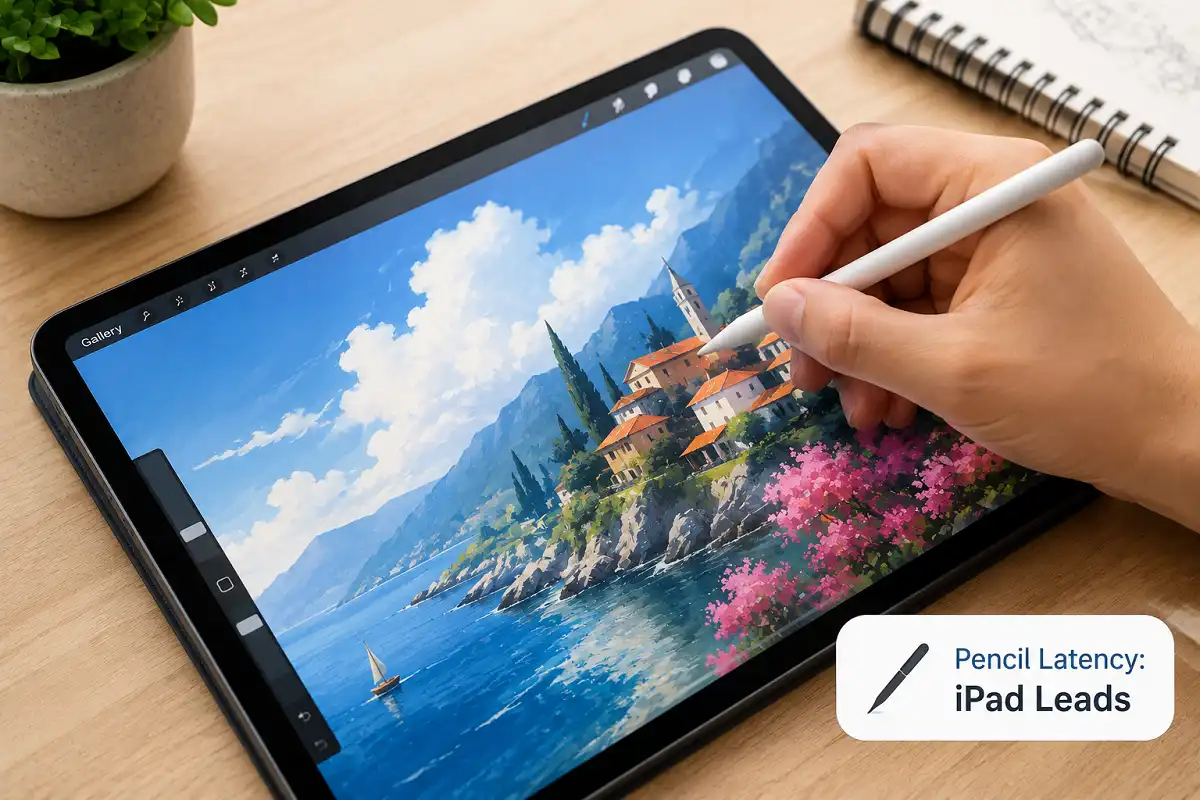
Apple’s Liquid Retina and tandem OLED displays remain the benchmark for color accuracy and brightness. Paired with the Apple Pencil Pro, the combination offers extremely low latency and pressure sensitivity that illustrators and designers still rank as best-in-class.
Samsung’s S Pen, often bundled free with Galaxy Tab models, comes close and adds handy extras like a built-in shortcut button. Several budget and midrange Android tablets, including options from XPPen and Lenovo, now ship with pressure-sensitive styluses. They stay capable enough for sketching and note-taking, often at a much lower price.
For handwriting and everyday annotation, both platforms perform well. If you’re comparing a tablet against a dedicated regular tablet with a backlit LCD screen, remember one thing. Both iPads and Android slates trade paper-like comfort for color and speed, which matters if eye strain is a concern.
Battery Life and Portability
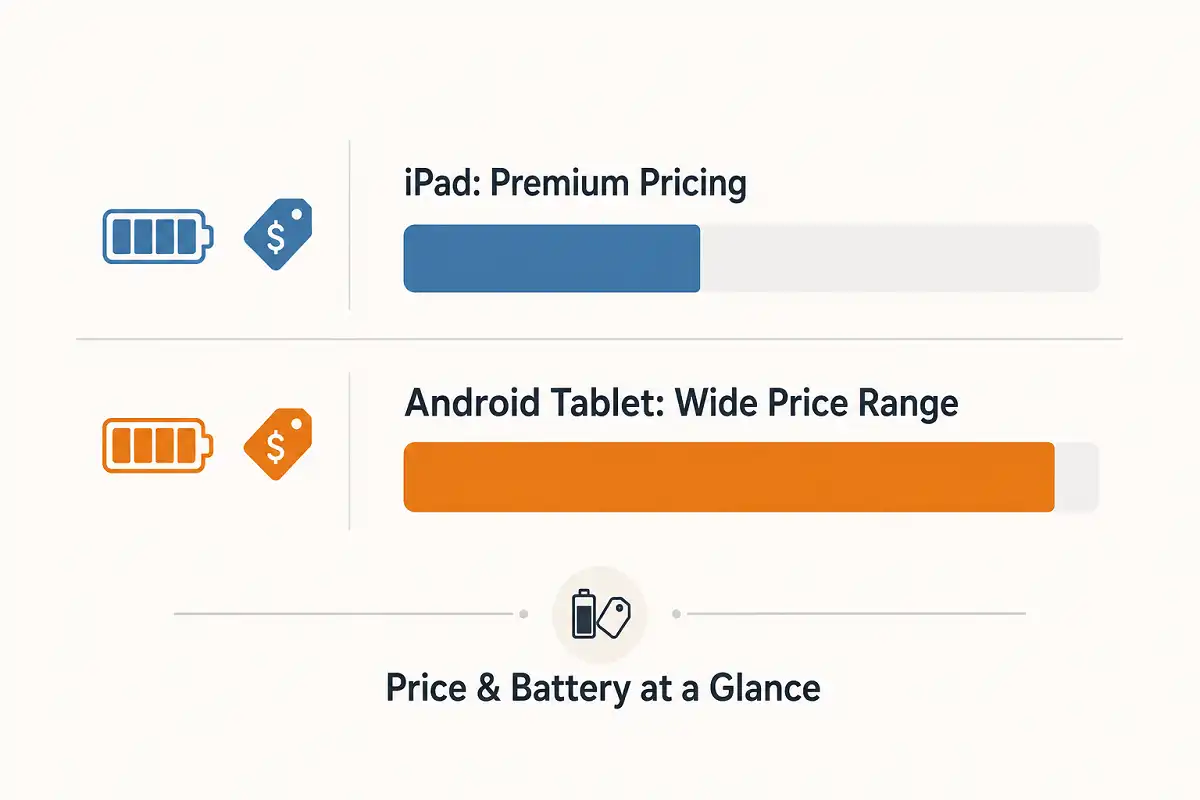
Battery life rarely gets top billing in an android tablet vs ipad comparison. Even so, it decides how a tablet fits into a full day away from a charger. Modern tablets are thinner and lighter than they’ve ever been. The latest iPad Pro is remarkably slim for its power. Some long-term reviewers note it draws more battery when pushed hard with bright OLED panels and heavy processing.
Android tablets come in a much wider range of battery sizes. Budget and midrange models, in particular, often prioritize battery capacity over raw power, which means longer unplugged sessions for reading, note-taking, or casual browsing. If all-day battery life matters more to you than raw horsepower, several Android options outlast their Apple counterparts.
Price and Value for Money
No android tablet vs ipad comparison is complete without talking money, and price is where the two platforms diverge the most.
The iPad lineup starts at a moderate price for the base model and climbs quickly once you add a Pencil and keyboard folio. The Pro models, aimed at professionals, sit at the premium end of the market.
Android tablets span a much wider price range. You can find capable budget models for basic browsing, solid midrange options with good screens and stylus support, and flagship Samsung or Xiaomi tablets that undercut Apple. If price-to-performance is your priority, Android almost always wins.
Resale value tips back toward Apple. iPads tend to hold their value longer and receive software updates for more years, which matters if you plan to sell or upgrade in a few years.
Android Tablet vs iPad Comparison by Use Case
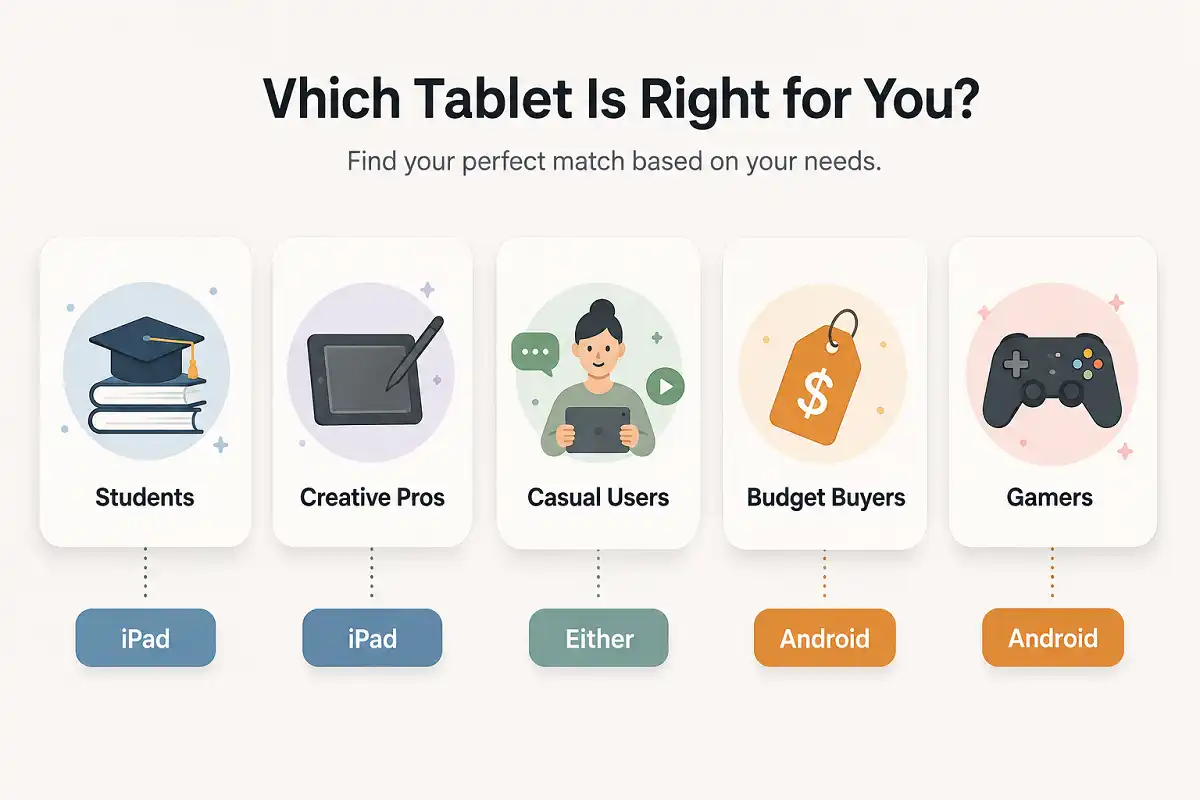
Different buyers need different answers, and this is where the android tablet vs ipad comparison stops being theoretical. Here’s how the decision breaks down by who you are.
Students
For students, this android tablet vs ipad comparison often comes down to note-taking and app support. iPads pair well with Apple’s Pencil and apps like Notability and GoodNotes, and many universities build coursework around iPad programs. If your major relies on niche software that’s iPad-only, such as certain music, art, or medical apps, that alone can settle the debate. Budget-conscious students may prefer a well-reviewed Android tablet paired with a stylus instead, especially if they’re already using a Windows laptop for schoolwork. For more on organizing coursework digitally, this guide on the best tablet for handwritten notes is worth a look before you decide.
Creative Professionals and Artists
For artists, the android tablet vs ipad comparison gets more nuanced. Illustrators and video editors still lean toward the iPad for its color-accurate displays, Apple Pencil latency, and deep library of professional creative apps. That said, Android has closed the gap significantly. Apps like Clip Studio Paint, Infinite Painter, and Concepts run well on Android tablets. Devices with pressure-sensitive styluses now offer serious drawing power at a fraction of the price. If budget matters more than having every professional app under the sun, Android is a legitimate option for digital art.
Everyday and Casual Users
For casual use, the android tablet vs ipad comparison matters less. If you mainly browse the web, check email, stream video, and read, either platform will serve you well. The iPad tends to feel more consistent out of the box. Android gives you more freedom to pick a screen size, price point, and design that fits your taste.
Budget-Conscious Buyers
On price alone, this android tablet vs ipad comparison isn’t close. Android wins clearly here. You can get a genuinely useful tablet for a fraction of the cost of even the cheapest iPad, and features like expandable storage stretch your money further.
Gamers and Media Consumers
Android’s wider hardware range and open app ecosystem give it an edge for gaming and streaming variety. It also allows access to app stores and services outside Apple’s tightly controlled App Store.
Accessories and Long-Term Support
The last piece of any android tablet vs ipad comparison is what happens after you buy. A tablet is more than its screen. Keyboard folios, stylus pens, and cloud storage all factor into the total cost of ownership. Apple’s Magic Keyboard and Pencil Pro work well together but come at a premium. Many Android manufacturers bundle a stylus or keyboard cover for free, which can make the total package cheaper even when the tablet itself costs about the same.
Software longevity also favors Apple. iPads typically receive major OS updates for five to seven years, while Android tablet support varies by brand and can be considerably shorter. If you plan to keep your device for a long time, factor this into your decision alongside the specs.
Before you settle on either platform, it’s worth reading this guide to choosing the perfect tablet. Also check this broader look at Android productivity tools, since your app choices often matter more than the specs on the box.
FAQs

Which is better, an Android tablet or an iPad?
Is an Android tablet good enough for college?
Do iPads really last longer than Android tablets?
Can I use a stylus on both an iPad and an Android tablet?
Which tablet is better for drawing and digital art?
Are Android tablets cheaper than iPads overall?
Final Verdict
There’s no universal winner in this android tablet vs iPad comparison, only the right pick for your situation.
Choose an iPad if you want a polished, long-lasting device with the best creative apps and stylus experience, especially if you already live inside Apple’s ecosystem.
Choose an Android tablet if you want more choice, a lower price, expandable storage, and the flexibility to customize your setup exactly how you like it.
Both platforms have matured enormously, and according to Wikipedia, tablets now handle a huge share of tasks once reserved for laptops. Whichever you choose, match the tablet to your workflow, not the other way around.