
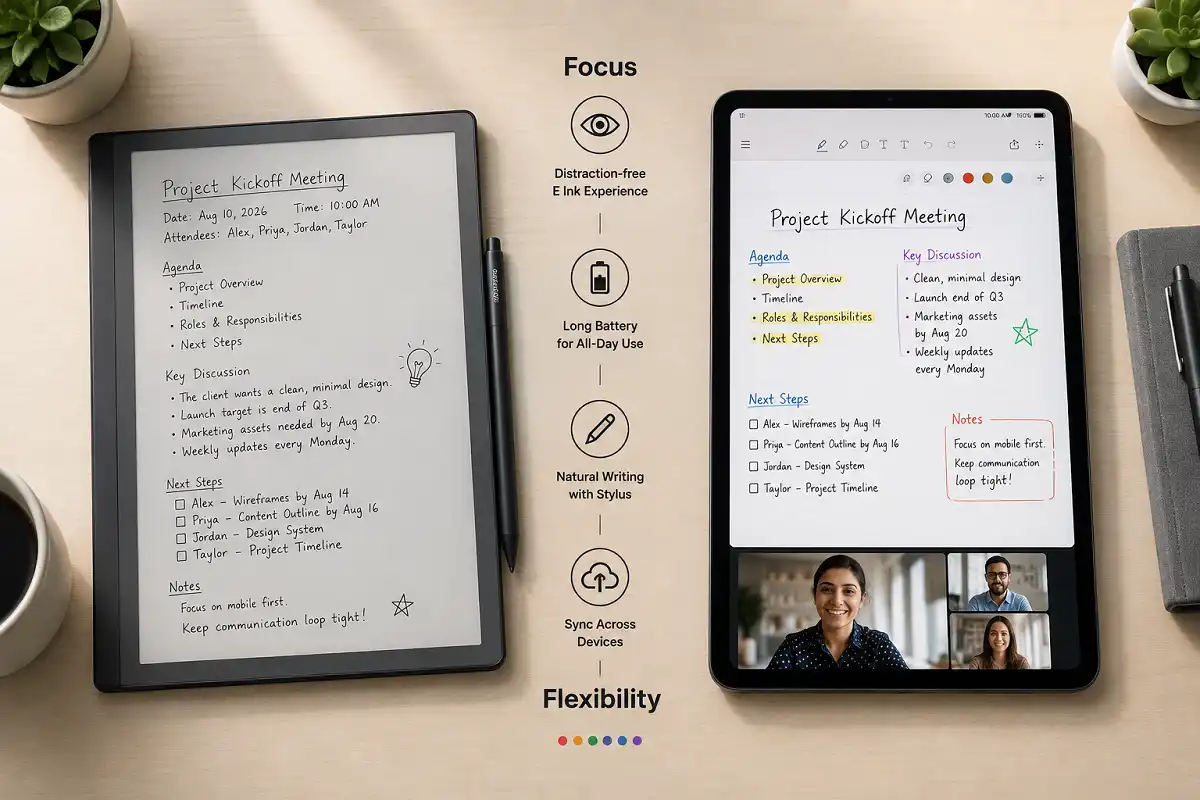
Paper notes get lost. Typed notes pull your eyes off the room. A tablet fixes both, but only the right one. This guide breaks down the best tablet for meeting notes in 2026, so you can capture ideas fast and find them later. The best tablet for meeting notes depends on your priority. For pure focus and long battery life, an E Ink tablet like the reMarkable Paper Pro wins. For notes plus apps, video calls, and search, an iPad or Android tablet is the stronger pick.
Why the Right Tablet Matters for Meetings
Meetings move fast. You need to write, not fumble with settings. A good note tablet lets you jot a point in one second and move on. It keeps your hands busy and your mind present.
The wrong device does the opposite. It buzzes with alerts. It tempts you to check email mid-call. Soon you miss the decision everyone just made.
So the goal is simple. Pick a tool that helps you listen and record at once. That is what separates a helpful tablet from a shiny distraction.
What to Look For in a Meeting Note Tablet
Before we rank devices, here is what actually matters. These features decide whether a tablet helps or slows you down.
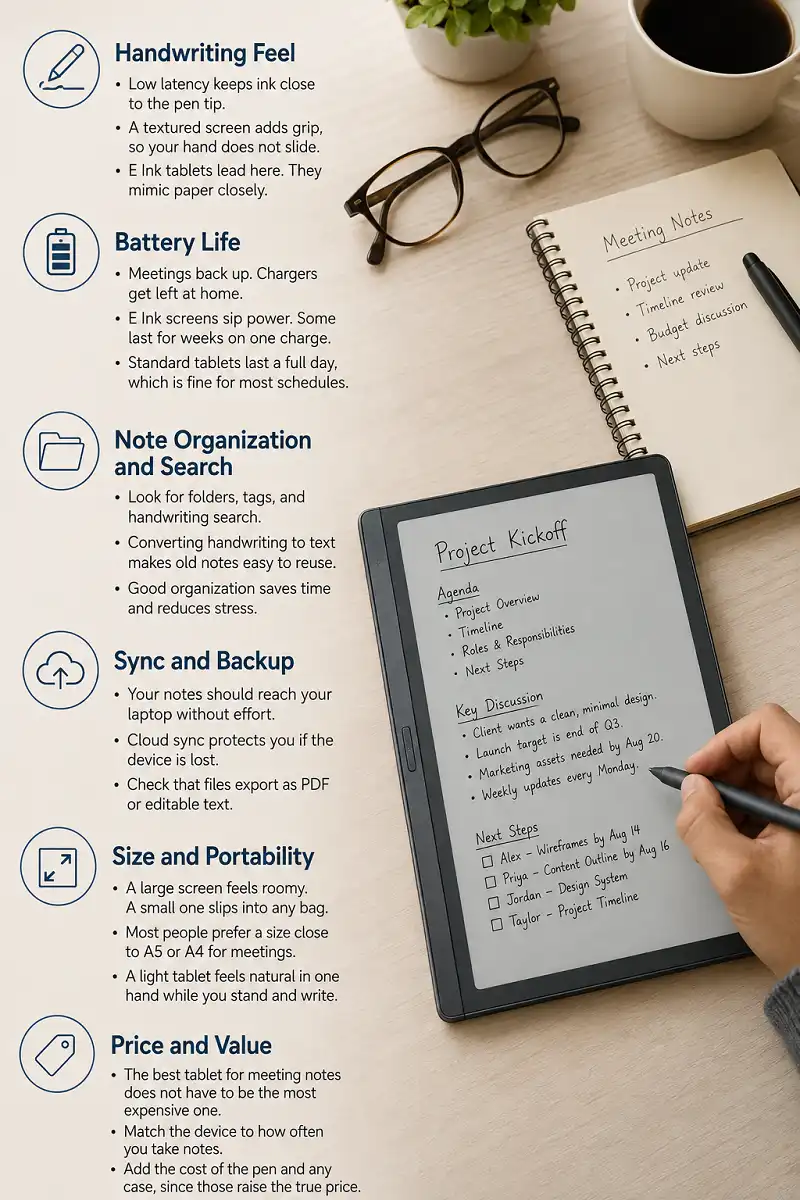
Handwriting Feel
Fast notes need a natural writing feel. Low latency keeps ink close to the pen tip. A textured screen adds grip, so your hand does not slide.
E Ink tablets lead here. They mimic paper closely. Many people write longer and think clearer on them.
Battery Life
Meetings back up. Chargers get left at home. Long battery life means you never watch a low warning during a client call.
E Ink screens sip power. Some last for weeks on one charge. Standard tablets last a full day, which is fine for most schedules.
Note Organization and Search
Notes only help if you can find them. Look for folders, tags, and handwriting search. Converting handwriting to text makes old notes easy to reuse.
If you want to compare how devices handle search and export, our guide on choosing an E Ink note-taking device walks through the key trade-offs.
Sync and Backup
Your notes should reach your laptop without effort. Cloud sync protects you if the device is lost. Check that files export as PDF or editable text.
Size and Portability
A large screen feels roomy. A small one slips into any bag. Most people prefer a size close to A5 or A4 for meetings.
Weight matters too. You may carry the device between rooms all day. A light tablet feels natural in one hand while you stand and write.
Price and Value
The best tablet for meeting notes does not have to be the most expensive one. Set a budget first. Then match it to how often you take notes.
Heavy note-takers get real value from a premium device. Light users do fine with a mid-range model. Add the cost of the pen and any case, since those raise the true price.
Best Tablet for Meeting Notes: E Ink Picks
E Ink tablets shine when focus is the priority. They show black ink on a paper-like screen. No color feeds. No pop-ups. Just your notes.
Here are the strongest E Ink options this year.
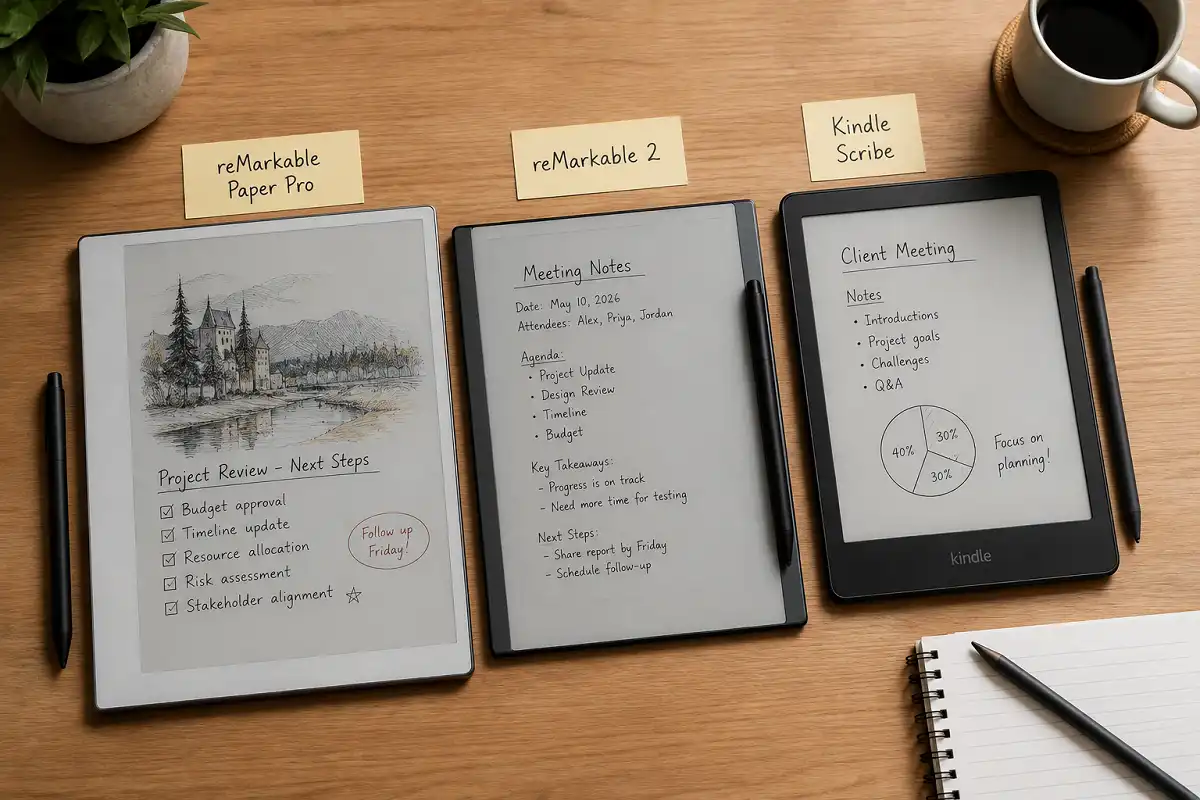
reMarkable Paper Pro
The reMarkable Paper Pro is a top choice for the best tablet for meeting notes. It adds color E Ink and a bright, larger screen. The writing feel stays close to real paper.
It handles handwriting search and PDF markup well. You can drop in agendas and annotate them live. For a deeper look, read our reMarkable Paper Pro breakdown.
Battery life spans days, not hours. That suits back-to-back meeting days. The trade-off is price, since it sits at the premium end.
reMarkable 2
The reMarkable 2 remains a favorite for distraction-free notes. It is thin, light, and fast to write on. The grayscale screen keeps you locked on the task.
It costs less than the Paper Pro. Sync works through a clean app. If you want focus without extra features, this is a smart buy. See how it holds up in our reMarkable 2 review.
Supernote and Kindle Scribe
The Supernote appeals to people who love plain text notes and easy filing. It offers strong folder tools and a firm writing feel.
The Kindle Scribe blends reading and notes in one device. It works well if you also mark up long documents. Neither runs full apps, which keeps them calm and simple.
For many people, either one is a fine best tablet for meeting notes on a smaller budget. You give up color and apps. In return you get a quiet screen that keeps you on task.
Best Tablet for Meeting Notes: Standard Tablet Picks
Sometimes you need more than ink. You join video calls. You share a screen. You pull up a spreadsheet mid-meeting. For that, a standard tablet is the better fit.
iPad with Apple Pencil
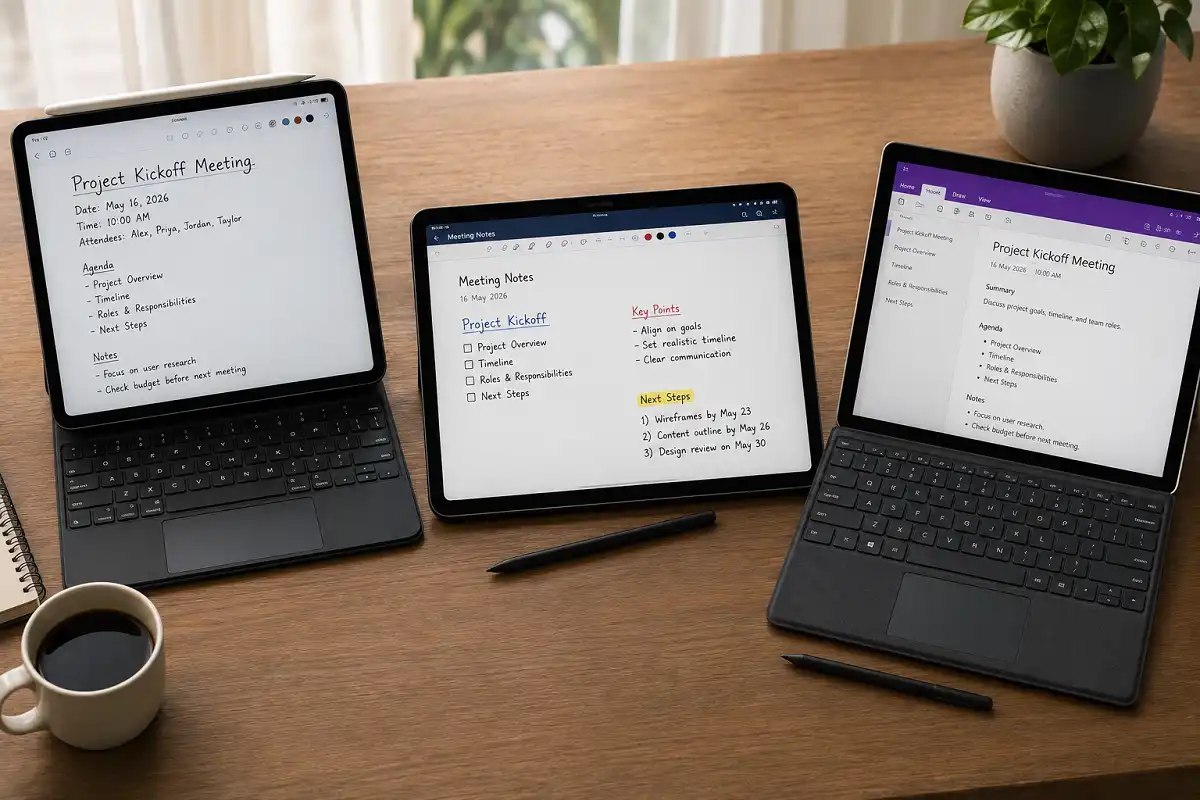
An iPad is the most flexible pick for the best tablet for meeting notes. It runs apps like Notability, GoodNotes, and OneNote. Handwriting search and audio recording come built into many of them.
The Apple Pencil writes smoothly with low lag. You can switch from notes to a call in one tap. Battery lasts a full workday with ease.
The downside is distraction. Notifications and apps sit one swipe away. Discipline helps here. If you weigh both worlds, our reMarkable versus iPad comparison lays out who each device suits.
Android and Samsung Tablets
Samsung Galaxy Tab models ship with the S Pen at no extra cost. They pair well with Microsoft and Google apps. The screens are bright and great for shared viewing.
Android tablets give you choice across price points. Budget models cover basic notes. Premium ones match the iPad for power.
Windows Tablets
A Surface tablet runs full desktop software. You get the complete Office suite and a real keyboard. This suits people who write notes and edit files in the same session.
It is heavier and pricier than most. But it can replace a laptop, which adds value for some workers.
If your role mixes writing, calls, and file edits, a Surface can be the best tablet for meeting notes and a work machine in one. Just know you carry more weight for that power.
E Ink vs Standard: Which Should You Choose?
The best tablet for meeting notes comes down to one question. Do you want focus or flexibility?
There is no single winner for everyone. The best tablet for meeting notes for a writer is not the same as the one for a project manager. Your daily meeting style should drive the choice, not the spec sheet or the price tag alone.
Choose E Ink if you take heavy handwritten notes. Choose E Ink if meetings tempt you to drift. The calm screen keeps you present and your eyes rested.
Choose a standard tablet if you join calls and share your screen often. Choose it if you switch between notes, docs, and email in one meeting. The extra power is worth the added noise.
Many people end up with both. A phone or laptop for calls. An E Ink tablet for the actual writing. That combo covers every meeting type.
Best Tablet for Meeting Notes by User Type
Different jobs need different tools. Here is a quick match to help you decide.
Students and researchers benefit from long battery and clean notes. An E Ink tablet suits lectures and study sessions well.
Managers who run video calls lean toward an iPad or Samsung tablet. They need apps and screen sharing on hand.
Writers and consultants often prefer the focus of E Ink. Fewer features mean fewer temptations during deep thinking.
Remote workers juggle many tools at once. A flexible tablet that handles both notes and calls fits their day. Our roundup of gadgets that help remote workers stay productive covers useful pairings.
Sales and client-facing teams have their own needs. They want notes that sync straight to a CRM or shared drive. For them, the best tablet for meeting notes is one with clean export and reliable cloud backup, so no detail slips through after a call.
Accessories That Improve the Experience
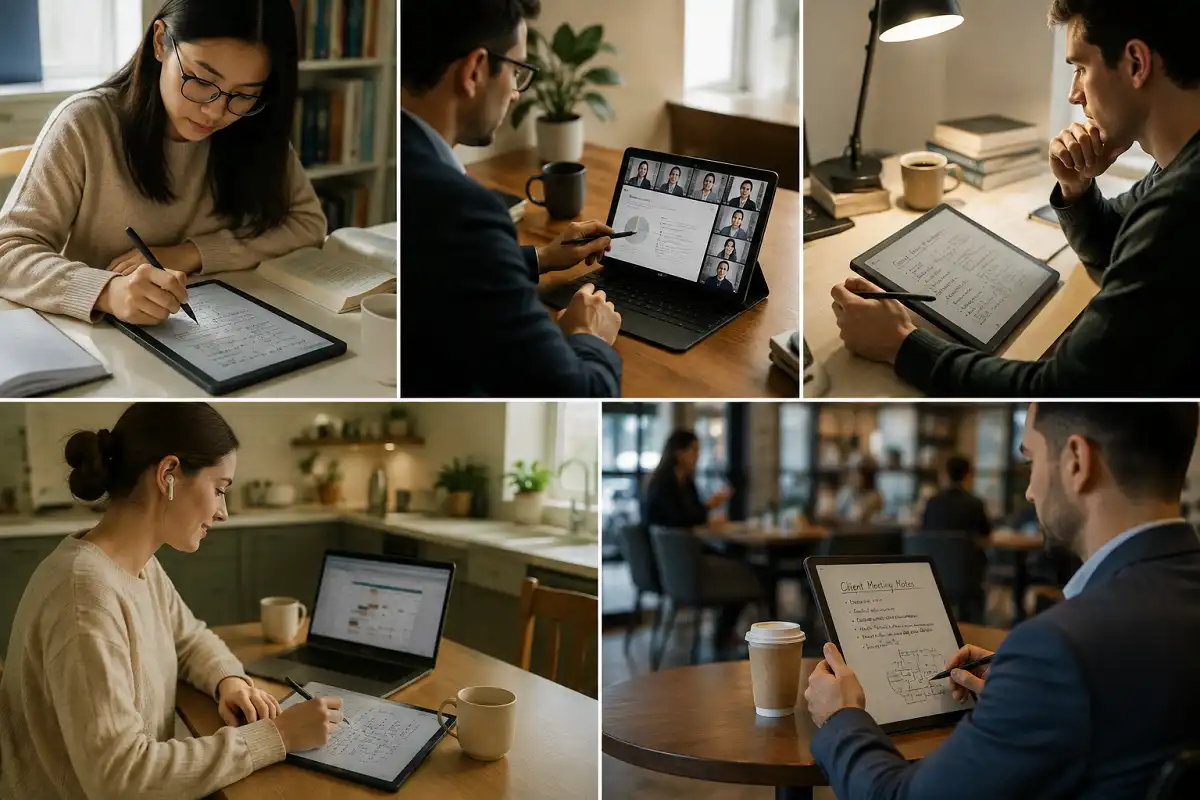
A few extras make any note tablet better. The right pen is the most important one. A well-made stylus adds grip and a firmer feel, which sharpens your handwriting.
A protective folio matters next. It guards the screen in a busy bag and often doubles as a stand. A stand helps during video calls, so you can glance at notes hands-free.
Spare pen tips are worth keeping too. Tips wear down with heavy writing. A small pack means the best tablet for meeting notes never lets you down mid-week. Only buy accessories you will truly use, since extras add up fast.
Common Mistakes to Avoid
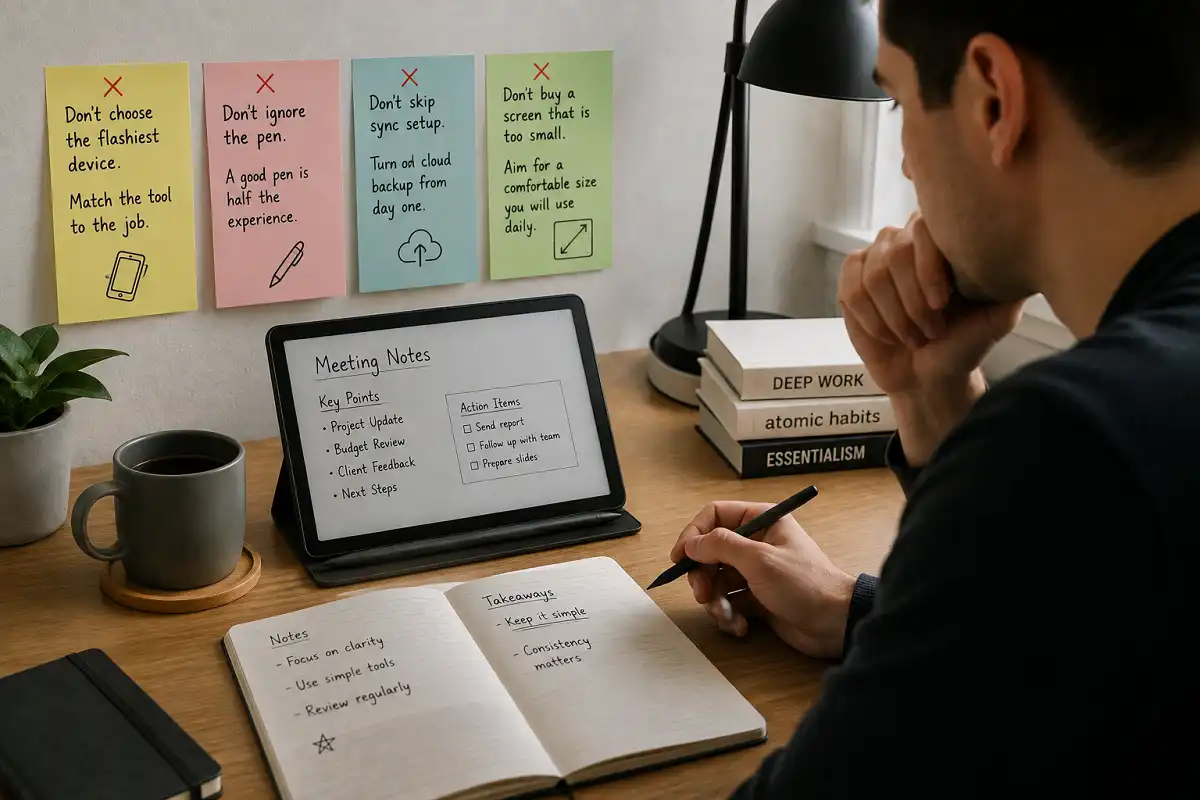
Many buyers pick the flashiest device, then regret it. They get pulled into apps and take fewer notes. Match the tool to the job instead.
Do not ignore the pen. A cheap stylus ruins the writing feel. A good pen is half the experience.
Do not skip sync setup. Notes trapped on one device help no one. Turn on cloud backup from day one.
Do not buy a screen that is too small. Cramped writing slows you down. Aim for a comfortable size you will use daily.
How to Get More From Your Note Tablet
Once you own the best tablet for meeting notes, a few habits sharpen your results. These small steps make a big difference.
Create a folder for each project or client. File notes right after the meeting ends. Future you will find them in seconds.
Use one template for every meeting. A simple layout with date, attendees, and action items keeps notes consistent. Many devices let you save reusable templates.
Review action items before you close the app. A quick check turns notes into follow-through. That is the real payoff of digital note-taking.
Set up sync before your first real meeting. Connect the device to your cloud account and test one export. This small step protects every note you take on the best tablet for meeting notes.
Build these habits early and any note tablet pays off. The device only matters as much as the routine around it.
FAQs

Is an E Ink tablet good for meeting notes?
Can I search my handwritten meeting notes?
Do I need a tablet if I have a laptop?
Which is better for meetings, iPad or reMarkable?
Framed as a checklist takeaway
Before you buy, run through three quick checks. First, how much do you actually handwrite? Heavy writers do best with an E Ink device like the reMarkable Paper Pro or reMarkable 2. Second, how often do you share a screen or join calls? If that’s daily, an iPad or Samsung tablet fits better.
Third, what’s your real budget once you add a pen and case? Answer those three, and the best tablet for meeting notes stops being a guess. It becomes an obvious pick that suits how you already work.