
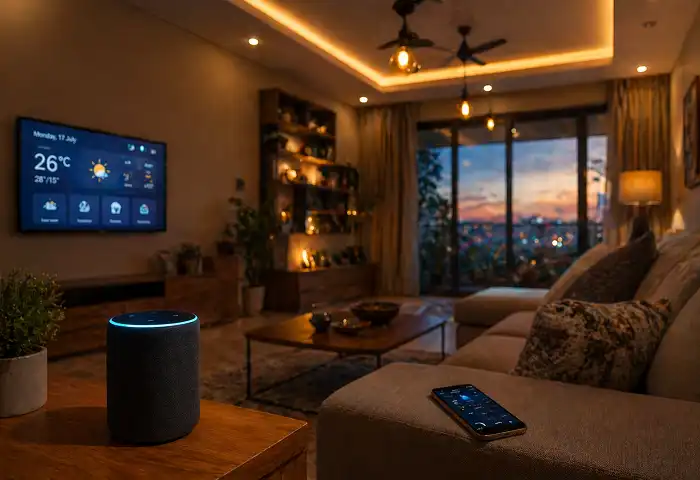
Smart home gadgets turn ordinary houses into connected, efficient living spaces that respond to your daily needs. This guide covers what these devices do, which categories matter most, how to set them up correctly, and how to avoid common mistakes — so you can build a system that actually works for your lifestyle.
Quick Answer: Smart home gadgets are internet-connected devices that automate or remotely control lighting, security, climate, entertainment, and appliances in your home. They work through Wi-Fi, Bluetooth, Zigbee, or Z-Wave and connect through a central hub or smartphone app. Most setups start with a smart speaker or display as the control center.
What Are Smart Home Gadgets?
Smart home gadgets are physical devices embedded with sensors, processors, and wireless communication chips. They connect to the internet or a local network and respond to commands from apps, voice assistants, or automated routines.
The term covers a wide range: smart bulbs, door locks, thermostats, cameras, plugs, speakers, doorbells, robot vacuums, and more. What separates them from regular electronics is that they communicate — with you, with each other, and sometimes with cloud services.
Most smart home gadgets today work with Amazon Alexa, Google Home, or Apple HomeKit. Some also support Matter, the newer universal smart home standard that improves cross-brand compatibility.
You can find a broader look at how connected technology works in this complete guide to modern devices and technology.
Why Smart Home Gadgets Are Worth It
People set up smart home gadgets for a few clear reasons: convenience, energy savings, and security.
Convenience is the most common driver. Being able to dim lights, lock doors, or check who’s at the front door from your phone saves real time and effort.
Energy savings are measurable. A smart thermostat like the Google Nest Learning Thermostat adjusts heating and cooling based on your schedule. Over time, it reduces wasted energy without you thinking about it.
Security improves when you add smart cameras, motion sensors, and video doorbells. You get alerts and footage in real time, not after something goes wrong.
Smart home gadgets also add value to a property and make life easier for people with mobility challenges.
Smart Home Gadget Categories You Need to Know
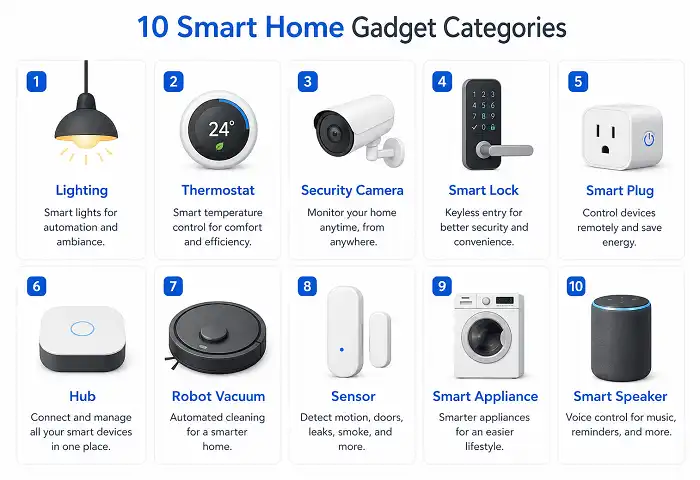
Understanding the main categories helps you build a system instead of buying random devices that don’t work together.
1. Smart Speakers and Displays
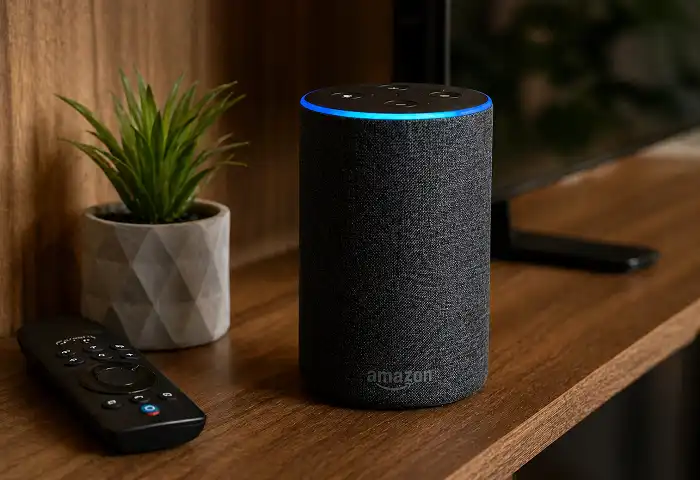
Smart speakers are the control center of most smart home setups. Devices like the Amazon Echo, Google Nest Hub, and Apple HomePod Mini let you control other smart home gadgets with your voice.
Smart displays add a screen. You can see security feeds, recipes, weather, and video calls without touching your phone. The Amazon Echo Show and Google Nest Hub Max are popular picks.
2. Smart Lighting
Smart lighting is usually the first thing people add. Smart bulbs, like Philips Hue or Wyze Bulbs, replace standard bulbs and connect via Wi-Fi or Zigbee. You control color, brightness, and schedules from your phone.
Smart switches are a better option if you want every bulb in a room to work smart without replacing each one. They replace the wall switch and control whatever bulb is installed.
Smart home gadgets in the lighting category support motion sensors too — lights turn on when you walk in and off when you leave. That alone cuts electricity waste.
3. Smart Thermostats
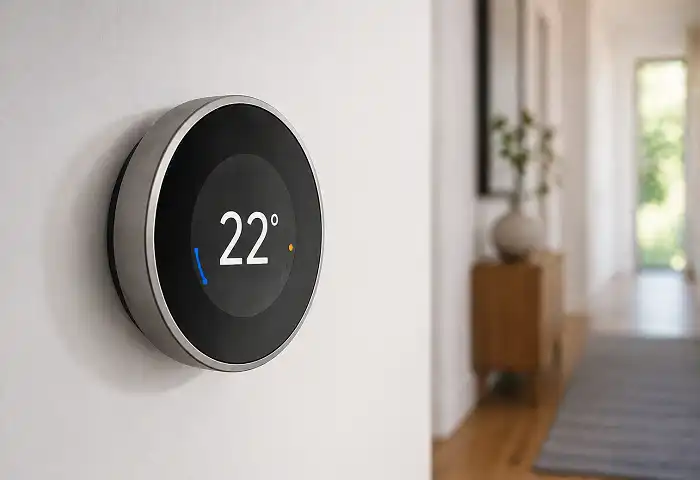
A smart thermostat is one of the highest-impact smart home gadgets you can buy. The Google Nest Learning Thermostat, Ecobee, and Honeywell Home T9 all learn your schedule, adjust automatically, and let you control temperature remotely.
Most utility companies in the US offer rebates for smart thermostat installation because of the energy savings they deliver.
4. Smart Security Cameras and Doorbells
Smart security cameras let you monitor your home from anywhere. Indoor cameras like the Wyze Cam watch for movement and send phone alerts. Outdoor cameras handle weather and night vision.
Video doorbells — the Ring Video Doorbell and Google Nest Doorbell are the most common — show you who’s at the door on your phone and let you speak to them even when you’re away.
These smart home gadgets store footage in the cloud or on local storage, depending on the model.
5. Smart Locks
Smart locks replace keyed deadbolts with app-controlled, code-based, or fingerprint access. Brands like Schlage, Yale, and August make reliable options.
You can create temporary access codes for guests or service workers and delete them when no longer needed. Many smart locks also integrate with video doorbells — so the door unlocks when you confirm identity from your camera app.
6. Smart Plugs
A smart plug is the simplest and cheapest way to make a regular appliance “smart.” Plug it into a wall outlet, then plug any device into it. You control power on/off from your phone or set schedules.
Smart home gadgets like smart plugs work well for lamps, fans, coffee makers, and holiday lights. They also let you track how much energy an appliance uses.
7. Smart Home Hubs
A smart home hub is a device that connects smart home gadgets that use different wireless protocols. If you have Zigbee lights, Z-Wave sensors, and Wi-Fi cameras, a hub like the Samsung SmartThings or Amazon Echo Plus brings them under one roof.
Without a hub, devices on different protocols can’t talk to each other. With a hub, you build automation routines across the whole system.
8. Smart Appliances
Smart appliances are large home devices with connected features. Smart refrigerators show what’s inside from your phone. Smart washing machines send alerts when the cycle finishes. Smart ovens let you preheat remotely.
These are higher-cost smart home gadgets, but they offer real convenience for households that spend significant time managing chores.
9. Smart Sensors
Smart sensors monitor conditions in your home and trigger actions. Motion sensors turn on lights. Door/window sensors alert you when something opens. Water leak sensors detect leaks before they cause damage. Smoke and CO sensors send alerts to your phone.
These are passive smart home gadgets — you don’t interact with them much, but they work hard in the background.
10. Robot Vacuums
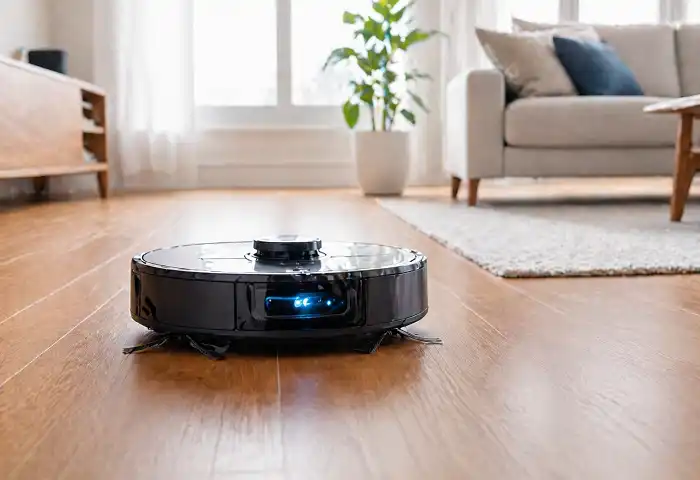
A robot vacuum is one of the most practical smart home gadgets available. Models like the Roomba j7+, Roborock S8, and Eufy RoboVac clean floors on a schedule, avoid obstacles, and return to their dock automatically.
Higher-end models map your home layout, let you set no-go zones, and empty their own dustbin.
If you’re looking at productivity-boosting tech for your workspace too, see these developer productivity tools that pair well with a smarter home office.
How to Set Up Smart Home Gadgets: Step-by-Step
This is where most people get stuck. Here’s a clear workflow from start to finish.
Step 1: Choose your ecosystem first. Decide between Amazon Alexa, Google Home, or Apple HomeKit before buying anything. Mixing ecosystems creates compatibility problems. Pick one and stick to it.
Step 2: Start with a hub or smart speaker. Add an Amazon Echo, Google Nest Hub, or Apple HomePod Mini as your central controller. This is the device everything else connects through.
Step 3: Check your Wi-Fi. Smart home gadgets need a stable 2.4GHz or 5GHz Wi-Fi signal. Devices placed far from your router may disconnect. Add a Wi-Fi extender or mesh system if needed. A solid Wi-Fi setup makes the whole system more reliable.
Step 4: Add devices one at a time. Don’t buy everything at once. Start with smart lighting or a smart plug. Install it, confirm it works reliably, then add the next device.
Step 5: Create routines and automations. Once devices work individually, build automations. Example: when motion is detected at the front door after sunset, turn on the porch light and send a phone alert.
Step 6: Secure your system. Change default passwords on every device. Enable two-factor authentication on your main app account. Use a separate guest Wi-Fi network for smart home gadgets to keep them isolated from your main devices.
Wireless Protocols Explained
Smart home gadgets use different wireless technologies to communicate. Knowing which one a device uses helps you avoid compatibility problems.
- Wi-Fi: The most common. Works without a hub. Uses more power and can crowd your router if you have many devices.
- Zigbee: Low power, mesh network. Devices relay signals to each other. Needs a compatible hub.
- Z-Wave: Similar to Zigbee. Operates on a different frequency to avoid Wi-Fi interference. Also needs a hub.
- Bluetooth: Short range. Works well for locks and speakers but not for whole-home automation.
- Matter: A newer open standard supported by Apple, Google, Amazon, and Samsung. Devices with Matter work across ecosystems. It’s the future of smart home interoperability.
Most modern smart home gadgets now ship with Matter support. If you’re building a new setup, prioritize Matter-compatible devices.
Building a Smart Home on a Budget
You don’t need to spend a lot to get started. Here are reliable entry points:
- Smart bulbs: Wyze Bulbs (~$8 each) work with Alexa and Google Home.
- Smart plugs: Amazon Smart Plug (~$15) needs no hub.
- Smart speaker: Amazon Echo Dot (~$30-50) is a solid starting hub.
- Video doorbell: Blink Video Doorbell (~$40) delivers basic camera and alert functions.
- Robot vacuum: Eufy 11S (~$150) cleans well without a large upfront investment.
A basic but functional smart home setup costs under $300 if you shop carefully. You can also look at best deals on electronic gadgets to find current discounts.
Common Mistakes to Avoid
Buying devices that don’t share an ecosystem. A Philips Hue bridge, an Amazon-only smart lock, and an Apple-only camera won’t talk to each other well. Check compatibility before buying.
Overloading your router. Every smart home gadget is a device on your network. If your router handles 20+ devices poorly, your whole system becomes unreliable. Upgrade to a mesh Wi-Fi system if needed.
Skipping firmware updates. Manufacturers release updates that fix bugs and security issues. Enable automatic updates on every device.
Using weak passwords. Smart home gadgets connected to the internet are targets. Use strong, unique passwords on every device account.
Building without a plan. Random purchases lead to disconnected devices. Map out what you want to automate — lighting, security, climate, entertainment — and buy toward that plan.
Smart Home Gadgets and Privacy
This is an honest concern. Smart home gadgets — especially cameras and microphones — collect data. Here’s what to know:
Always-on microphones in smart speakers listen for a wake word. They send audio to the cloud only after hearing that word, according to FTC guidance on smart device privacy. You can mute the microphone hardware at any time.
Cameras store footage on cloud servers. Review the privacy policy of each brand. Look for local storage options if you prefer to keep footage off the cloud.
Keep smart home gadgets on a separate network segment (guest network or IoT VLAN) so that even if a device is compromised, it doesn’t expose your computers or phones.
Troubleshooting Smart Home Gadgets
Device won’t connect to Wi-Fi: Make sure you’re on 2.4GHz, not 5GHz — many smart home gadgets only support 2.4GHz. Move the device closer to the router during setup.
Voice commands not working: Check that the device is linked to your voice assistant account correctly. Re-link in the app if needed.
Automation not triggering: Check that location permissions are on if the automation depends on your phone’s location. Also check that all involved devices are online.
Device offline frequently: This usually signals a Wi-Fi range problem. Add a Wi-Fi extender or switch to a mesh network.
App not responding: Force-close the app, check for updates, and restart the hub or smart speaker.
The Future of Smart Home Gadgets
Smart home technology moves fast. A few things shaping the next few years:
Matter standard adoption is growing. More manufacturers are adding Matter support, which means less friction between brands and ecosystems.
AI-powered automation is becoming part of smart home gadgets. Instead of you programming routines, the system learns your patterns and adjusts automatically. Google Nest already does this with thermostats. Expect it to expand to lighting and security.
Energy management is a growing focus. Smart home gadgets now integrate with solar panels, home batteries, and utility demand-response programs to reduce energy costs automatically.
Health monitoring is emerging in smart home spaces — air quality sensors, sleep tracking integrated into mattresses, and water quality monitors that connect to your home system.
You can also explore new gadgets in 2026 to see what’s worth adding to your setup this year.
How Smart Home Gadgets Affect Energy Consumption
According to the U.S. Department of Energy, a programmable or smart thermostat used correctly can reduce heating and cooling costs meaningfully over a year.
Smart lighting with occupancy sensors eliminates waste from lights left on in empty rooms. Smart plugs with energy monitoring show you which appliances draw the most power at standby, so you can cut phantom loads.
Smart home gadgets, used strategically, make energy reduction automatic rather than something you have to remember.
Conclusion
Smart home gadgets work best when you approach them as a system, not a collection of gadgets. Start with your ecosystem, add a central hub, and build outward one category at a time. Focus on smart home gadgets that solve real problems in your home — not ones that sound impressive but sit unused.
Security, energy efficiency, and convenience are the three pillars. When your smart home gadgets serve those three goals, the investment pays off in daily life. Take it step by step, secure every device, and you’ll build something that genuinely makes your home work better for you.